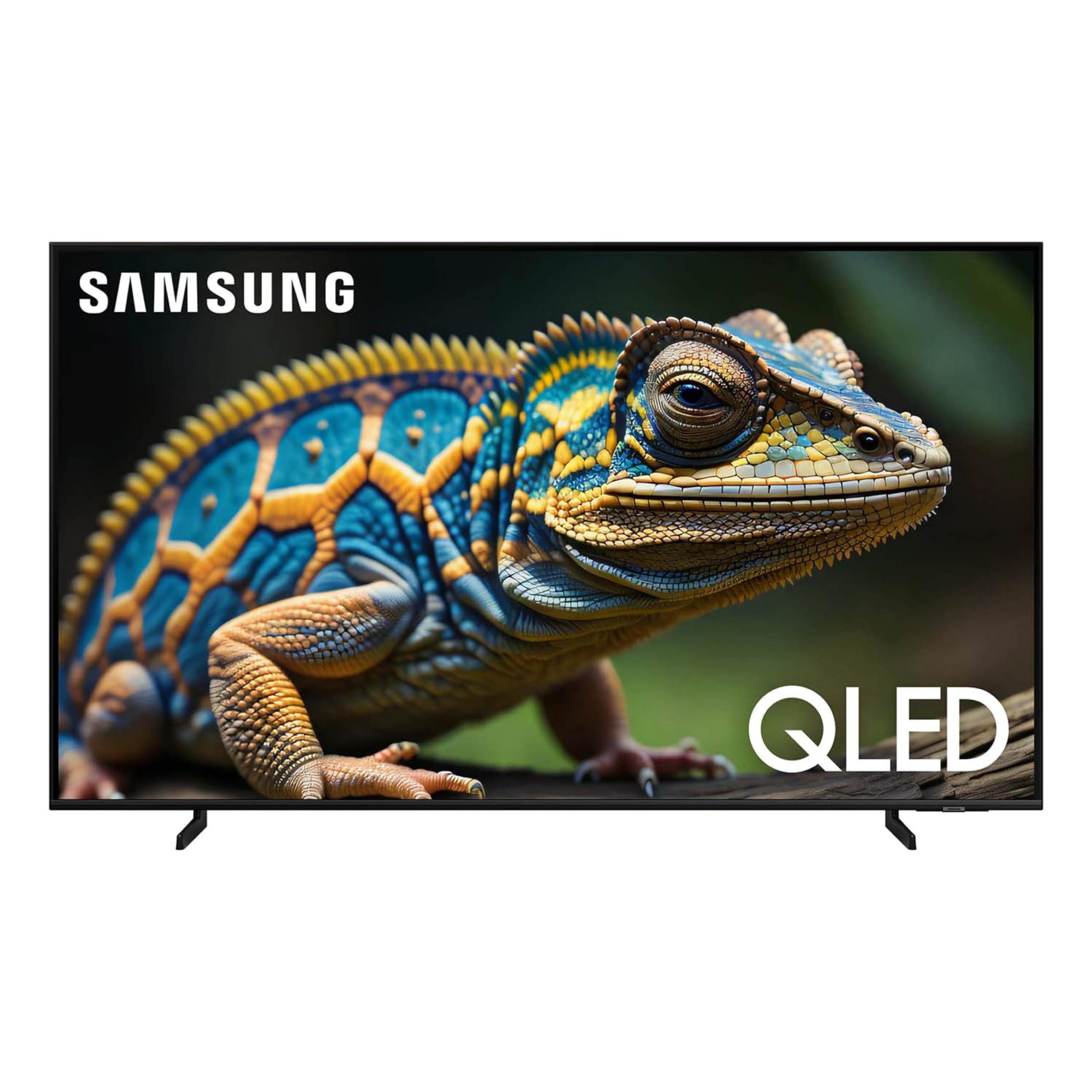
This Advanced Tv Features A Bright New World Of Color And Contrast, With 4K Upscaling And Seamless Motion For Crisp, Smooth Content.Qled Televisions Can Produce 100% Color Volume In The Dci-P3 Color Space, The Format For Most Cinema Screens And Hdr Movies For Television. Samsung Account Required For Network-Based Smart Services, Including Streaming Apps And Other Smart Features. Separate [Connected] Computer, Mobile Or Other Device May Be Necessary To Create/Log In To Samsung Account (Free To Download And Create). Without Account Log In, Only External Device Connections (E.G., Via Hdmi) And Terrestrial/Over-The-Air Tv (Only For Tvs With Tuners) Available. High Speed Internet Connection, Additional Gaming Service Subscriptions And Compatible Controller Required. Samsung Account Required For Network-Based Smart Services, Including Streaming Apps And Other Smart Features. Separate [Connected] Computer, Mobile Or Other Device May Be Necessary To Create/Log In To Samsung Account (Free To Download And Create). Without Account Log In, Only External Device Connections (E.G., Via Hdmi) And Terrestrial/Over-The-Air Tv (Only For Tvs With Tuners) Available.
⚠️ WARNING (California Proposition 65): This product may contain chemicals known to the State of California to cause cancer, birth defects, or other reproductive harm. For more information, please visit www.P65Warnings.ca.gov.
Frequently Asked Questions
Q: What are the dimensions of the SAMSUNG QLED TV?A: The dimensions of the SAMSUNG QLED TV are twenty-three point five inches in height, thirty-eight inches in width, and seven point one inches in depth.
Q: What is the screen size of the SAMSUNG QLED TV?A: The screen size of the SAMSUNG QLED TV is forty-three inches.
Q: What type of display technology does this TV use?A: This TV uses QLED display technology, which offers enhanced color volume and brightness.
Q: How do I set up the SAMSUNG QLED TV?A: To set up the SAMSUNG QLED TV, connect it to a power source, attach the stand or mount, and follow the on-screen instructions to connect to Wi-Fi.
Q: Is the SAMSUNG QLED TV suitable for gaming?A: Yes, the SAMSUNG QLED TV is suitable for gaming, featuring a Gaming Hub and Motion Xcelerator for a smooth experience.
Q: Can I use voice commands with this TV?A: Yes, this TV has Alexa built-in, allowing you to use voice commands for various functions.
Q: How do I clean the screen of the SAMSUNG QLED TV?A: To clean the screen, use a soft, lint-free cloth and a solution specifically designed for electronics to avoid damage.
Q: Is the SAMSUNG QLED TV safe for children?A: Yes, the SAMSUNG QLED TV is safe for children, but parental supervision is recommended for content viewing.
Q: What is the warranty period for the SAMSUNG QLED TV?A: The warranty period for the SAMSUNG QLED TV typically lasts for one year from the date of purchase.
Q: What should I do if my TV does not turn on?A: If your TV does not turn on, check the power connection, ensure the outlet is working, and try resetting the TV.
Q: Can I mount the SAMSUNG QLED TV on the wall?A: Yes, you can mount the SAMSUNG QLED TV on the wall using a compatible VESA mount.
Q: What streaming services are available on this TV?A: This TV supports a variety of streaming services, including popular platforms like Netflix, Amazon Prime Video, and Hulu.
Q: How do I update the software on my SAMSUNG QLED TV?A: To update the software, go to the settings menu, select 'Support', and choose 'Software Update' to check for the latest version.
Q: Is there a return policy for the SAMSUNG QLED TV?A: Yes, there is a return policy, typically allowing returns within a specified period if the TV is in original condition.
Q: Does the SAMSUNG QLED TV require a Samsung account for setup?A: Yes, a Samsung account is required for accessing network-based smart services and features.