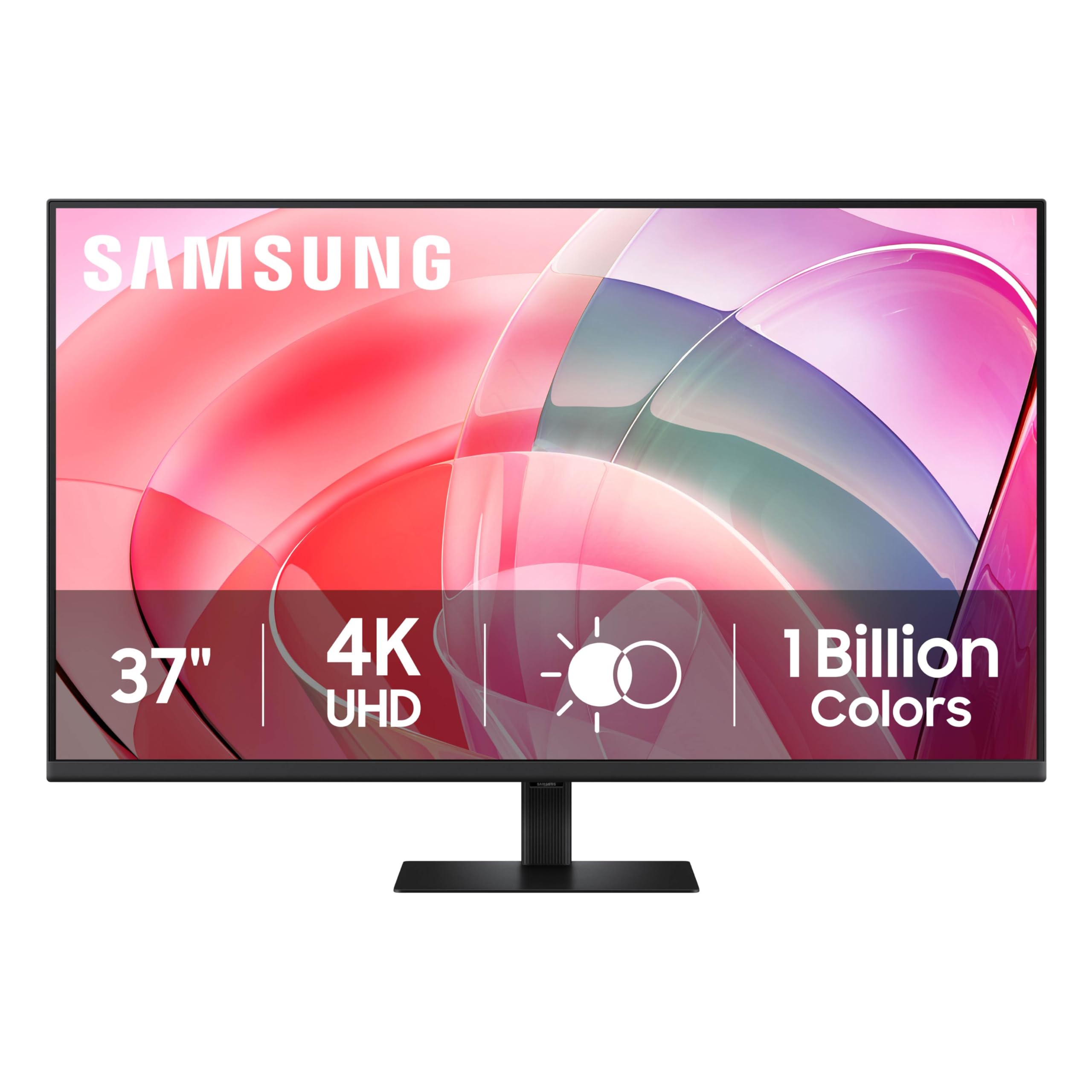
Samsung'S 37'' Viewfinity S7 4K Uhd Monitor With High Resolution (3840X2160) Provides Visual Excellence With Greater Levels Of Detail And Higher Pixel Density. Hdr10 Delivers More Contrast With 1.07 Billion Colors And True-To-Life Representation, Resulting In Darker Darks And Brighter Brights. Multiple Ports Such As Hdmi And Dp Simplify Setup And Enhance Productivity To Ensure A Seamless Workflow. The Easy Setup Stand Enables Instant Setup Of The Workspace With No Tools Or Screws. Tv-Certified Intelligent Eye Care Reduces Screen Flickering And Protects Against Excessive Blue Light With Eye Saver Mode. Samsungs Viewfinity Monitors Contain At Least 14% Recycled Plastic With No Chemical Sprays Used, And The Packaging Can Be Recycled.Images Simulated For Illustrative Purposes. S60Ud, S60D, S70D, S80Ud, S80D Only. The Percentage Of Recycled Material, Which May Vary By Component, Is Calculated Based On Total Weight Of Plastic Used On The Product (Weight Of Recycled Materials/Total Weight Of Plastic). .
⚠️ WARNING (California Proposition 65): This product may contain chemicals known to the State of California to cause cancer, birth defects, or other reproductive harm. For more information, please visit www.P65Warnings.ca.gov.
Frequently Asked Questions
Q: What is the resolution of the Samsung ViewFinity S7 monitor?A: The resolution is thirty-eight hundred by twenty-one sixty pixels. This high definition allows for greater detail and clarity in images.
Q: What are the dimensions of the Samsung ViewFinity S7 monitor?A: The monitor measures approximately nine point eight four inches in depth, thirty-two point four four inches in width, and twenty-two point two four inches in height.
Q: What is the screen size of the Samsung ViewFinity S7?A: The screen size is thirty-seven inches. This size is ideal for both professional and personal use.
Q: What ports does the Samsung ViewFinity S7 monitor have?A: It features HDMI and DisplayPort connectivity options. This versatility simplifies the connection to various devices.
Q: Is the Samsung ViewFinity S7 monitor certified for eye care?A: Yes, it is TÜV-certified for intelligent eye care. This certification indicates it reduces flickering and blue light exposure.
Q: How do I set up the Samsung ViewFinity S7 monitor?A: You can set it up using the Easy Setup Stand. This stand allows for a tool-free installation, making it quick and convenient.
Q: Can I connect multiple devices to the Samsung ViewFinity S7 monitor?A: Yes, you can connect multiple devices via HDMI and DisplayPort. This feature enhances productivity by allowing seamless switching between devices.
Q: Does the Samsung ViewFinity S7 monitor have a blue light filter?A: Yes, it has an eye saver mode that reduces blue light exposure. This feature helps alleviate eye strain during long usage periods.
Q: Is the Samsung ViewFinity S7 monitor made with recycled materials?A: Yes, it contains at least fourteen percent recycled plastic. The monitor is designed with sustainability in mind.
Q: What kind of display technology does the Samsung ViewFinity S7 use?A: It uses UHD display technology. This results in superior color accuracy and detail, making it suitable for professional tasks.
Q: How do I clean the Samsung ViewFinity S7 monitor?A: You can clean it using a soft, lint-free cloth. Avoid using chemical sprays directly on the screen to prevent damage.
Q: What is the warranty period for the Samsung ViewFinity S7 monitor?A: The monitor typically comes with a limited warranty period. Check the manufacturer’s website for specific warranty details.
Q: How do I troubleshoot display issues with the Samsung ViewFinity S7?A: First, check all connections to ensure they are secure. If the issue persists, consult the user manual for further troubleshooting steps.
Q: Is the Samsung ViewFinity S7 suitable for gaming?A: Yes, it is suitable for gaming due to its high resolution and fast response time. The HDR capabilities enhance the gaming experience.
Q: What is the weight of the Samsung ViewFinity S7 monitor?A: The monitor weighs approximately sixteen point five pounds. Ensure your mounting setup can support this weight if wall-mounted.