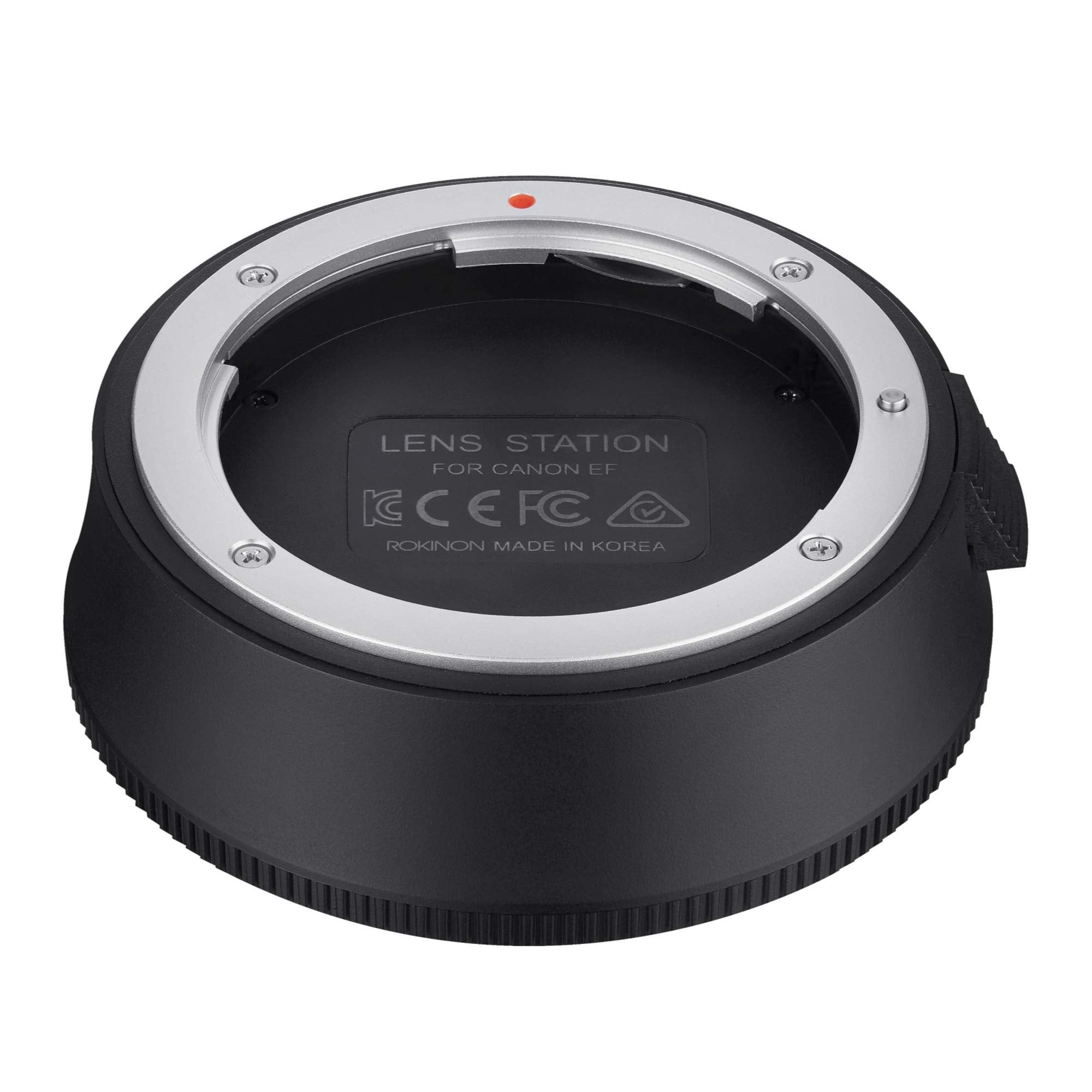
Rokinon Lens Stations Are Designed Exclusively For Use With Rokinon Af Lenses. They Allow You To Connect Rokinon Af Lenses To Your Computer And With The Use Of Downloadable For Free Rokinon Lens Manager Software You Can: Update Lens Firmware Calibrate And Customize Focus Parameters Calibrate And Customize Aperture Parameters
⚠️ WARNING (California Proposition 65): This product may contain chemicals known to the State of California to cause cancer, birth defects, or other reproductive harm. For more information, please visit www.P65Warnings.ca.gov.
Frequently Asked Questions
Q: What are the dimensions of the Rokinon Lens Station?A: The dimensions are one inch by one inch by one inch. This compact size makes it easy to store and transport.
Q: What is the model number of the Rokinon Lens Station?A: The model number is IOLS-C. This identifier helps in ensuring compatibility with Canon EF lenses.
Q: What color is the Rokinon Lens Station?A: The Rokinon Lens Station comes in one color. Its neutral design fits well with various setups.
Q: How do I connect the Rokinon Lens Station to my computer?A: You can connect it using a USB cable. This allows you to utilize the Rokinon Lens Manager Software for updates.
Q: Can I customize focus and aperture settings with this device?A: Yes, you can customize focus and aperture parameters. This feature enhances your shooting experience with Rokinon lenses.
Q: Is the Rokinon Lens Station easy to use for beginners?A: Yes, it is user-friendly for beginners. The included software provides straightforward instructions for setup and calibration.
Q: What software is required for the Rokinon Lens Station?A: The Rokinon Lens Manager Software is required. It is available for free download and is essential for lens updates.
Q: Can I update the firmware of my Rokinon lens using this station?A: Yes, you can update the lens firmware. This ensures your lens operates with the latest features and improvements.
Q: Is the Rokinon Lens Station compatible with all Canon EF lenses?A: Yes, it is designed for Rokinon AF lenses compatible with Canon EF. Ensure your lens is a Rokinon model for proper functionality.
Q: How do I store the Rokinon Lens Station when not in use?A: Store it in a cool, dry place. Keeping it in its original packaging can help protect it from dust and damage.
Q: Is there a warranty for the Rokinon Lens Station?A: Yes, it typically comes with a manufacturer's warranty. Check the packaging or Rokinon's website for specific details.
Q: What if my Rokinon Lens Station arrives damaged?A: You should contact the retailer for a return or exchange. It's important to report any damages immediately upon receipt.
Q: Can I use the Rokinon Lens Station with a laptop?A: Yes, it can be used with laptops that have USB ports. This flexibility allows for easy updates and adjustments on the go.
Q: Is it safe to use the Rokinon Lens Station with other brand lenses?A: No, it is specifically designed for Rokinon AF lenses. Using it with other brands may not provide the desired results.
Q: What type of binding does the Rokinon Lens Station have?A: It has an electronics binding. This refers to the construction and usage of electronic components for lens calibration.