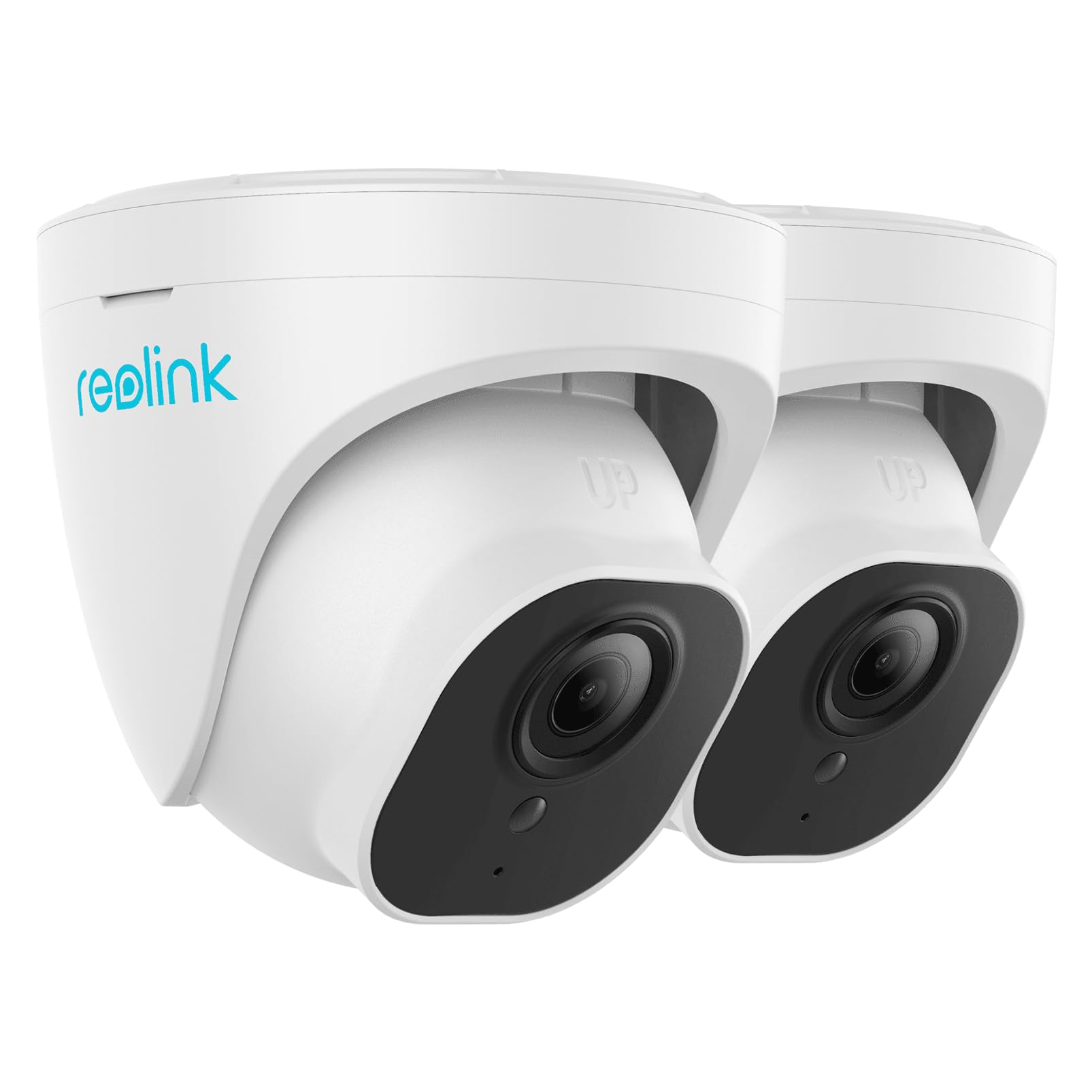
Smart Human/Vehicle Detection: Backed By Smart Motion Detection Technology, This Poe Ip Camera Can Identify People And Vehicles Among All Movements. Get Real-Time Alerts When A Suspicious Person Or Car Is Loitering Around Your House Or Store And Check Them On The Live Feed Or The Playback Via Reolink Software. | Exceptional 5Mp Super Hd And Sound Recording: Boasting A High Resolution Of 2560X1920 At 30 Fps, The Rlc-520A Security Ip Camera Can Capture Crystal Clear Video With Vivid Details. With The Built-In Microphone, It Also Picks Up Ambient Sound For An Extra Layer Of Security. | Time-Lapse To See The Day In A Minute: This Surveillance Camera Supports To Record Time-Lapse Videos. You Can Keep Tracking Of Your 3D Printing, See The Whole Construction Process In A Few Minutes, Or Capture Beautiful Views From Sunrise To Sunset. It Is Easy To Use And Fun To Share With Friends. (Time Lapse Only Works On Reolink App.) | Easy Poe Installation: This Poe Camera Uses A Single Ethernet Cable To Transmit Both Data And Power. Simplified Wiring Means Easier And Clean Installation. Plug-And-Play Reliable Connection For Diy Enthusiasts. Note: Power Supply Is Not Included. | Flexible Recording Options: The Surveillance Camera Supports 24/7 Continuous Recording When Movement Is Detected Or During A Scheduled Time. Videos Can Be Saved In The Microsd Card (Up To 256Gb, Not Included), Reolink Nvr, Or Ftp Server. Choose A Way You Prefer And Enjoy Customized Security.
⚠️ WARNING (California Proposition 65): This product may contain chemicals known to the State of California to cause cancer, birth defects, or other reproductive harm. For more information, please visit www.P65Warnings.ca.gov.
Frequently Asked Questions
Q: What are the dimensions of the REOLINK Outdoor Security Cameras?A: The dimensions are twelve inches in length, six inches in width, and six inches in height. This compact size allows for versatile placement around your home.
Q: What is the material of the REOLINK Outdoor Security Cameras?A: The cameras are made of aluminum. This robust material ensures durability and weather resistance for outdoor use.
Q: How many cameras are included in the pack?A: The pack includes two cameras. This allows for expanded coverage in multiple areas of your property.
Q: How do I install the REOLINK Outdoor Security Cameras?A: Installation involves mounting the cameras at desired locations using provided hardware. Ensure they are connected to your network for optimal functionality.
Q: Is the REOLINK Outdoor Security Camera suitable for smart home integration?A: Yes, it works with smart home systems. This feature allows for seamless integration with other smart devices in your home.
Q: Can I use these cameras for time-lapse recording?A: Yes, the cameras support time-lapse recording. This feature is great for monitoring changes over extended periods.
Q: How should I clean the REOLINK Outdoor Security Cameras?A: To clean, use a soft, dry cloth to wipe the surface. Avoid using harsh chemicals that could damage the camera's finish.
Q: What is the maximum storage capacity for the SD card?A: The cameras support up to two hundred fifty-six gigabytes of SD card storage. This ample capacity allows for extensive video recording.
Q: Is there a warranty for the REOLINK Outdoor Security Cameras?A: Yes, there is a warranty included. Check the manufacturer's details for specific terms and duration.
Q: What if my REOLINK camera arrives damaged?A: If it arrives damaged, you should contact customer support for assistance. They can help you with returns or replacements.
Q: Are the cameras effective for human and vehicle detection?A: Yes, they are designed for both human and vehicle detection. This feature enhances security by alerting you to important movements.
Q: Can I adjust the camera settings remotely?A: Yes, you can adjust settings remotely through the associated app. This convenience allows for real-time monitoring and adjustments.
Q: Do these cameras require a power source?A: Yes, they require a power source for operation. Ensure you have access to electrical outlets or suitable power solutions.
Q: Are the cameras weatherproof?A: Yes, the cameras are weatherproof. They are built to withstand various outdoor conditions, making them ideal for external security.
Q: Can I view the camera feed on my smartphone?A: Yes, you can view the feed on your smartphone. This feature allows for convenient monitoring from anywhere.
Q: How do I reset the REOLINK Outdoor Security Cameras?A: To reset, locate the reset button on the camera and press it for several seconds. This will restore factory settings.