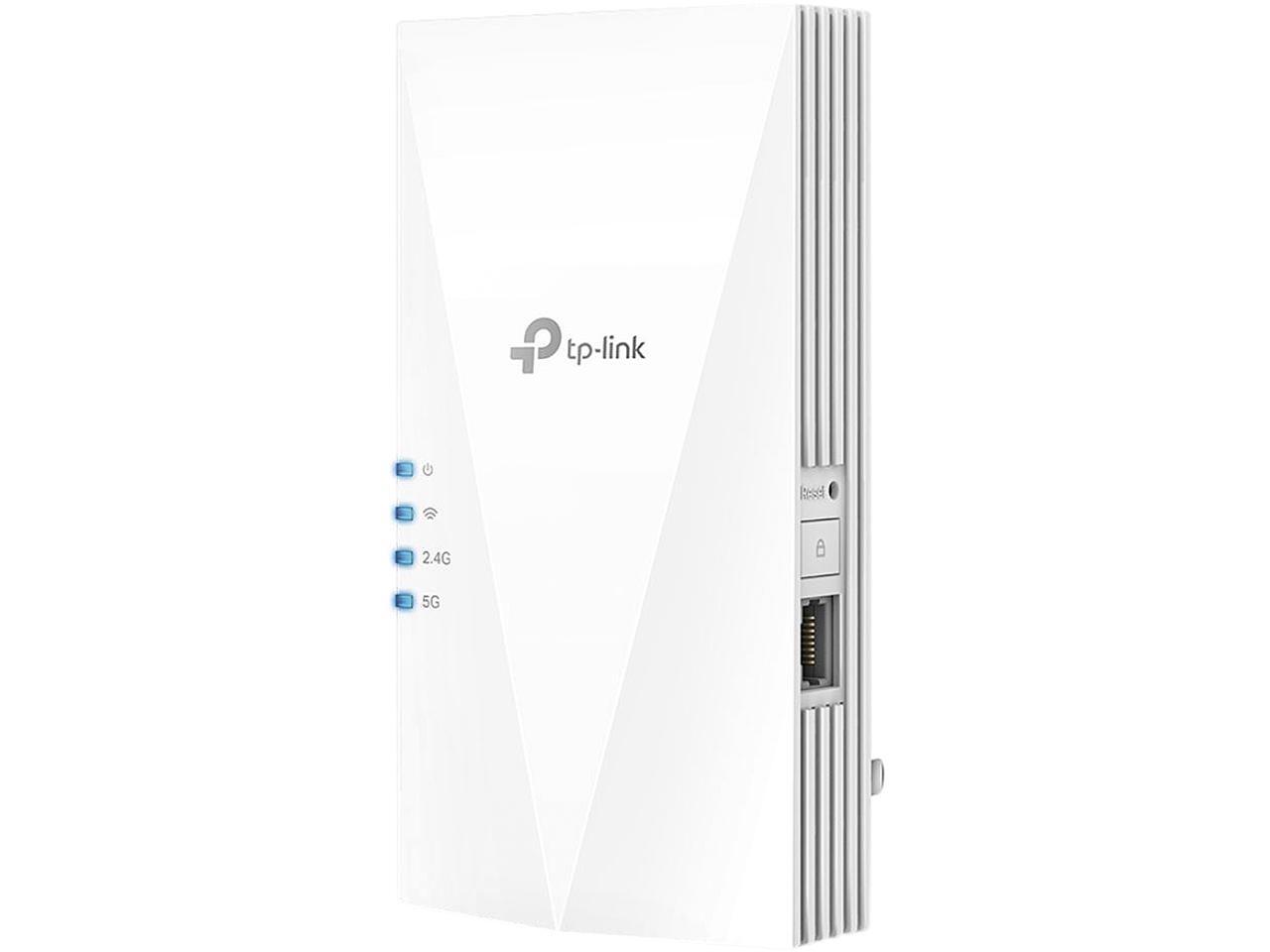
Tp-Link Ax3000 Wifi 6 Range Extender Internet Booster(Re700X), Dual Band, Ap Mode W/Gigabit Port, Ofdma, Beamforming, App Setup, Onemesh Compatible
⚠️ WARNING (California Proposition 65): This product may contain chemicals known to the State of California to cause cancer, birth defects, or other reproductive harm. For more information, please visit www.P65Warnings.ca.gov.
Frequently Asked Questions
Q: What are the dimensions of the TP-Link AX3000 WiFi 6 Range Extender?A: The dimensions are five point eighty-seven inches in length, three point zero seven inches in width, and one point forty-two inches in height.
Q: What is the model number of this WiFi extender?A: The model number is RE700X, identifying it as part of the TP-Link AX3000 range.
Q: What wireless technologies does the RE700X support?A: The RE700X supports WiFi 6 technology, OFDMA, and Beamforming for enhanced performance.
Q: How do I set up the TP-Link AX3000 WiFi extender?A: You can set up the RE700X easily using the TP-Link Tether app on Android or iOS devices.
Q: Can I use the RE700X with my existing router?A: Yes, the RE700X is compatible with all Wi-Fi routers, gateways, or cable modems.
Q: What is the maximum speed of the RE700X WiFi extender?A: The maximum speed is three gigabits per second, with two thousand four hundred two megabits per second on five gigahertz and five hundred seventy-four megabits per second on two point four gigahertz.
Q: How do I connect devices to the RE700X?A: You can connect devices wirelessly or via the gigabit Ethernet port located on the extender.
Q: Is the RE700X suitable for gaming?A: Yes, the RE700X is designed to support bandwidth-intensive tasks like cloud gaming and 4K UHD video streaming.
Q: What is OneMesh and how does it work with the RE700X?A: OneMesh allows you to create a seamless mesh network with a single WiFi name by connecting the RE700X to a OneMesh router.
Q: Do I need to install any software for the RE700X?A: No additional software is required; you can manage everything through the TP-Link Tether app.
Q: Can the RE700X function as an access point?A: Yes, you can use the RE700X as a dual-band wireless access point by connecting it with an Ethernet cable.
Q: What should I do if the RE700X does not connect to my router?A: If you encounter connection issues, ensure your extender is within range of the router and reset the device if necessary.
Q: Is the RE700X compatible with older Wi-Fi devices?A: Yes, the RE700X is compatible with all WiFi-enabled devices, including older models.
Q: What kind of warranty does the RE700X come with?A: The RE700X typically comes with a two-year warranty, covering manufacturing defects.
Q: How can I optimize the placement of my RE700X for best performance?A: To optimize placement, use the intelligent signal indicator on the device to find the best location for a strong connection.