⚠️ WARNING (California Proposition 65): This product may contain chemicals known to the State of California to cause cancer, birth defects, or other reproductive harm. For more information, please visit www.P65Warnings.ca.gov.
Frequently Asked Questions
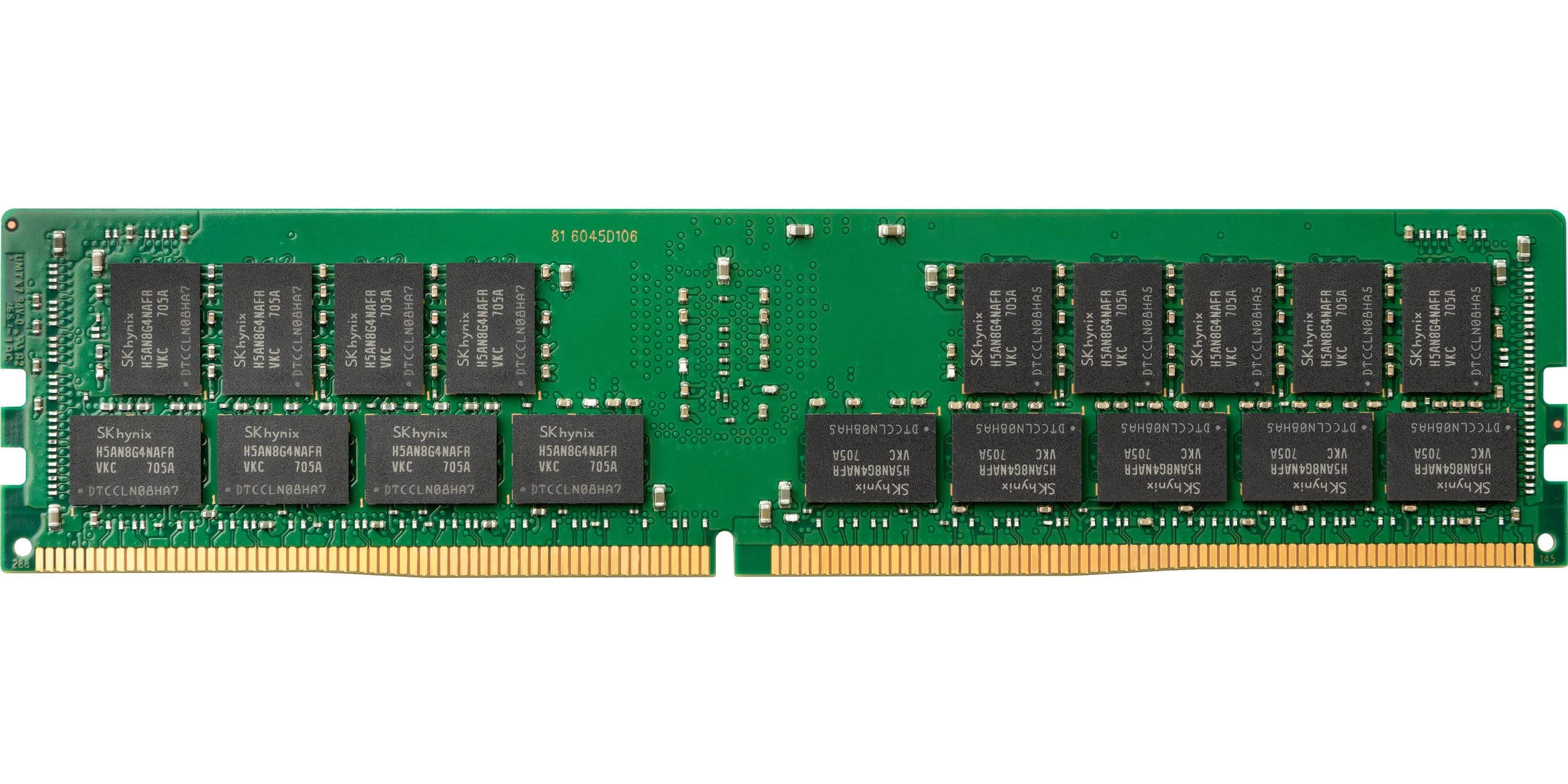
Q: What is the capacity of the QNAP memory module?A: The capacity is sixteen gigabytes. This allows for efficient multitasking and improved system performance.
Q: What type of memory is the QNAP RAM-16GDR4ECP0-UD-2666?A: It is DDR4 memory. DDR4 is known for its higher speed and efficiency compared to previous generations.
Q: What is the speed of the QNAP memory module?A: The speed is two thousand six hundred sixty-six megahertz. This speed enhances data transfer rates for applications.
Q: What are the dimensions of the QNAP RAM module?A: The dimensions are nine point zero two inches by nine point zero two inches by two point zero one inches. These dimensions make it suitable for standard memory slots.
Q: Does the QNAP RAM support error correction?A: Yes, it features ECC, or Error-Correcting Code. ECC memory helps ensure data integrity by correcting memory errors.
Q: What is the pin count for the QNAP memory module?A: The pin count is two hundred eighty-eight pins. This is typical for DDR4 memory modules.
Q: Is the QNAP RAM suitable for gaming?A: Yes, it is suitable for gaming. The high capacity and speed can significantly enhance gaming performance.
Q: How do I install the QNAP memory module?A: To install, first power down your computer and open the case. Insert the module firmly into the memory slot until it clicks into place.
Q: Is this RAM compatible with all motherboards?A: No, it is not compatible with all motherboards. Ensure your motherboard supports DDR4 memory and has available slots.
Q: What is the recommended way to clean the QNAP RAM module?A: Use a soft, dry cloth to gently wipe the module. Avoid using liquid cleaners to prevent damage.
Q: How should I store the QNAP memory module when not in use?A: Store it in an anti-static bag in a cool, dry place. This protects it from static electricity and moisture.
Q: What if my QNAP RAM module arrives damaged?A: You should contact customer support immediately for a replacement. Most retailers offer a return policy for damaged items.
Q: Can I mix this RAM with other brands?A: It is not recommended. Mixing RAM brands or types can lead to compatibility issues and reduced performance.
Q: What is the warranty on the QNAP memory module?A: The warranty typically lasts for a limited lifetime. Check with the manufacturer for specific details.
Q: Does the QNAP RAM require special installation tools?A: No, special tools are not required. You just need your hands to install it into the memory slot.