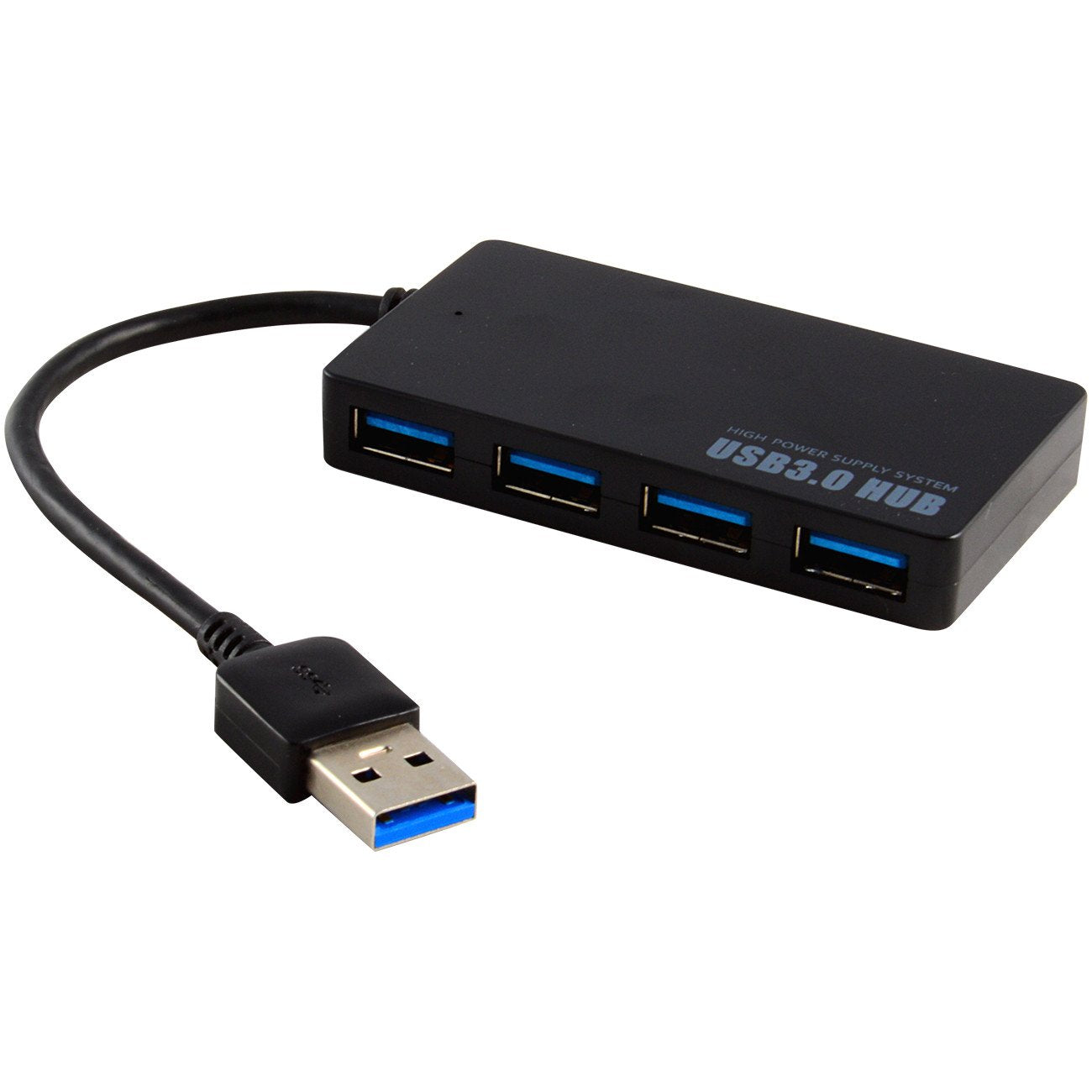
Introducing The Jacobsparts 4-Port Usb 3.0 Hub, A Fast And Efficient Solution For Expanding Your Computers Connectivity Capabilities. Supporting The Most Advanced Usb Standard Currently Available, This Hub Is Designed To Achieve Maximum Data Transfer Speeds And Provide Consistent, Reliable Performance.Youll Experience Incredibly Fast Data Transfer Rates With This 4-Port Hub, As It Supports Usb 3.0 Transfer Speeds Of Up To 5Gbps. Moreover, It Is Also Backward Compatible With Usb 2.0 Devices, So Youll Enjoy High Speed Data Transfer Rates Of Up To 480Mbps. The Hubs Compatibility Ensures That You Can Connect A Wide Variety Of Devices To Your Computer Without Any Issues.The Sleek And Compact Design Of The Jacobsparts Usb 3.0 4-Port Hub Makes It A Perfect Choice For Laptop Users Who Need Portability And Convenience. Desktop Users Will Also Appreciate Its Slim Profile, Which Wont Take Up Much Space On Your Desk.The Plug-And-Play Functionality Of This Usb Hub Means That You Wont Have To Worry About Installing Any Drivers Or Software. Simply Connect The Hub To Your Computer, And Youre Ready To Start Connecting Your Devices Right Away.Overall, The Jacobsparts 4-Port Usb 3.0 Hub Is A Highly Versatile And User-Friendly Solution For Expanding Your Computers Usb Capabilities. With Its Fast Data Transfer Rates, Broad Device Compatibility, And Compact Design, It Will Quickly Become An Indispensable Tool For Your Computing Needs.
⚠️ WARNING (California Proposition 65): This product may contain chemicals known to the State of California to cause cancer, birth defects, or other reproductive harm. For more information, please visit www.P65Warnings.ca.gov.
Frequently Asked Questions
Q: What are the dimensions of the Protronix 4 Port USB 3.0 Hub?A: The Protronix 4 Port USB 3.0 Hub measures four point fifty-five inches in length, four point seventeen inches in width, and zero point seventy-two inches in height.
Q: What material is the Protronix USB hub made of?A: The Protronix USB hub is made of plastic, ensuring a lightweight and durable design.
Q: How many ports does the Protronix USB hub have?A: The hub features four high-speed USB ports, allowing for multiple device connections.
Q: How do I set up the Protronix USB hub?A: Simply connect the hub to your computer using the USB cable, and it will be ready to use without any driver installation.
Q: Is the Protronix USB hub compatible with Mac and PC?A: Yes, the Protronix USB hub is designed for compatibility with both Mac and PC systems.
Q: Can I use the Protronix USB hub with USB 2.0 devices?A: Yes, the hub is backward compatible with USB 2.0 devices, allowing for seamless connectivity.
Q: How do I clean the Protronix USB hub?A: To clean the hub, use a soft, dry cloth to wipe its surface. Avoid using harsh chemicals or liquids.
Q: Is the Protronix USB hub portable?A: Yes, its compact and lightweight design makes it portable and ideal for travel.
Q: What type of devices can I connect to the Protronix USB hub?A: You can connect a wide variety of USB devices, including keyboards, mice, flash drives, and external hard drives.
Q: Does the Protronix USB hub require external power?A: No, the Protronix USB hub is powered through the USB connection to your computer, eliminating the need for external power sources.
Q: What is the maximum data transfer speed of the Protronix USB hub?A: The hub supports USB 3.0 transfer speeds of up to five gigabits per second, ensuring fast data transfers.
Q: How do I know if the Protronix USB hub is working?A: You can check if the hub is functioning properly by connecting a device and confirming that it is recognized by your computer.
Q: What should I do if the Protronix USB hub doesn't work?A: If the hub doesn't work, try reconnecting it, using a different USB port, or testing it with another device.
Q: Is there a warranty for the Protronix USB hub?A: Yes, the Protronix USB hub typically comes with a limited warranty; please check the packaging for specific details.
Q: Can I use the Protronix USB hub while charging my devices?A: Yes, you can connect and use USB devices for data transfer while they charge, provided they support charging through USB.