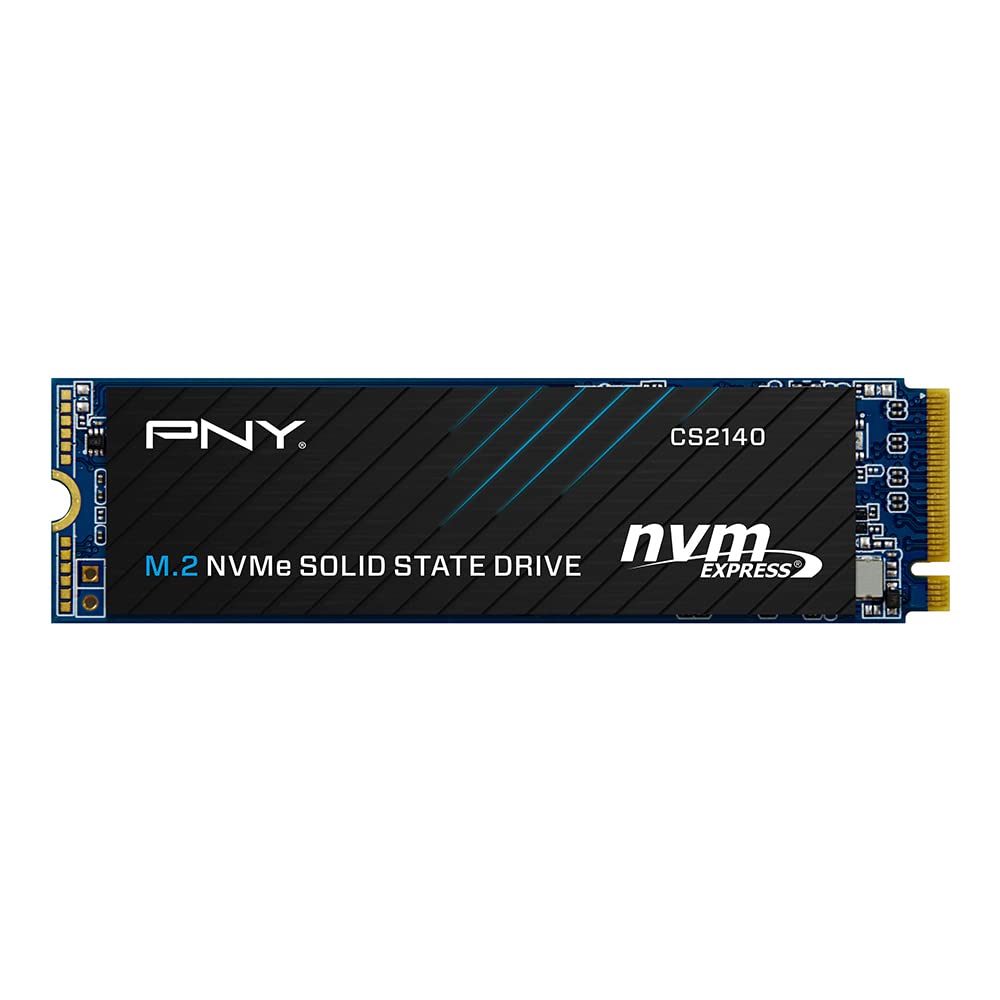
The Pny Cs2140 M.2 Nvme Gen4 X4 Solid State Drive Is An Excellent Choice For A Mainstream Performance Upgrade In An Nvme Gen4 Enabled Desktop Or Laptop Computer. Upgrade To The Latest In Nvme Technology And Experience The Enhanced Performance Of Up To 3,600 Mb/S Seq. Read And 3,200 Mb/S Seq. Write Speeds. Experience Faster Boot Times, Quicker Application Launches, And Improved Overall System Performance Using The Cs2140 Gen4 Technology. Do More In Less Time With Nvme Gen4 X4; Boot Up, Power Down, And Load Applications Up To 6 Times Faster Compared To Sata Based Ssds. Designed To Deliver The Performance You Demand, And With No Moving Parts, The Pny Cs2140 Is Highly Durable, Less Likely To Fail, And Supports A 5-Year Limited Warranty Or Tbw.
⚠️ WARNING (California Proposition 65): This product may contain chemicals known to the State of California to cause cancer, birth defects, or other reproductive harm. For more information, please visit www.P65Warnings.ca.gov.
Frequently Asked Questions
Q: What is the storage capacity of the PNY CS2140 SSD?A: One terabyte. This provides ample space for applications, games, and files on a desktop or laptop.
Q: What are the dimensions of the PNY M280CS2140 SSD?A: The SSD measures zero point six inches in height, four inches in width, and five point seventy-five inches in length.
Q: What type of memory does the PNY CS2140 use?A: It uses NAND flash memory. This type of memory is known for its durability and speed in solid-state drives.
Q: How do I install the PNY CS2140 SSD?A: Install it by inserting it into the M.2 PCIe slot of your compatible motherboard. Ensure that your device is powered off during installation.
Q: Is the PNY CS2140 SSD suitable for gaming?A: Yes, it's ideal for gaming. The high read and write speeds enhance loading times and overall gaming performance.
Q: Can I use the PNY CS2140 SSD in a laptop?A: Yes, it’s compatible with laptops that support M.2 PCIe Gen4. Ensure your laptop has the necessary slot before installation.
Q: How should I care for my PNY CS2140 SSD?A: Keep it in a dry environment and avoid physical shocks. Regularly update firmware for optimal performance.
Q: Does the PNY CS2140 SSD require special cooling?A: No, it typically does not need special cooling. However, ensure good airflow in your PC case for better performance.
Q: What is the warranty period for the PNY CS2140 SSD?A: It comes with a five-year limited warranty. This offers peace of mind regarding product reliability.
Q: How does the PNY CS2140 perform compared to SATA SSDs?A: It performs significantly better, offering read speeds of up to three thousand six hundred megabytes per second and write speeds of three thousand two hundred megabytes per second.
Q: Is the PNY CS2140 SSD easy to set up?A: Yes, setup is straightforward. Just insert the SSD into the M.2 slot and secure it with screws.
Q: What if my PNY CS2140 SSD arrives damaged?A: Contact customer support immediately. They can assist with returns or replacements under warranty.
Q: Can I use the PNY CS2140 SSD for video editing?A: Yes, it's suitable for video editing. The high-speed performance reduces rendering times and improves workflow.
Q: What is the difference between Gen4 and Gen3 SSDs?A: Gen4 SSDs, like the CS2140, offer higher bandwidth and faster speeds compared to Gen3 SSDs, enhancing overall system performance.
Q: Does the PNY CS2140 SSD support TRIM?A: Yes, it supports TRIM. This feature helps manage unused data blocks, enhancing performance over time.