⚠️ WARNING (California Proposition 65): This product may contain chemicals known to the State of California to cause cancer, birth defects, or other reproductive harm. For more information, please visit www.P65Warnings.ca.gov.
Frequently Asked Questions
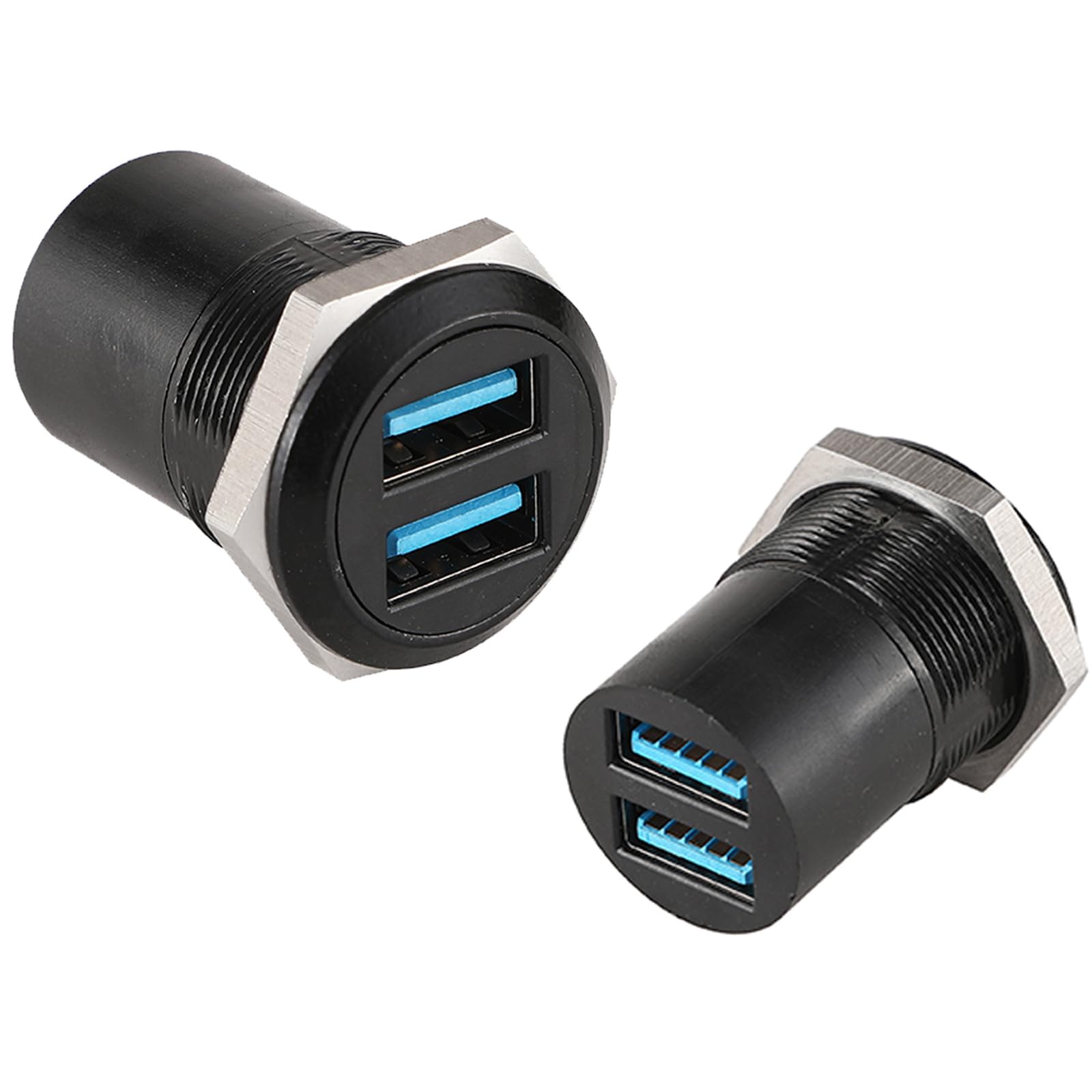
Q: What material is the PENGLIN Dual Ports USB 3.0 Panel Mount Connector made of?A: The PENGLIN Dual Ports USB 3.0 Connector is made of zinc diecast for the shell and bronze for the contact material.
Q: What are the dimensions of the installation panel for this connector?A: The installation panel thickness should be between two millimeters and ten millimeters.
Q: What is the rated voltage and current for this USB connector?A: The PENGLIN USB connector has a rated voltage of fifty volts and a rated current of zero point five amperes.
Q: How do I install the PENGLIN USB 3.0 Panel Mount Connector?A: Simply plug the standard USB head directly into the connector for quick installation, with no soldering or special tools required.
Q: Is this connector suitable for use with USB 2.0 devices?A: Yes, this USB 3.0 connector is compatible with USB 2.0 and one point one devices.
Q: Can I use this connector for charging devices?A: Yes, it supports charging at five volts and one ampere.
Q: How should I clean the PENGLIN USB connector?A: To keep the connector in good condition, wipe it gently with a dry cloth. Avoid using harsh chemicals.
Q: What is the operating temperature range for this USB connector?A: The operating temperature range for the PENGLIN USB connector is from minus forty to one hundred twenty degrees Celsius.
Q: Is this connector safe for outdoor use?A: The connector is designed for standard indoor use and should not be exposed to extreme environmental conditions.
Q: How does this USB connector compare to other models?A: This model features dual ports with independent operation, allowing for simultaneous data transfer without interference.
Q: What if my PENGLIN USB connector arrives damaged?A: If your connector arrives damaged, please contact customer support for assistance with returns or replacements.
Q: Can I use this connector with a laptop?A: Yes, it is suitable for connecting laptops with USB ports, as well as PCs and other devices.
Q: What kind of applications can this connector be used for?A: This USB connector can be used for various applications, including connecting external hard drives, media players, and AV receivers.
Q: Does this connector have any special features?A: Yes, it features scratch resistance, flame retardant properties, and UV resistance for enhanced durability.
Q: Is this product easy to install for beginners?A: Yes, the installation process is straightforward and does not require advanced technical skills.
Q: What should I do if I have installation issues?A: If you encounter installation issues, refer to the product manual or contact customer support for troubleshooting assistance.