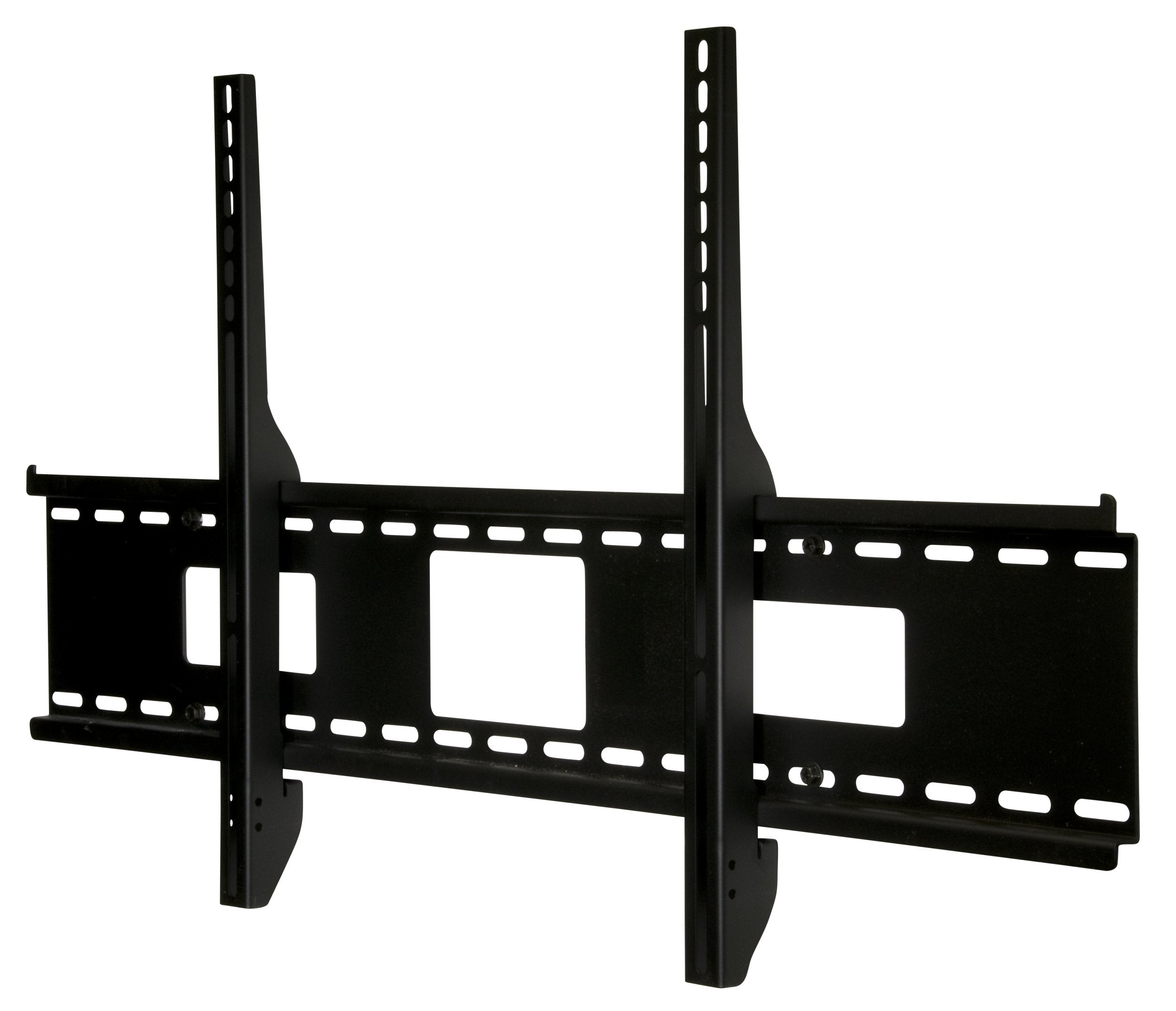
The Sturdy Sf670 Wall Plate Holds Screens Weighing Up To 250 Lb. While Featuring Junction Box Access Ports And Horizontal Screen Adjustment Up To 8'' For Ideal Screen Positioning. Its Easy-Glide Brackets Enable Quick Screen-To-Mount Attachment With A Simple Hook-On Design. Delivering An Ultra-Slim Profile, This Mount Is The Essential Element For Low-Profile Installations Of Extra-Large Screens.
⚠️ WARNING (California Proposition 65): This product may contain chemicals known to the State of California to cause cancer, birth defects, or other reproductive harm. For more information, please visit www.P65Warnings.ca.gov.
Frequently Asked Questions
Q: What is the maximum weight capacity of the Peerless SF670 mount?A: The maximum weight capacity is two hundred fifty pounds. This allows for secure mounting of large screens, ensuring stability and safety.
Q: What are the dimensions of the Peerless SF670 mount?A: The mount measures nineteen point forty-eight inches by thirty-seven point seventy-five inches by one point seventy-three inches. These dimensions ensure a low-profile installation for larger screens.
Q: What type of screens can the Peerless SF670 mount accommodate?A: This mount fits screens with mounting hole patterns up to thirty-five point seventy-five inches wide and nineteen point eight inches high. It is designed for universal compatibility with various screen sizes.
Q: How do I install the Peerless SF670 mount?A: Installation requires mounting to wood studs, concrete, cinder block, or metal studs. Ensure you follow the included instructions for secure and proper setup.
Q: Can I adjust the screen position after mounting?A: Yes, the mount allows horizontal screen adjustment up to eight inches. This feature helps achieve the ideal viewing position after installation.
Q: Is the Peerless SF670 mount suitable for small spaces?A: Yes, it features an ultra-slim design that holds the screen just one point seventy-three inches from the wall. This makes it ideal for low-profile installations in tight spaces.
Q: How do I clean the Peerless SF670 mount?A: To clean the mount, use a soft, damp cloth to wipe down the surface. Avoid using harsh chemicals that could damage the finish.
Q: Is the Peerless SF670 mount safe for heavy screens?A: Yes, it is designed to hold screens weighing up to two hundred fifty pounds securely. Its sturdy construction ensures safety during use.
Q: What type of wall surfaces can the Peerless SF670 mount be installed on?A: It can be mounted on wood studs, concrete, cinder block, or metal studs, with an accessory required for metal studs. This versatility allows for various installation options.
Q: Does the Peerless SF670 mount come with a warranty?A: Yes, it typically comes with a manufacturer's warranty. Check the product details or contact the manufacturer for specific warranty information.
Q: How does the easy-glide bracket design work?A: The easy-glide bracket design allows for quick attachment of the screen to the mount. This hook-on design simplifies the installation process.
Q: Can I use the Peerless SF670 mount outdoors?A: No, this mount is designed for indoor use only. Exposure to outdoor elements could compromise its structural integrity.
Q: What is the color of the Peerless SF670 mount?A: The mount is available in black. This neutral color complements a variety of decor styles and blends seamlessly with most wall colors.
Q: Is the Peerless SF670 mount compatible with all TV brands?A: Yes, as long as the TV has mounting hole patterns that fit within the specified dimensions, it can accommodate screens from various brands.
Q: How do I ensure the mount is securely installed?A: Always use a level during installation to ensure proper alignment and tighten all screws securely. Following the installation instructions carefully will enhance safety.
Q: What is the installation process for the Peerless SF670 mount?A: The installation process involves securing the wall plate to the desired surface, attaching the brackets to the screen, and then hanging the screen onto the wall plate. Following the manual ensures a successful setup.