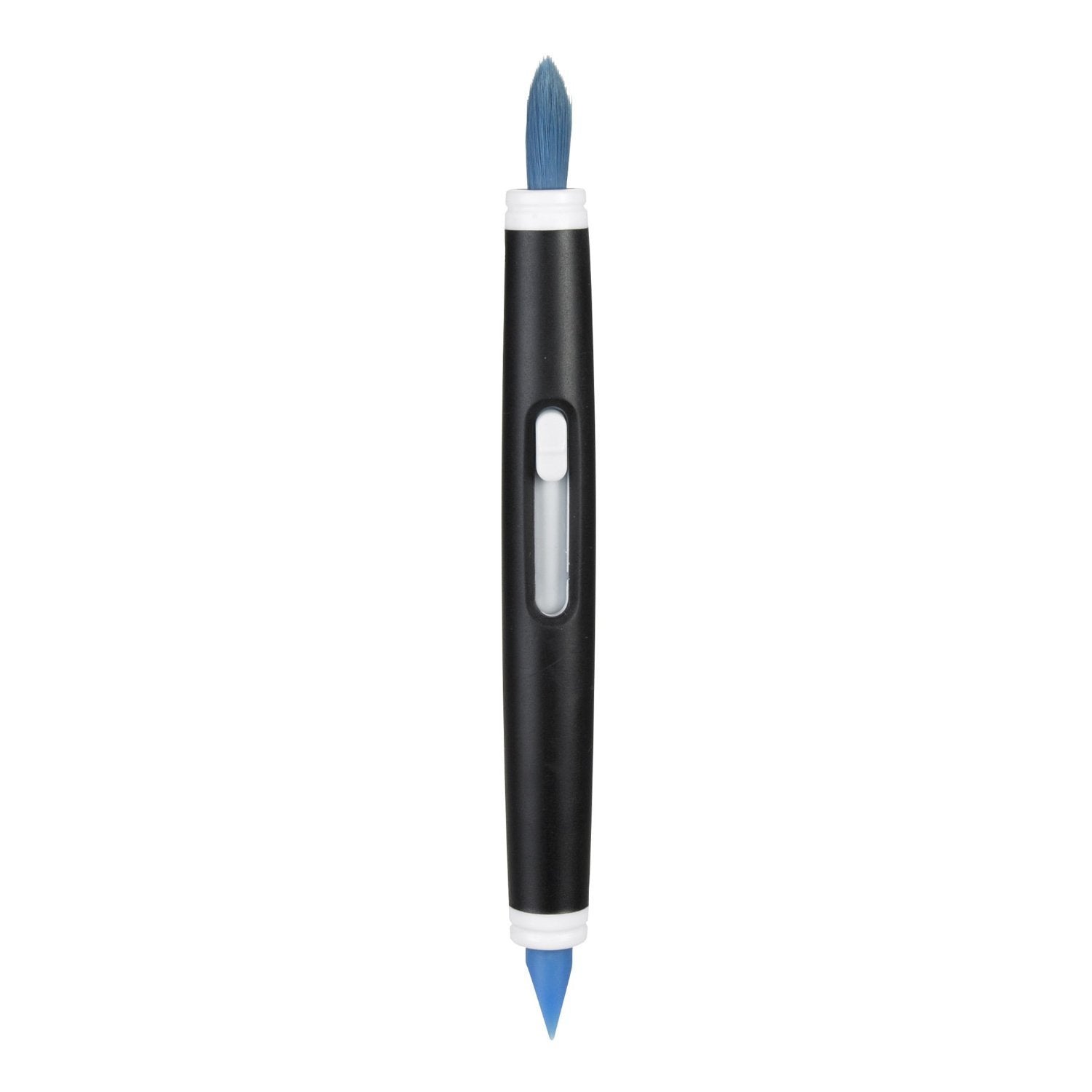
1313180 Features: -Slim Silicone Wiper Grabs Dirt From Small, Hard-To-Reach Places. -Ideal For Keyboards, Computer Screens, Cell Phones And More. Bristle Material: -Synthetic. Handle Color: -Black. Handle Material: -Plastic. Bristle Color: -Blue. Dimensions: Overall Height - Top To Bottom: -10. 5''. Overall Width - Side To Side: -0. 63''. Overall Depth - Front To Back: -4. 25''. Overall Product Weight: -0. 08 Lbs.
⚠️ WARNING (California Proposition 65): This product may contain chemicals known to the State of California to cause cancer, birth defects, or other reproductive harm. For more information, please visit www.P65Warnings.ca.gov.
Frequently Asked Questions
Q: What materials are used in the OXO Grips Electronics Cleaning Brush?A: The OXO Grips Electronics Cleaning Brush is made of plastic and silicone. This combination ensures durability and effective cleaning for sensitive electronic surfaces.
Q: What are the dimensions of the OXO Grips Electronics Cleaning Brush?A: The brush measures four point twenty-five inches in length, ten point five inches in width, and five inches in height. These dimensions make it compact and easy to handle.
Q: Does the OXO Grips Electronics Cleaning Brush have any hazardous materials?A: No, the OXO Grips Electronics Cleaning Brush does not contain any hazardous materials. It is safe for use on electronic devices.
Q: How do I use the OXO Grips Electronics Cleaning Brush?A: To use the brush, simply retract the bristles and use the silicone wiper to clean small areas. The soft bristles are ideal for sweeping away dust from delicate surfaces.
Q: Is the OXO Grips Electronics Cleaning Brush suitable for cleaning camera lenses?A: Yes, the OXO Grips Electronics Cleaning Brush is suitable for cleaning camera lenses. The soft bristles ensure that sensitive surfaces are not scratched.
Q: Can I use the OXO Grips Electronics Cleaning Brush on my keyboard?A: Yes, the OXO Grips Electronics Cleaning Brush is designed specifically for keyboards. Its slim silicone wiper fits into small spaces around keys.
Q: How should I care for the OXO Grips Electronics Cleaning Brush?A: To care for the brush, keep it clean and store it with the cap on the silicone wiper. This protects the wiper and maintains its effectiveness.
Q: Is the OXO Grips Electronics Cleaning Brush washable?A: Yes, the OXO Grips Electronics Cleaning Brush can be washed with mild soap and water. Ensure it is completely dry before storing.
Q: How do I store the OXO Grips Electronics Cleaning Brush?A: Store the OXO Grips Electronics Cleaning Brush in a dry place, preferably with the cap on the silicone wiper to prevent damage.
Q: Is the OXO Grips Electronics Cleaning Brush safe for children?A: Yes, the OXO Grips Electronics Cleaning Brush is safe for children to use under adult supervision. However, it is not a toy.
Q: How does the OXO Grips Electronics Cleaning Brush compare to other cleaning brushes?A: The OXO Grips Electronics Cleaning Brush is more versatile due to its dual cleaning features. It combines soft bristles with a silicone wiper, making it effective for various electronic devices.
Q: Is the OXO Grips Electronics Cleaning Brush effective for dust removal?A: Yes, the OXO Grips Electronics Cleaning Brush effectively removes dust from electronics. Its soft bristles gently sweep away dirt without scratching.
Q: What types of surfaces can the OXO Grips Electronics Cleaning Brush be used on?A: The OXO Grips Electronics Cleaning Brush can be used on keyboards, computer screens, cell phones, and camera lenses. It is designed for delicate surfaces.
Q: What if the OXO Grips Electronics Cleaning Brush arrives damaged?A: If the OXO Grips Electronics Cleaning Brush arrives damaged, you should contact the retailer for a return or exchange. Most retailers have customer service to assist with issues.
Q: Does the OXO Grips Electronics Cleaning Brush come with a warranty?A: Yes, the OXO Grips Electronics Cleaning Brush typically comes with a manufacturer's warranty. Check with the retailer for specific warranty details.