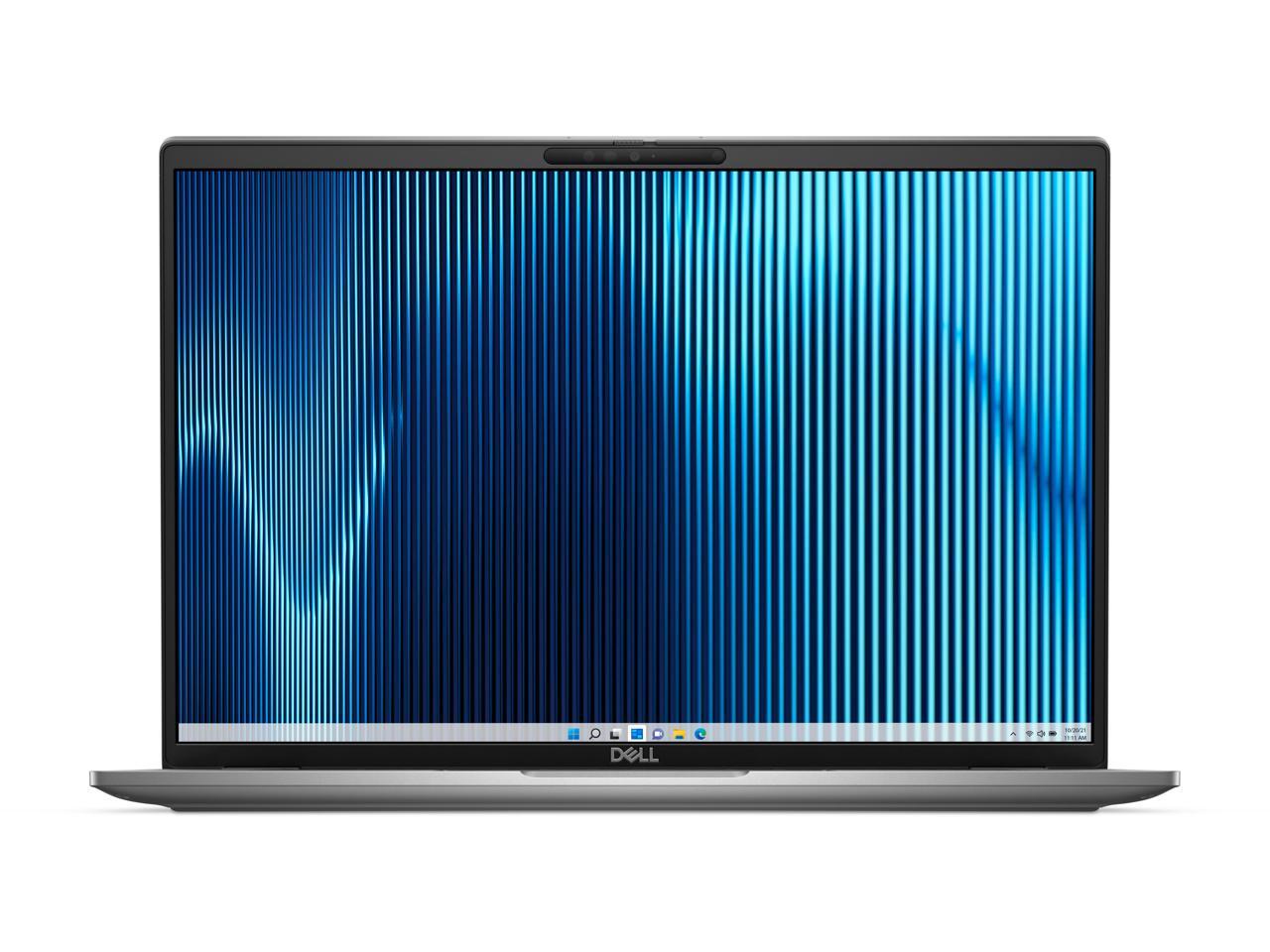
DELL Notebooks 16 Latitude 7640 Intel core i7 13th gen 16gB Memory 256 gB SSD Intel Iris Xe graphics Windows 11 Pro Intel core i7 130 gHz processor provides lightning fast speed and peak performance for the toughest of tasks and games With 16 gB of memory users can run many programs without losing execution 16 display with 1920 x 1200 resolution showcases movies games and photos with impressive clarity 256 gB total SSD capacity keeps your running programs active while your computer resumes from suspension in seconds
⚠️ WARNING (California Proposition 65): This product may contain chemicals known to the State of California to cause cancer, birth defects, or other reproductive harm. For more information, please visit www.P65Warnings.ca.gov.
Frequently Asked Questions
Q: What are the dimensions of the Dell Latitude 7000 7640 notebook?A: The dimensions of the Dell Latitude 7000 7640 are zero point seven seven inches in height, fourteen point one inches in width, and nine point nine inches in length.
Q: What is the display resolution of this notebook?A: The display resolution of the Dell Latitude 7000 7640 is one thousand nine hundred twenty by twelve hundred, providing Full HD Plus clarity.
Q: What materials are used in the construction of the notebook?A: The Dell Latitude 7000 7640 features an aluminum chassis, making it both durable and lightweight.
Q: How do I set up the Dell Latitude 7000 7640 for the first time?A: To set up the Dell Latitude 7000 7640, connect it to a power source, press the power button, and follow the on-screen prompts for Windows setup.
Q: Can I use this laptop for gaming?A: Yes, the Dell Latitude 7000 7640 is equipped with an Intel Core i7 processor and sixteen gigabytes of RAM, making it suitable for gaming.
Q: Is the Dell Latitude 7000 7640 suitable for professional use?A: Yes, this notebook is designed for professional use with its powerful processor, ample RAM, and high-resolution display.
Q: What is the best way to clean the Dell Latitude 7000 7640?A: To clean the Dell Latitude 7000 7640, use a soft, lint-free cloth lightly dampened with water or a mild cleaning solution, avoiding harsh chemicals.
Q: How should I store the notebook when not in use?A: When not in use, store the Dell Latitude 7000 7640 in a cool, dry place and avoid placing heavy items on top of it.
Q: What safety precautions should I take while using this laptop?A: Ensure that the Dell Latitude 7000 7640 is used on a flat, stable surface and avoid blocking ventilation ports to prevent overheating.
Q: How does the Dell Latitude 7000 7640 compare to other laptops in its class?A: The Dell Latitude 7000 7640 stands out with its high-resolution display, powerful Intel Core i7 processor, and sleek aluminum design compared to competitors.
Q: Is this laptop suitable for students?A: Yes, the Dell Latitude 7000 7640 is suitable for students as it combines performance and portability for academic tasks.
Q: What if my Dell Latitude 7000 7640 arrives damaged?A: If your Dell Latitude 7000 7640 arrives damaged, contact customer support within the return policy period for assistance and possible replacement.
Q: What warranty does the Dell Latitude 7000 7640 come with?A: The Dell Latitude 7000 7640 typically comes with a one-year limited warranty covering hardware defects and malfunctions.
Q: Can I upgrade the memory on this notebook?A: Yes, the memory on the Dell Latitude 7000 7640 can be upgraded, but it is recommended to consult the user manual for compatible specifications.
Q: What common issues might I face with this laptop?A: Common issues with the Dell Latitude 7000 7640 may include battery performance decline over time and software compatibility problems, which can often be resolved with updates.