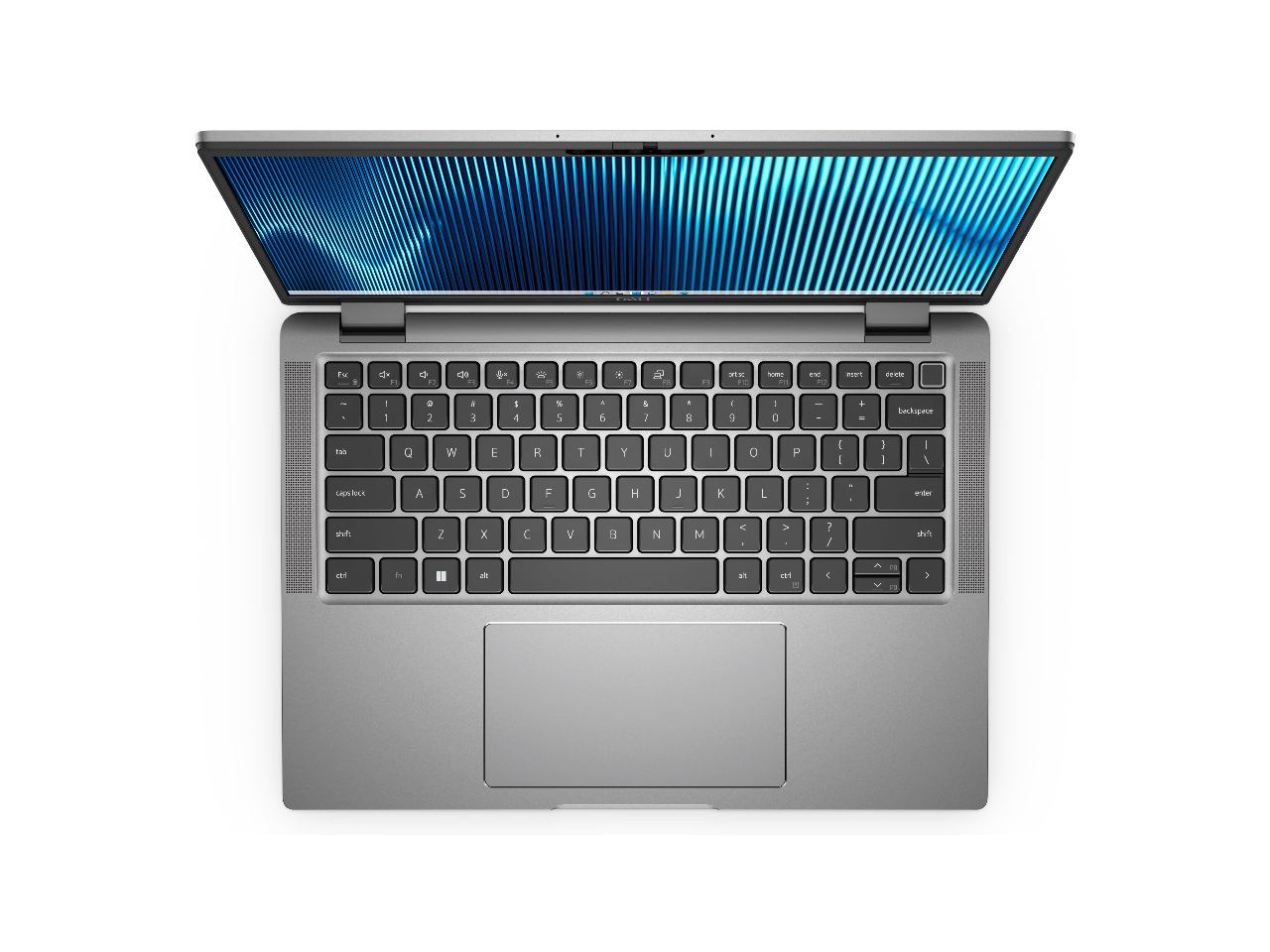
DELL Notebooks 14 Latitude 7440 Intel core i5 13th gen 16gB Memory 256 gB SSD Intel Iris Xe graphics Windows 11 Pro Intel core i5 120 gHz processor provides great performance immersive multimedia and rapid loading of programs With 16 gB of memory users can run many programs without losing execution The 14 1920 x 1200 screen provides a great movie watching experience 256 gB SSD keeps your running programs active while your computer resumes from suspension in seconds
⚠️ WARNING (California Proposition 65): This product may contain chemicals known to the State of California to cause cancer, birth defects, or other reproductive harm. For more information, please visit www.P65Warnings.ca.gov.
Frequently Asked Questions
Q: What are the dimensions of the Dell Latitude 7000 7440?A: The dimensions are zero point seventy-two inches high, twelve point three inches wide, and eight point eight inches long.
Q: What is the display resolution of this notebook?A: The display resolution is one thousand nine hundred twenty by one thousand two hundred.
Q: What type of processor does the Dell Latitude 7000 7440 have?A: It has an Intel Core i5 thirteenth generation i5-1345U deca-core processor.
Q: How much RAM does the Dell Latitude 7000 7440 have?A: It has sixteen gigabytes of total RAM.
Q: What is the storage capacity of the Dell Latitude 7000 7440?A: The storage capacity is two hundred fifty-six gigabytes of solid-state drive.
Q: How do I set up the Dell Latitude 7000 7440?A: To set it up, connect to power, press the power button, and follow the on-screen instructions.
Q: Is the Dell Latitude 7000 7440 suitable for students?A: Yes, it is suitable for students due to its performance and portability.
Q: Can I use the Dell Latitude 7000 7440 for gaming?A: While it can handle light gaming, it is primarily designed for productivity tasks.
Q: What is the best way to clean the Dell Latitude 7000 7440?A: Use a soft, lint-free cloth dampened with water or a screen cleaner for the display.
Q: How do I care for the battery in the Dell Latitude 7000 7440?A: To care for the battery, avoid extreme temperatures and do not let it discharge completely.
Q: Is the Dell Latitude 7000 7440 safe for travel?A: Yes, it is designed for mobility and is lightweight, making it travel-friendly.
Q: What should I do if the Dell Latitude 7000 7440 does not power on?A: Check the power connection and ensure the battery is charged; if it still does not power on, contact support.
Q: Does the Dell Latitude 7000 7440 come with a warranty?A: Yes, it typically comes with a one-year limited hardware warranty.
Q: How can I return the Dell Latitude 7000 7440 if I’m not satisfied?A: You can return it within the designated return period, following the retailer's return policy.
Q: What if the Dell Latitude 7000 7440 arrives damaged?A: If it arrives damaged, contact customer service immediately to arrange for a replacement or refund.