⚠️ WARNING (California Proposition 65): This product may contain chemicals known to the State of California to cause cancer, birth defects, or other reproductive harm. For more information, please visit www.P65Warnings.ca.gov.
Frequently Asked Questions
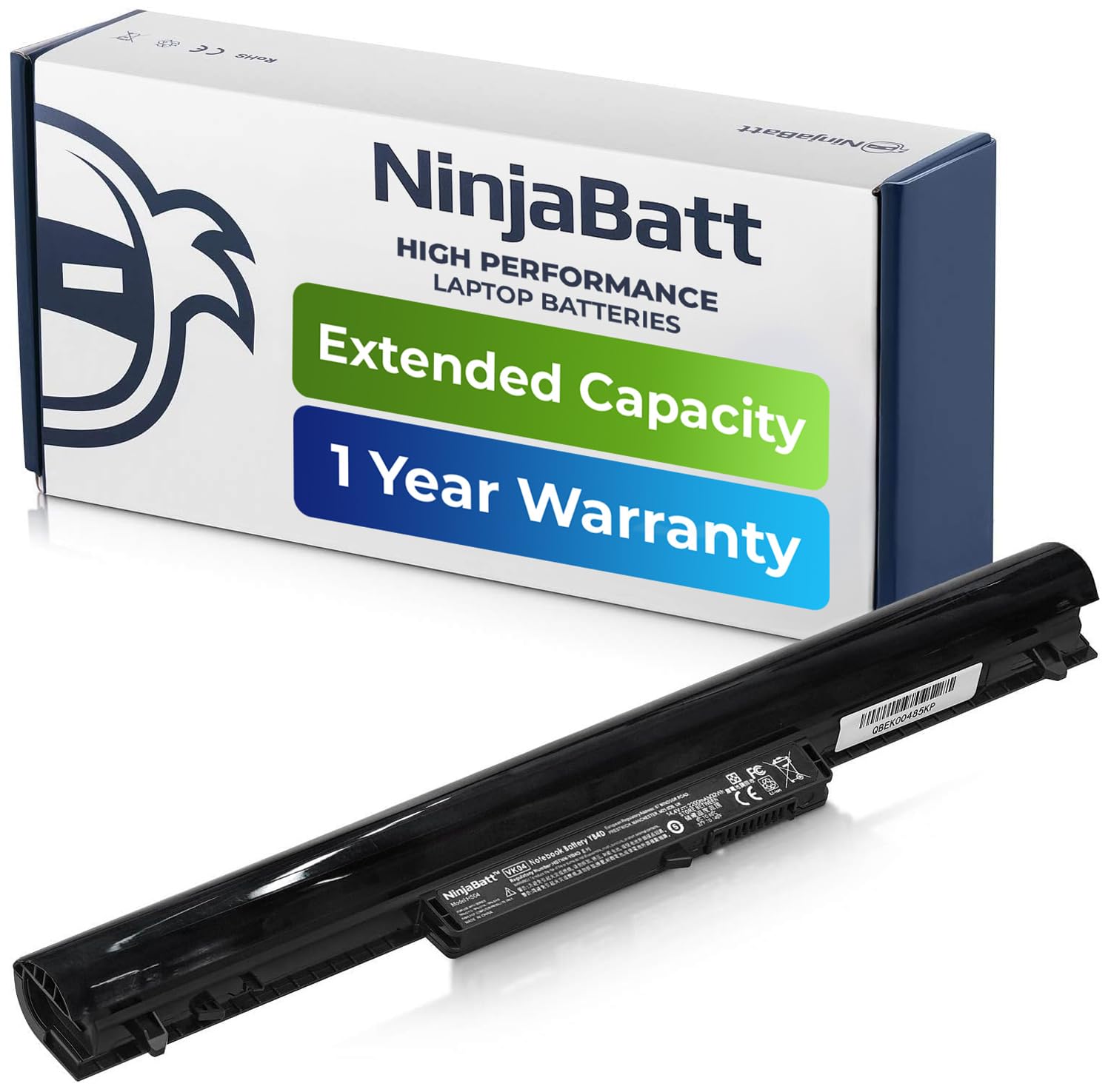
Q: What is the capacity of the NinjaBatt battery?A: The NinjaBatt battery has a capacity of two thousand two hundred milliamp hours or thirty-two watt-hours. This provides reliable power for various compatible HP laptops.
Q: What are the dimensions of the NinjaBatt battery?A: The dimensions of the NinjaBatt battery are eleven inches long, four point zero two inches wide, and three inches high. This compact size is designed to fit seamlessly into your laptop.
Q: What type of battery is the NinjaBatt battery?A: The NinjaBatt battery is a lithium-ion battery. Lithium-ion technology ensures a high energy density and a longer lifespan compared to other battery types.
Q: How do I install the NinjaBatt battery?A: To install the NinjaBatt battery, first, power off your laptop and disconnect it from any power source. Remove the old battery and slide the new battery into place until it clicks securely.
Q: Is the NinjaBatt battery compatible with my HP laptop?A: Yes, the NinjaBatt battery is compatible with multiple HP laptop models. Check the list of compatible models provided to ensure your specific model is included.
Q: How do I charge the NinjaBatt battery?A: To charge the NinjaBatt battery, simply connect your laptop to a compatible power adapter. The battery will begin charging automatically and can be charged while the laptop is in use.
Q: How do I care for the NinjaBatt battery?A: To care for the NinjaBatt battery, avoid exposing it to extreme temperatures and ensure it doesn’t remain fully discharged for extended periods. Regularly charge it to maintain optimal performance.
Q: Is the NinjaBatt battery safe to use?A: Yes, the NinjaBatt battery is certified for safety and equipped with multiple safety features. It includes protections against short circuits, overheating, and overloads.
Q: How long does the NinjaBatt battery last on a single charge?A: The NinjaBatt battery can last several hours on a single charge, depending on your laptop usage and settings. Factors like screen brightness and running applications will affect battery life.
Q: What warranty does the NinjaBatt battery come with?A: The NinjaBatt battery comes with a twelve-month warranty. This warranty covers any manufacturing defects, providing peace of mind with your purchase.
Q: Can I return the NinjaBatt battery if I am not satisfied?A: Yes, you can return the NinjaBatt battery if you are not satisfied. Please check the return policy for specific terms and conditions regarding the return process.
Q: What should I do if my NinjaBatt battery arrives damaged?A: If your NinjaBatt battery arrives damaged, you should contact customer support immediately. They will guide you on how to return the damaged item and receive a replacement.
Q: How many charging cycles can I expect from the NinjaBatt battery?A: You can expect up to five hundred charging cycles from the NinjaBatt battery. This lifespan helps ensure long-term reliability and performance.
Q: Is the NinjaBatt battery easy to replace?A: Yes, the NinjaBatt battery is designed for easy replacement. With basic tools, you can replace it quickly, often without professional assistance.
Q: Does the NinjaBatt battery come with installation instructions?A: Yes, the NinjaBatt battery typically comes with installation instructions. These instructions provide step-by-step guidance to help you through the installation process.