

Cart
0

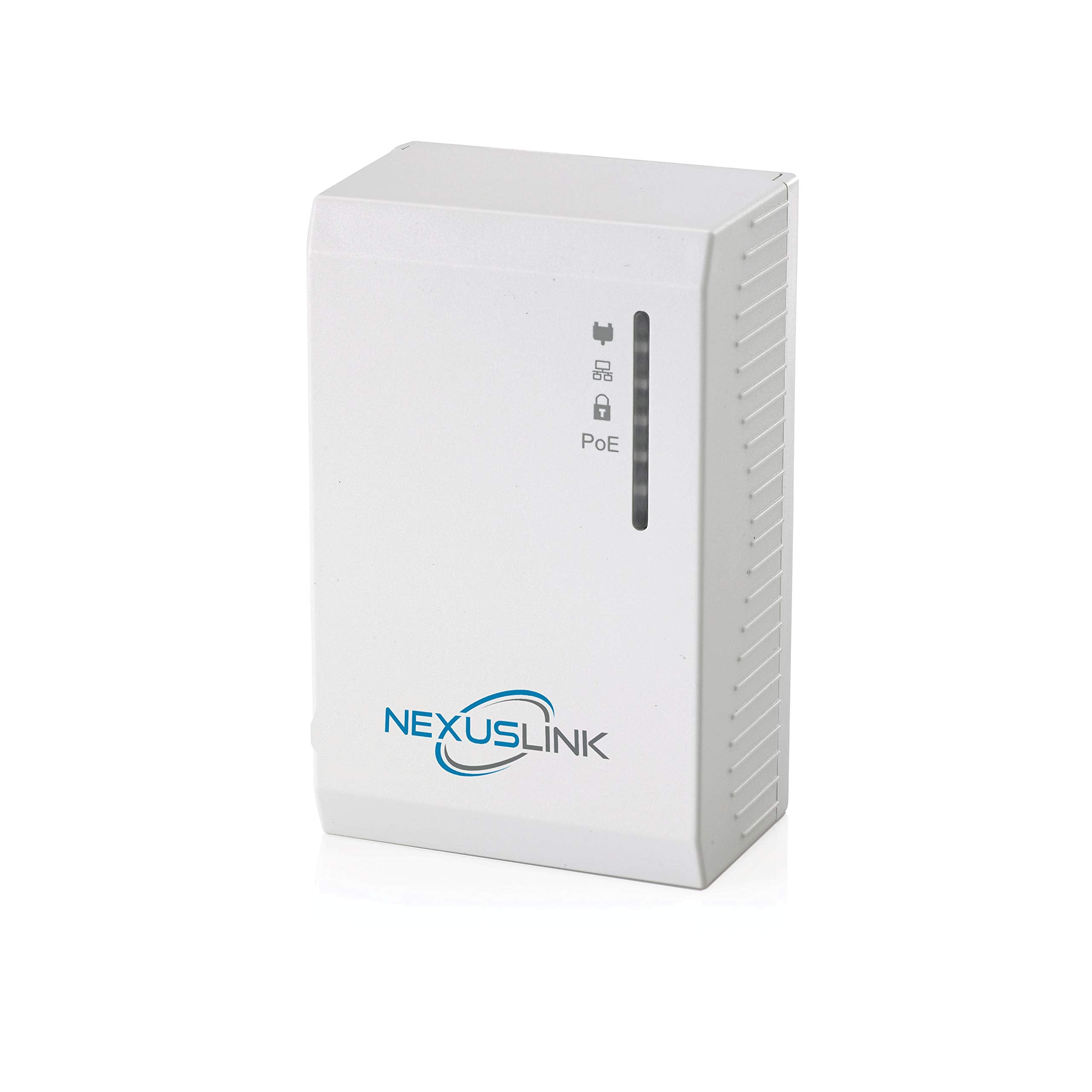
Nexuslink G.Hn Powerline Adapter With Power Over Ethernet (Poe) I Single Device (Gpl 1200Poe)
Vendor: Nexuslink
Type: Network Cables
Sku: WBEEAB07NQ76B7M
Availability: Sold Out
Couldn't load pickup availability
Guarantee safe checkout

Sold by Electroeshop, an authorized reseller.
Returns accepted within 30 days | support@electroeshop.com
Shipping Information
- Free Standard Shipping — United States only
- Processing Time: 1–3 business days
- Estimated Delivery: 3–5 business days after dispatch
- Double-boxed, fully insured & discreetly packaged
- Tracking number sent via email once dispatched
- Orders over $250 require signature upon delivery. Taxes calculated at checkout.
Returns & Refund
Returns accepted within 30 days of delivery.
Damaged or Defective Item
Free return shipping + replacement or full refund
Wrong Item Received
Free return shipping + replacement or full refund
Change of Mind
Return shipping at customer's expense · 25% restocking fee applies
All returns require a Return Authorization (RA) number before sending.
View Full Return & Refund Policy
Nexuslink G.Hn Powerline Adapter With Power Over Ethernet (Poe) I Single Device (Gpl 1200Poe)
$56.77

Frequently Asked Questions
- Q: What is the maximum data rate of the NexusLink G.hn Powerline Adapter? A: The maximum data rate is up to twelve hundred megabits per second. This high speed allows for seamless streaming and gaming.
- Q: What standard does the NexusLink Powerline Adapter comply with? A: It complies with the IEEE 802.3af standard. This ensures compatibility with various Power over Ethernet devices.
- Q: How many devices can I connect to the NexusLink Powerline Adapter? A: You can connect up to sixteen devices to the network. This feature allows for extensive network expansion without additional wiring.
- Q: What type of connectivity does the NexusLink Powerline Adapter provide? A: It provides both data and power connectivity. This is especially useful in hard-to-reach locations where traditional wiring is impractical.
- Q: What is the color of the NexusLink G.hn Powerline Adapter? A: The adapter comes in a sleek white color. This neutral color fits well with most home or office decors.
- Q: How do I install the NexusLink Powerline Adapter? A: Simply plug it into an electrical outlet and connect it to your device using an Ethernet cable. Ensure that another compatible device is also plugged in to establish the network.
- Q: Is the NexusLink Powerline Adapter suitable for gaming? A: Yes, it is suitable for gaming. With a high data rate and packet prioritization, it supports a smooth gaming experience.
- Q: How many devices do I need to start using the NexusLink Powerline Adapter? A: You need at least two devices to establish a connection. One adapter must be connected to the router, while the other connects to your device.
- Q: Can I use the NexusLink Powerline Adapter for streaming video? A: Yes, it is ideal for streaming video. The high-speed data transfer minimizes buffering and enhances the viewing experience.
- Q: What do I do if my NexusLink Powerline Adapter is not working? A: Check the power connections and ensure both adapters are on the same electrical circuit. Restarting the devices can also help resolve connectivity issues.
- Q: Is there a warranty for the NexusLink G.hn Powerline Adapter? A: Yes, it comes with a manufacturer’s warranty. Please refer to the product documentation for specific terms and duration.
- Q: How should I clean the NexusLink Powerline Adapter? A: Use a soft, dry cloth to clean the surface. Avoid using liquids or abrasive materials to prevent damage.
- Q: Can I use the NexusLink Powerline Adapter outdoors? A: No, it is designed for indoor use only. Using it outdoors may expose it to conditions that could damage the device.
- Q: Does the NexusLink Powerline Adapter work with older electrical systems? A: Yes, it is compatible with most electrical systems. However, performance may vary based on the wiring quality and age.
- Q: What kind of devices can I connect to the NexusLink Powerline Adapter? A: You can connect various devices like computers, gaming consoles, and smart TVs. Any device with an Ethernet port can be connected.