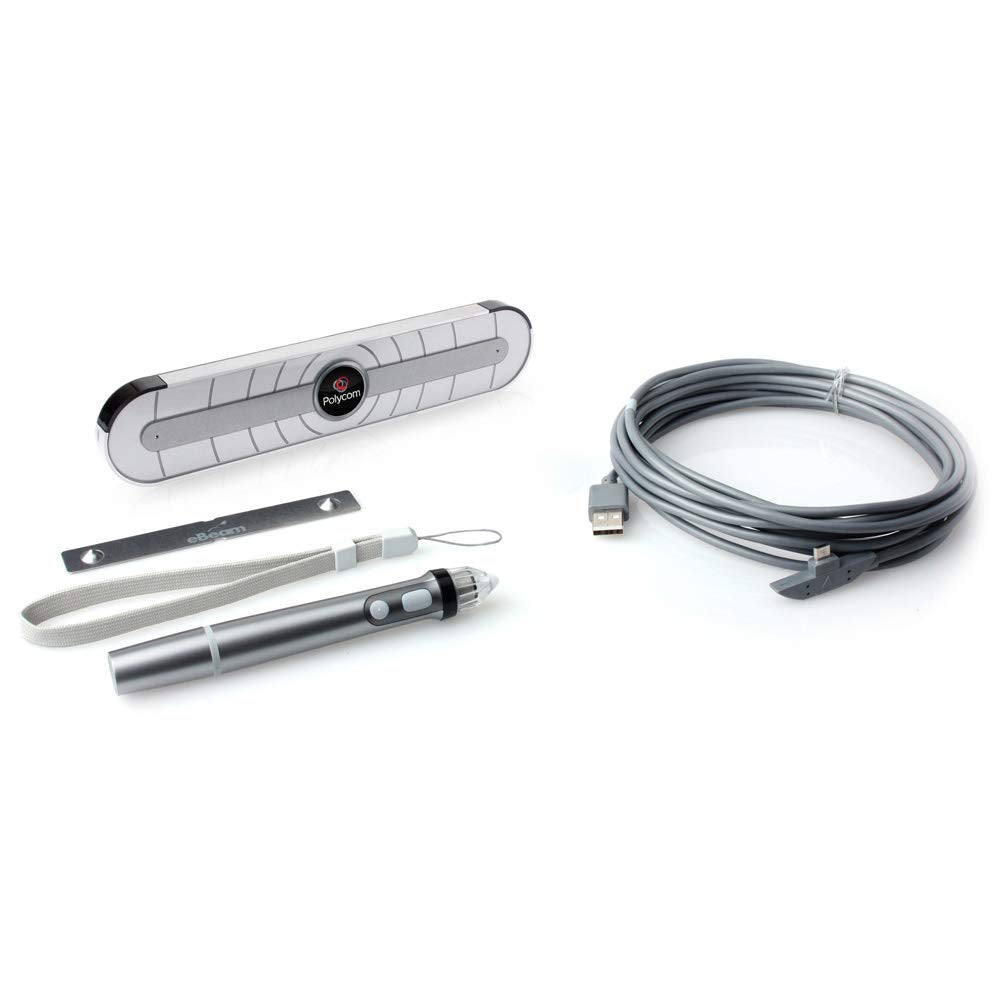
Uc Board. Sensor+Stylus Bundle With Usb Hub. Compatible With Hdx 7000 Rev C And D, 8000 Rev B, 9000-720 And 9000-1080 Running Hdx Software Revision 3.0.3 Or Later. Requires Dual Monitors Uses 2Nd Display, Lcd Displays Supported.
⚠️ WARNING (California Proposition 65): This product may contain chemicals known to the State of California to cause cancer, birth defects, or other reproductive harm. For more information, please visit www.P65Warnings.ca.gov.
Frequently Asked Questions
Q: What is included with the Polycom UC Board Sensor bundle?A: The bundle includes a sensor and a stylus, along with a USB hub for connectivity.
Q: What dimensions does the Polycom UC Board Sensor have?A: The exact dimensions are not specified, but it is designed to be compatible with dual monitor setups.
Q: Is the Polycom UC Board Sensor compatible with other devices?A: Yes, it is compatible with Polycom HDX models 7000 Rev C and D, 8000 Rev B, 9000-720, and 9000-1080.
Q: How do I install the Polycom UC Board Sensor?A: To install, connect the USB hub to your computer and set up the sensor according to the user manual provided.
Q: Can I use the Polycom UC Board Sensor with just one monitor?A: No, it requires dual monitors for optimal functionality as it utilizes a second display.
Q: Is the Polycom UC Board Sensor easy to set up?A: Yes, the installation process is straightforward, primarily involving USB connections.
Q: How should I clean the Polycom UC Board Sensor?A: Use a soft, dry cloth to clean the sensor and stylus. Avoid using any abrasive materials.
Q: Will the Polycom UC Board Sensor work in different environments?A: Yes, the sensor is designed to function effectively in various office environments.
Q: Is the Polycom UC Board Sensor safe for everyday use?A: Yes, it is built with safety standards suitable for regular office use.
Q: How do I store the Polycom UC Board Sensor when not in use?A: Store the sensor and stylus in a dry place to avoid damage, preferably in a protective case.
Q: What should I do if my Polycom UC Board Sensor arrives damaged?A: Contact customer support immediately for assistance with returns or exchanges.
Q: Does the Polycom UC Board Sensor come with a warranty?A: Yes, it typically includes a manufacturer's warranty, but verify the specifics with the retailer.
Q: Is the Polycom UC Board Sensor suitable for large meetings?A: Yes, it is suitable for large meetings when used in conjunction with dual monitors.
Q: Can I use the Polycom UC Board Sensor with other brands of monitors?A: The sensor is optimized for Polycom systems but may work with other brands; compatibility is not guaranteed.
Q: What software do I need to use with the Polycom UC Board Sensor?A: Ensure you have HDX software revision three point zero point three or later installed for compatibility.