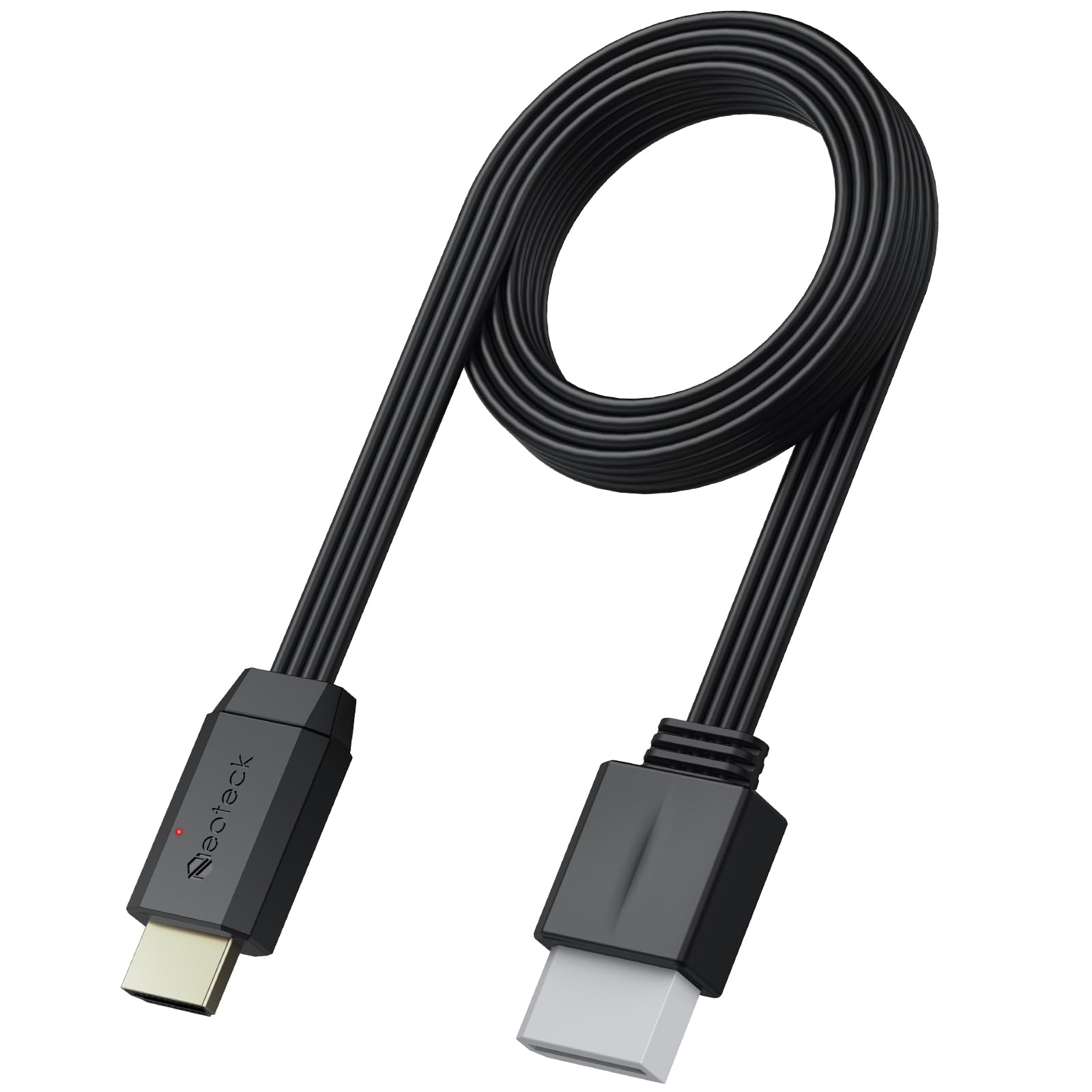
Feature: Convert Your Wii Into An Hdmi Compatible Device With This Audio Converter Cable Connect Wii Console To Your Hdtv Excellent Audio / Video Quality Supports All Wii Display Modes (Ntsc 480I 480P, Pal 576I) Adapter Easily Converts Analog Signals To Hdmi Formats Video And Audio In Full Digital Hdmi Format, No Transmission Loss Works With Hdmi Monitor. Hassle Free, Plug And Play As You Go Color: White-With 5Ft/150Cm Cable Notice: It Is Not Compatible With The Wii Mini Because The Device Only Has An Av Interface, But It Does Not Have A Wii Interface. Package: 1 X Wii To Hdmi Cable(150Cm/5Ft)
⚠️ WARNING (California Proposition 65): This product may contain chemicals known to the State of California to cause cancer, birth defects, or other reproductive harm. For more information, please visit www.P65Warnings.ca.gov.
Frequently Asked Questions
Q: What is the length of the Neoteck Wii to HDMI converter cable?A: The cable is five feet long, which is equivalent to one hundred fifty centimeters.
Q: What display modes does the Neoteck Wii to HDMI adapter support?A: It supports NTSC 480i, 480p, and PAL 576i display modes.
Q: Is the Neoteck Wii to HDMI converter compatible with Wii Mini?A: No, it is not compatible with the Wii Mini due to its AV interface.
Q: How do I connect the Neoteck Wii to HDMI converter?A: Simply plug the Wii port into the Wii console and connect the HDMI port to your TV or monitor.
Q: Is the Neoteck HDMI adapter easy to set up?A: Yes, it is plug and play, requiring no additional setup or driver installation.
Q: Can I use the Neoteck Wii to HDMI converter with any HD device?A: Yes, it can transmit to any device that supports 720p or 1080p HD resolution.
Q: How should I store the Neoteck HDMI cable when not in use?A: You can easily store it by coiling it and placing it in a drawer or storage bag.
Q: What is the weight of the Neoteck Wii to HDMI converter?A: The converter cable weighs only ninety grams, making it lightweight and portable.
Q: How do I clean the Neoteck HDMI adapter?A: Wipe it gently with a soft, dry cloth to remove any dust or smudges.
Q: What should I do if the HDMI connection is not working?A: Ensure that both ends of the cable are securely connected and check the TV settings.
Q: Does the Neoteck HDMI adapter provide audio output?A: Yes, it transmits audio in full digital HDMI format without any transmission loss.
Q: Can I connect external speakers to the Neoteck HDMI converter?A: No, it does not have a 3.5mm output jack for external audio devices.
Q: Is the Neoteck Wii to HDMI converter suitable for retro gaming?A: Yes, it enhances the viewing experience for retro gaming consoles by providing high-definition output.
Q: Does the Neoteck HDMI converter support video scaling?A: Yes, it can scale the video for optimal display on high-definition devices.
Q: What is included in the package of the Neoteck HDMI cable?A: The package includes one Wii to HDMI cable measuring one hundred fifty centimeters.