⚠️ WARNING (California Proposition 65): This product may contain chemicals known to the State of California to cause cancer, birth defects, or other reproductive harm. For more information, please visit www.P65Warnings.ca.gov.
Frequently Asked Questions
Q: What are the dimensions of the GIGABYTE AORUS 15?A: The dimensions are fourteen point two inches in length, ten point seven inches in width, and zero point eighty-two inches in height.
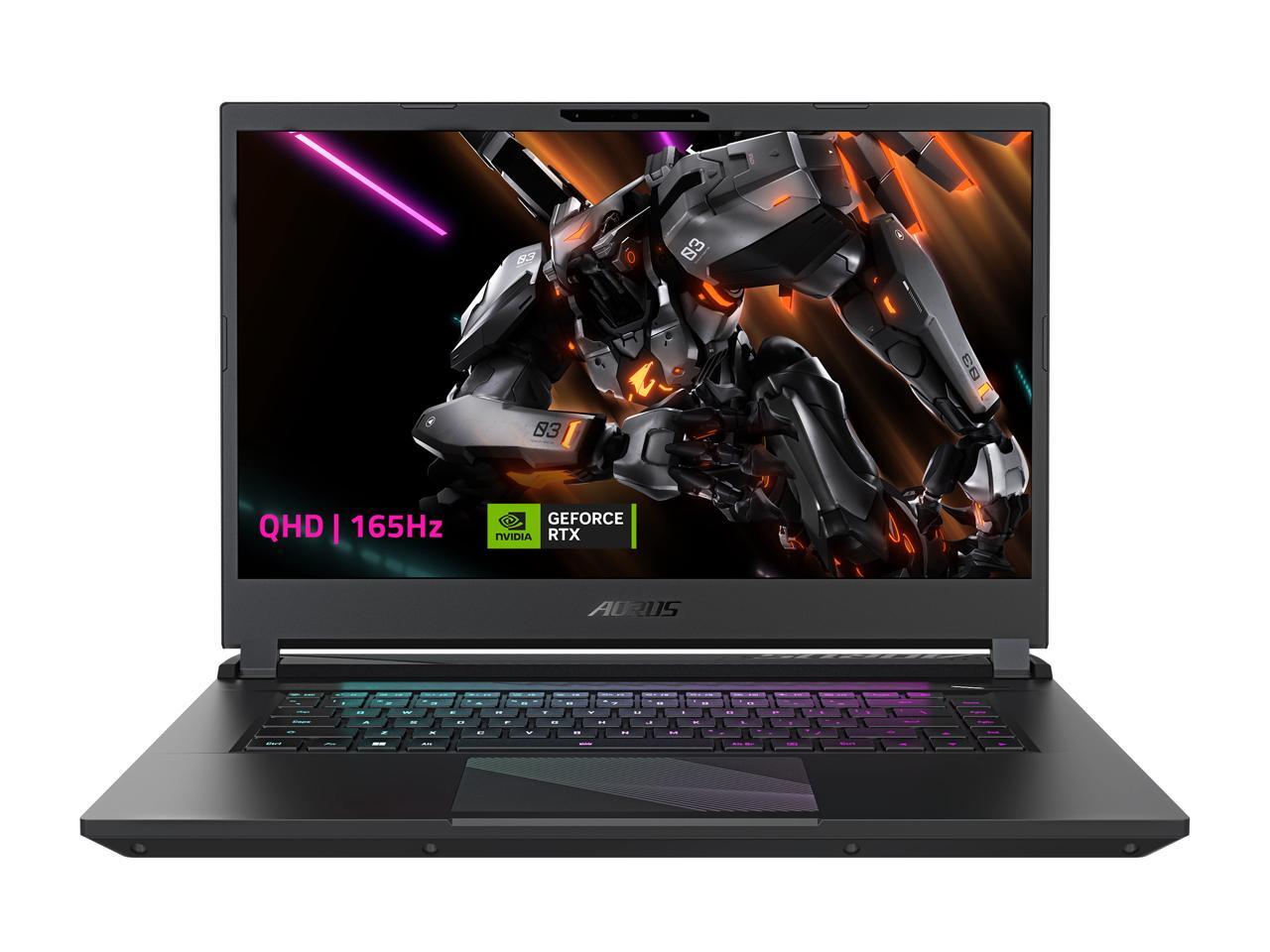
Q: What type of display does this laptop have?A: It features a fifteen point six inch QHD display with a resolution of twenty-five sixty by fourteen forty and a refresh rate of one hundred sixty-five hertz.
Q: What is the storage capacity of the GIGABYTE AORUS 15?A: It has a storage capacity of one terabyte, utilizing a Gen four M.2 SSD.
Q: What processor is used in the GIGABYTE AORUS 15?A: This laptop is powered by an Intel Core i7-13700H processor with a maximum speed of five point zero gigahertz.
Q: How much RAM does the GIGABYTE AORUS 15 have?A: It comes with sixteen gigabytes of DDR5 RAM, which is configured with two eight gigabyte modules.
Q: What graphics card is included in the GIGABYTE AORUS 15?A: It is equipped with an NVIDIA GeForce RTX 4070 Laptop GPU with eight gigabytes of GDDR6 memory.
Q: How do I use the GIGABYTE AORUS 15 for gaming?A: Simply install your favorite games and launch them. The powerful NVIDIA GeForce RTX 4070 will handle demanding graphics smoothly.
Q: Can I upgrade the RAM on the GIGABYTE AORUS 15?A: Yes, the RAM can be upgraded as it supports DDR5 memory, but you should consult the manual for specific instructions.
Q: Is the GIGABYTE AORUS 15 suitable for professional graphic design?A: Yes, it is suitable for professional graphic design due to its high-resolution display and powerful graphics card.
Q: How do I keep the GIGABYTE AORUS 15 clean?A: To keep it clean, use a microfiber cloth to wipe the screen and a soft brush for the keyboard. Avoid using harsh chemicals.
Q: What is the battery care procedure for the GIGABYTE AORUS 15?A: To care for the battery, avoid complete discharges and keep it charged between twenty percent and eighty percent for optimal lifespan.
Q: Can I leave the GIGABYTE AORUS 15 plugged in all the time?A: Yes, you can leave it plugged in, but it’s best to unplug it occasionally to prevent overheating.
Q: What should I do if the GIGABYTE AORUS 15 does not turn on?A: First, check if it is charged. If it still does not turn on, try a hard reset by holding the power button for ten seconds.
Q: Is there a warranty for the GIGABYTE AORUS 15?A: Yes, it comes with a standard warranty, typically lasting one year, covering hardware defects.
Q: What should I do if the GIGABYTE AORUS 15 arrives damaged?A: If it arrives damaged, contact customer support immediately to initiate a return or exchange process.
Q: How can I troubleshoot connectivity issues on the GIGABYTE AORUS 15?A: To troubleshoot connectivity issues, check your Wi-Fi settings, restart the router, and ensure your drivers are updated.