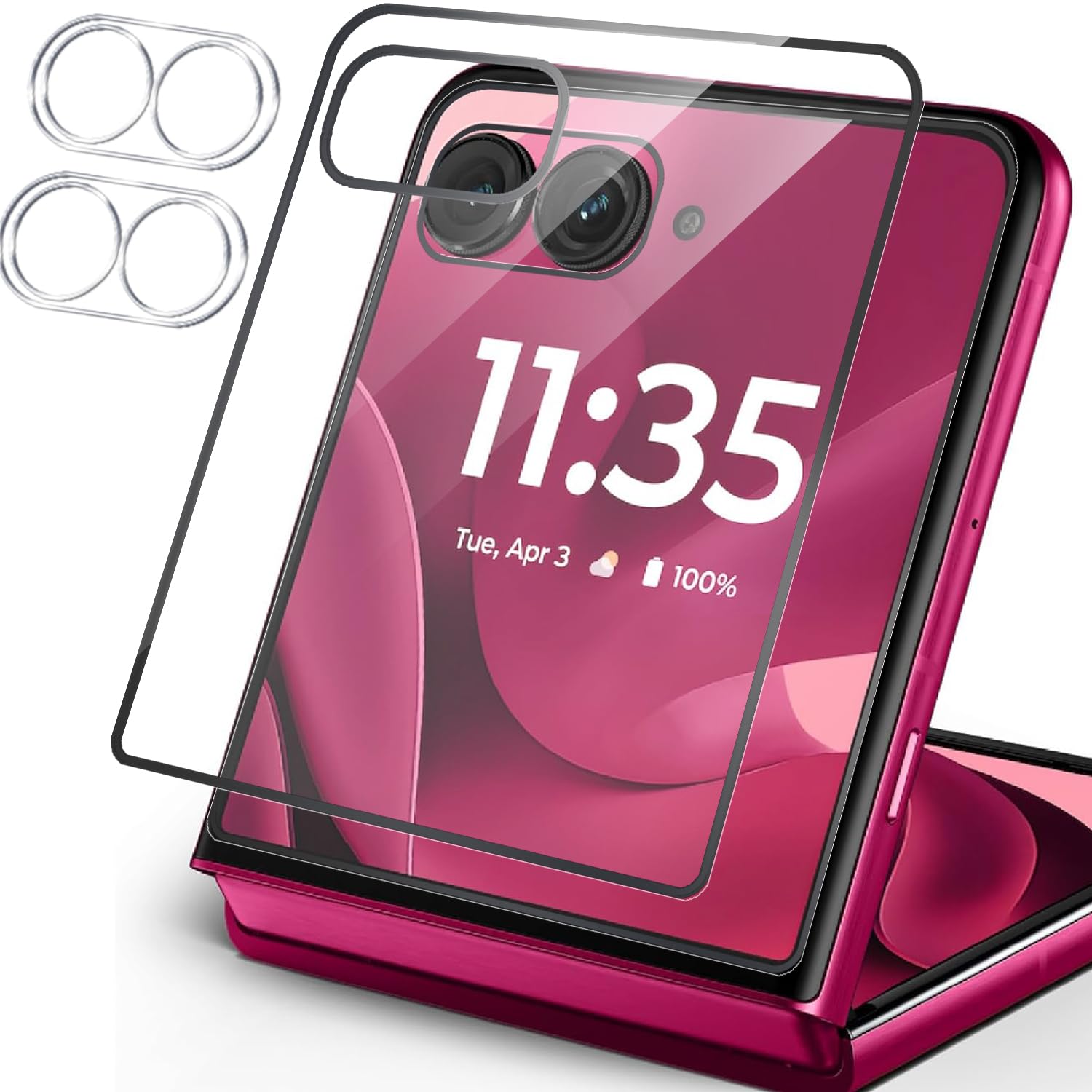
Mooisvs 2+2Packs Screen Protector For Motorola Razr 60 Ultra/Moto Razr Ultra 2025/Moto Razr+ 2025(Front Screen) With 2Packs Camera Lens Protector, Ultra Hd,Anti-Fingerprint Tempered Glass Screen Protector For Moto Razr 60 Ultra
⚠️ WARNING (California Proposition 65): This product may contain chemicals known to the State of California to cause cancer, birth defects, or other reproductive harm. For more information, please visit www.P65Warnings.ca.gov.
Frequently Asked Questions
Q: What is the material of the screen protector?A: The screen protector is made of tempered glass. This material provides high durability and clarity for your device's screen.
Q: What are the dimensions of the screen protector?A: The screen protector measures seven point one inches in length, four point zero two inches in width, and zero point five one inches in height. These dimensions ensure a perfect fit for the Motorola Razr 60 Ultra.
Q: How many screen protectors are included in the package?A: The package includes two screen protectors. Additionally, it comes with two camera lens protectors for complete device protection.
Q: How do I install the screen protector?A: To install the screen protector, use the provided bubble-free adhesives for an easy application. The included applicator simplifies the installation process, ensuring a perfect fit.
Q: Is the screen protector compatible with other Motorola models?A: No, the screen protector is specifically designed for the Motorola Razr 60 Ultra, Moto Razr Ultra 2025, and Moto Razr Plus 2025. It will not fit other models.
Q: Can I remove the screen protector easily?A: Yes, the screen protector can be removed without leaving any residue. The bubble-free adhesives are designed for easy removal.
Q: How do I clean the screen protector?A: To clean the screen protector, use a soft, lint-free cloth. Avoid using harsh chemicals to prevent damage to the tempered glass.
Q: Is the screen protector resistant to scratches?A: Yes, the screen protector has a nine H hardness rating, making it highly resistant to scratches from everyday objects like keys and knives.
Q: Does the screen protector affect touch sensitivity?A: No, the screen protector maintains the original touch experience. It is designed to provide high-definition clarity while preserving touch sensitivity.
Q: Is there a warranty on the screen protector?A: Yes, there is a lifetime warranty on the screen protector. This warranty covers any defects or issues with the product.
Q: What is the purpose of the camera lens protectors?A: The camera lens protectors are designed to shield the camera lens from scratches and other damage. They ensure your photos remain clear and unaffected.
Q: How does the protective coating work?A: The screen protector features a hydrophobic and oleophobic coating that repels sweat and oil. This helps reduce fingerprints and enhances screen visibility.
Q: Are the protectors easy to apply?A: Yes, the protectors are designed for easy application. The bubble-free adhesives and applicator allow for a hassle-free installation process.
Q: How do I ensure a bubble-free installation?A: To achieve a bubble-free installation, align the protector carefully before applying it. Use the applicator to press down gently and smooth out any bubbles.
Q: What if the screen protector arrives damaged?A: If the screen protector arrives damaged, contact customer support for a replacement. The lifetime warranty ensures you receive a new product without additional cost.
Q: Can I use the phone while the protector is on?A: Yes, you can use your phone normally with the protector on. It is designed to enhance usability without hindering functionality.