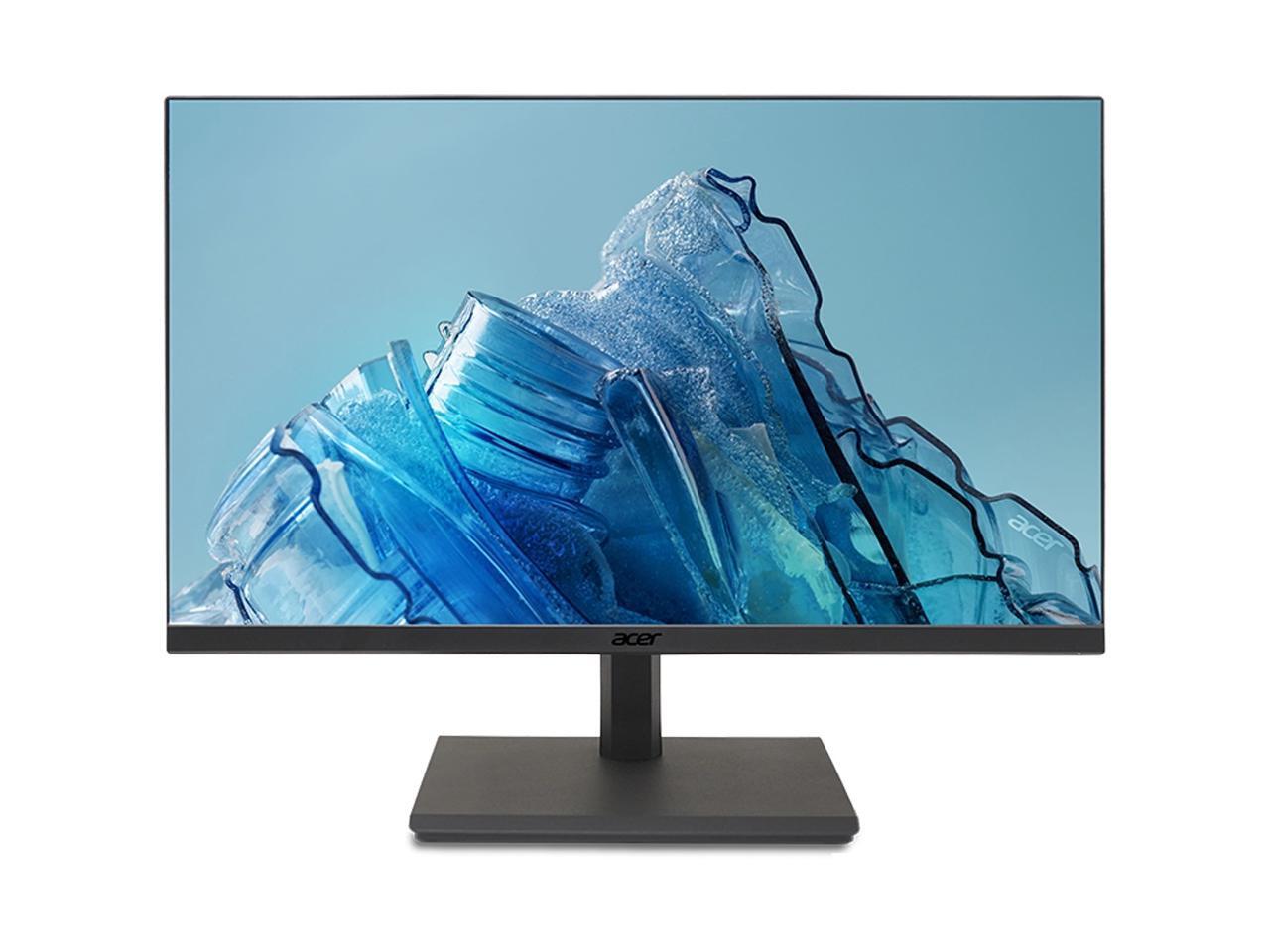
Acer Cb241Y 238 Full Hd Led Lcd Monitor - 16:9 - Black - In-Plane Switching (Ips) Technology - 1920 X 1080 - 167 Million Colors - Freesync - 250 Nit - 1 Ms - 75 Hz Refresh Rate - Hdmi Umqb1Aa004
⚠️ WARNING (California Proposition 65): This product may contain chemicals known to the State of California to cause cancer, birth defects, or other reproductive harm. For more information, please visit www.P65Warnings.ca.gov.
Frequently Asked Questions
Q: What is the screen size of the Acer CB241Y monitor?A: The screen size is twenty-three point eight inches. This provides a spectacular viewing experience with a Full HD resolution.
Q: What resolution does the Acer CB241Y support?A: The monitor supports a resolution of one thousand nine hundred twenty by one thousand eighty pixels. This ensures clear and vibrant visuals for various applications.
Q: What are the dimensions of the Acer CB241Y monitor?A: The dimensions are twelve point seven inches in height, twenty-one point three inches in width, and two point six inches in depth. This makes it suitable for various desk setups.
Q: What type of display technology does the Acer CB241Y use?A: The monitor uses a Flat Panel TFT display. This technology is designed for maximum viewing efficiency and clarity.
Q: What is the response time of the Acer CB241Y?A: The response time is one millisecond VRB. This allows for smooth rendering of fast-moving action without smearing or ghosting.
Q: Does the Acer CB241Y have USB Type-C connectivity?A: Yes, it features USB Type-C connectivity. This allows for powerful and efficient data transfer for maximum productivity.
Q: How do I adjust the settings on the Acer CB241Y monitor?A: You can adjust the settings using the on-screen display menu. Use the buttons on the monitor to navigate through brightness, contrast, and input options.
Q: Is the Acer CB241Y suitable for gaming?A: Yes, it is suitable for gaming due to its one millisecond response time and seventy-five hertz refresh rate. This minimizes blurring and enhances the gaming experience.
Q: Can the Acer CB241Y be wall-mounted?A: Yes, it is VESA compatible for wall mounting. This provides flexibility in positioning the monitor to suit your space.
Q: What are the power-saving features of the Acer CB241Y?A: The monitor is designed to be power-efficient, minimizing heat production. This helps in reducing electricity costs and extends usage duration.
Q: How should I clean the Acer CB241Y monitor?A: You should clean the monitor with a soft, lint-free cloth. Avoid using harsh chemicals or abrasive materials to prevent damage to the screen.
Q: Does the Acer CB241Y come with a warranty?A: Yes, it typically comes with a standard manufacturer warranty. Always check with the retailer for specific warranty details.
Q: What is the maximum brightness level of the Acer CB241Y?A: The maximum brightness level is two hundred fifty nits. This ensures captivating visuals even in well-lit environments.
Q: What is the ideal viewing angle for the Acer CB241Y?A: The ideal viewing angle is up to one hundred eighty degrees. This allows for comfortable viewing from various positions.
Q: How do I connect other devices to the Acer CB241Y?A: You can connect devices using HDMI, DisplayPort, or USB Type-C. These options provide versatile connectivity for computers and peripherals.