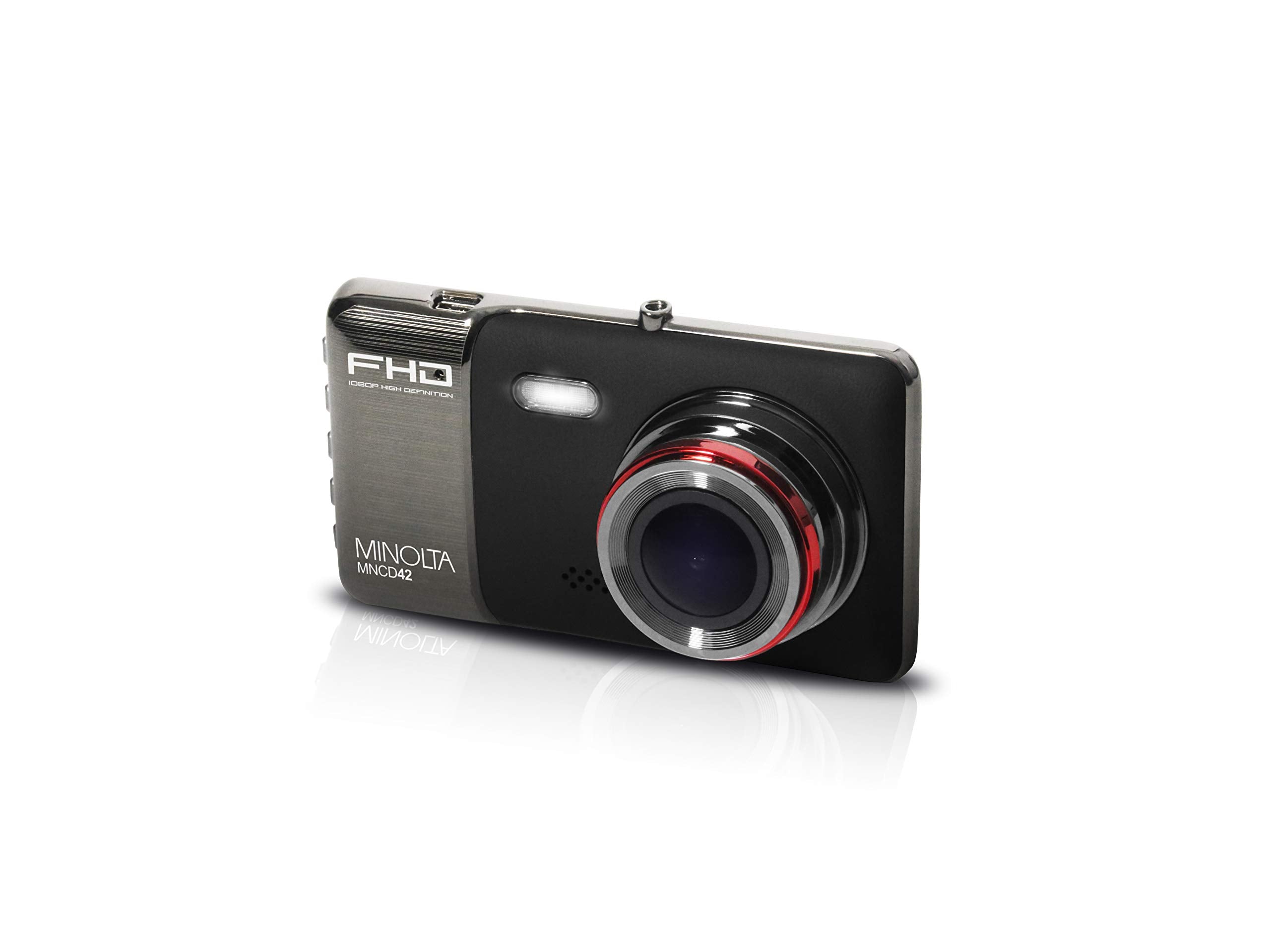
Record Your Daily Travels And Long-Distance Drives In Vivid, Full Hd With The Black Minolta Mncd42 1080P Full Hd Dash Camera With 4-Inch Screen. This Dash Cam Has A 120 Field Of View To Capture Road Action And You Can Use It To Shoot Full Hd Videos And Still Photos Up To 12 Mp Maximum Resolution Then, Play Them Back On The Big Lcd Screen The Dash Cam Also Loop-Records, Overwriting The Oldest Footage First. But, In The Event Of An Impact Or Sudden Stop, Its Built-In G Sensor Locks Key Footage To Prevent Accidental Overwrite. This Dash Cam Is Not Only Your Record-Keeper While On The Road, It Keeps An Eye On Your Car When Its Parked Too-Automatically Recording When It Detects Motion In Its Field Of View.
⚠️ WARNING (California Proposition 65): This product may contain chemicals known to the State of California to cause cancer, birth defects, or other reproductive harm. For more information, please visit www.P65Warnings.ca.gov.
Frequently Asked Questions
Q: What is the resolution of the Minolta MNCD42 Dash Camera?A: The resolution is one thousand eighty p. This allows for recording daily travels in vivid, Full HD.
Q: What is the field of view of this dash camera?A: The field of view is one hundred twenty degrees. This wide-angle lens captures the entire front view of the road.
Q: What are the dimensions of the Minolta MNCD42?A: The camera measures four point two inches in length, one point two inches in width, and two point four inches in height. These compact dimensions make it easy to install in your vehicle.
Q: How does the loop recording feature work?A: The loop recording overwrites the oldest footage first. You can choose between one-minute, three-minute, or five-minute recording loops.
Q: Does the Minolta MNCD42 have a built-in display?A: Yes, it has a four-inch IPS high-resolution LCD monitor. This screen allows you to play back recorded footage easily.
Q: How do I install the Minolta MNCD42 Dash Camera?A: To install, attach the camera to your windshield using the provided mount. Make sure it is securely fixed to avoid any obstruction of your view.
Q: Is this dash camera suitable for night driving?A: Yes, it is suitable for night driving as it records in Full HD. This ensures clear visibility even in low light conditions.
Q: Can I use the Minolta MNCD42 while parked?A: Yes, it can record while parked. The camera automatically starts recording when it detects motion in its field of view.
Q: What is the built-in G sensor used for?A: The built-in G sensor detects impacts. It locks key footage during sudden stops to prevent accidental overwrites.
Q: How do I keep the Minolta MNCD42 in good condition?A: To keep it in good condition, regularly clean the lens with a soft cloth. Avoid exposing it to extreme temperatures.
Q: Is the Minolta MNCD42 safe for use in hot weather?A: Yes, it is safe for use in hot weather. However, it is recommended to avoid direct sunlight for prolonged periods.
Q: What type of batteries does the dash camera use?A: It uses lithium-ion batteries. Ensure they are properly charged and maintained for optimal performance.
Q: What should I do if my Minolta MNCD42 arrives damaged?A: If it arrives damaged, immediately contact customer support for assistance. They will guide you through the return process.
Q: What warranty does the Minolta MNCD42 come with?A: The camera typically comes with a one-year limited warranty. Check the documentation for specific details.
Q: Can I return the Minolta MNCD42 if I don’t like it?A: Yes, you can return it within the specified return period. Make sure to keep the original packaging for the return.
Q: How do I access my recorded footage?A: You can access recorded footage through the LCD screen or by connecting the camera to a computer via USB.