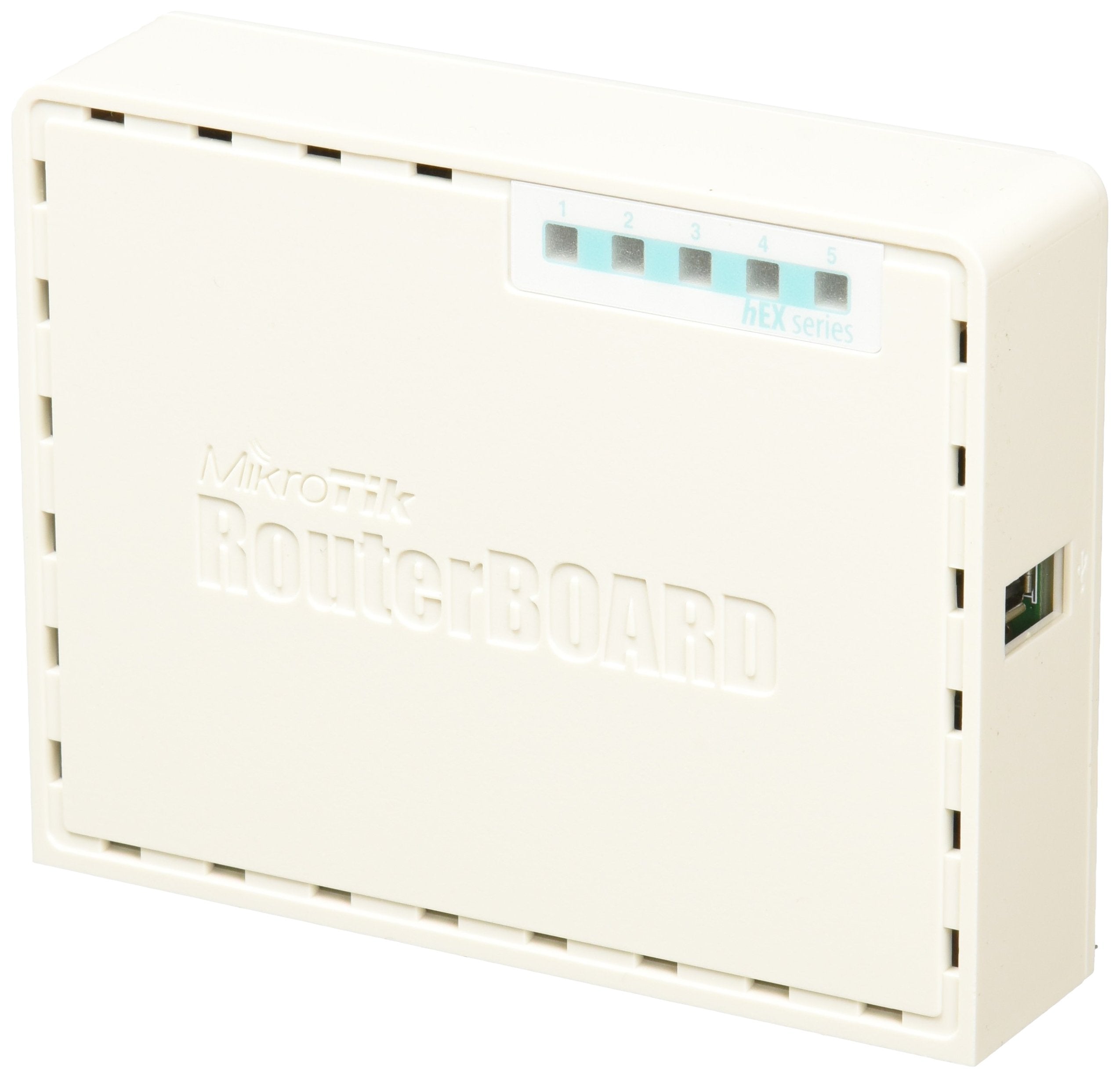
Hex Poe Lite Is A Small Five Port Ethernet Router In A Plastic Case, It Has A Usb 2.0 Port And Poe Output. Ports 2-5 Can Power Other Poe Capable Devices With The Same Voltage As Applied To The Unit. Less Power Adapters And Cables To Worry About! Max Current Is 1A Per Port, Ethernet Ports Are Shielded. It Is Affordable, Small And Easy To Use. With Its Compact Design And Clean Looks, It Will Fit Perfectly Into Any Soho Environment.
⚠️ WARNING (California Proposition 65): This product may contain chemicals known to the State of California to cause cancer, birth defects, or other reproductive harm. For more information, please visit www.P65Warnings.ca.gov.
Frequently Asked Questions
Q: What are the dimensions of the Mikrotik RB750UPr2 router?A: The dimensions of the Mikrotik RB750UPr2 are four point four five inches by three point five inches by one point one inches. This compact design allows it to fit easily into any small office or home office environment.
Q: What is the maximum current per port for the RB750UPr2?A: The maximum current per port for the RB750UPr2 is one ampere. This allows ports two through five to power other PoE-capable devices effectively.
Q: Does the Mikrotik RB750UPr2 have any USB ports?A: Yes, the Mikrotik RB750UPr2 features one USB two point zero port. This can be used for additional connectivity options.
Q: How do I set up the Mikrotik RB750UPr2 router?A: To set up the Mikrotik RB750UPr2, connect it to a power source and your internet connection. Then, access the router's interface through a web browser to configure your settings.
Q: Is the Mikrotik RB750UPr2 suitable for home use?A: Yes, the Mikrotik RB750UPr2 is ideal for home use due to its compact size and ease of use. It is particularly effective in small office and home office environments.
Q: Can I use the Mikrotik RB750UPr2 to power other devices?A: Yes, the Mikrotik RB750UPr2 can power other PoE capable devices through its ports two to five. This simplifies your setup by reducing the need for extra power adapters.
Q: What materials is the Mikrotik RB750UPr2 made from?A: The Mikrotik RB750UPr2 is housed in a plastic case. This lightweight material contributes to its portability and ease of installation.
Q: What type of Ethernet ports does the Mikrotik RB750UPr2 have?A: The Mikrotik RB750UPr2 features five shielded Ethernet ports. These provide reliable and secure connections for network devices.
Q: What is the PoE input/output type for the RB750UPr2?A: The PoE input/output type for the RB750UPr2 is passive PoE. This allows for efficient power management of connected devices.
Q: How do I monitor the performance of the Mikrotik RB750UPr2?A: You can monitor the performance of the Mikrotik RB750UPr2 through its built-in current, PCB temperature, and voltage monitoring features. This helps ensure optimal operation.
Q: Is there a warranty for the Mikrotik RB750UPr2?A: Yes, the Mikrotik RB750UPr2 typically comes with a manufacturer's warranty. Warranty details can vary, so it's advisable to check with the retailer.
Q: What are the main features of the Mikrotik RB750UPr2?A: The main features of the Mikrotik RB750UPr2 include five Ethernet ports, PoE output, a USB port, and a compact design. It is user-friendly and affordable.
Q: Can the Mikrotik RB750UPr2 handle high traffic?A: Yes, the Mikrotik RB750UPr2 is designed to handle moderate network traffic efficiently. It is suitable for small networks typical in home or office settings.
Q: Does the Mikrotik RB750UPr2 require special installation tools?A: No, the Mikrotik RB750UPr2 does not require special installation tools. Its design allows for straightforward plug-and-play setup.
Q: What is the power input requirement for the RB750UPr2?A: The Mikrotik RB750UPr2 requires a standard power input through its PoE capability. Ensure the input voltage matches the device specifications.