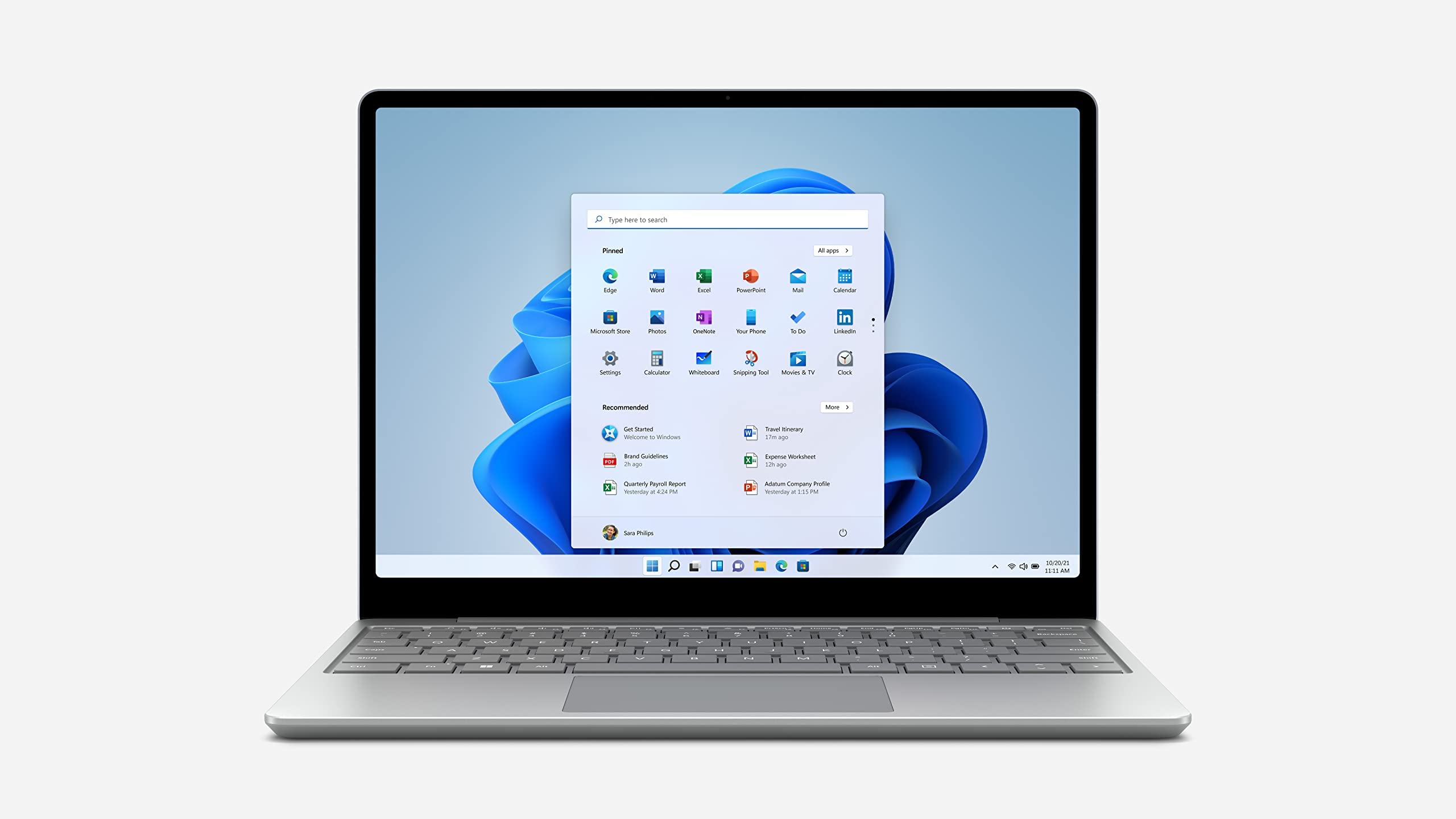
Make The Most Of Every Day With The Sleek Style, Performance, And All-Day Battery Life You Need In Our Lightest Surface Laptop, All At An Exceptional Value. Ultra-Light And Portable Profile, The Apps You Use Every Day, Premium Materials, And A Choice Of Must-Have Colors Will Make This Your Go-To Laptop.Surface Laptop Go Display Has Rounded Corners Within A Standard Rectangle. When Measured As A Standard Rectangular Shape The Screen Is 12.45 Diagonally (Actual Viewable Area Is Less). Some Accessories And Software Sold Separately.
⚠️ WARNING (California Proposition 65): This product may contain chemicals known to the State of California to cause cancer, birth defects, or other reproductive harm. For more information, please visit www.P65Warnings.ca.gov.
Frequently Asked Questions
Q: What are the dimensions of the Microsoft Surface Laptop Go?A: The Microsoft Surface Laptop Go measures nine point twenty-seven inches in length, twelve point nineteen inches in width, and one point ninety-three inches in height.
Q: What type of processor does the Microsoft Surface Laptop Go have?A: The Microsoft Surface Laptop Go is equipped with a tenth generation Intel Core i5 processor, providing efficient performance for daily tasks.
Q: How much memory does the Microsoft Surface Laptop Go come with?A: The laptop features eight gigabytes of memory, allowing for smooth multitasking and efficient operation of applications.
Q: How do I set up the Microsoft Surface Laptop Go?A: To set up the Microsoft Surface Laptop Go, simply power it on, follow the on-screen instructions, and connect to your Wi-Fi network.
Q: Is the Microsoft Surface Laptop Go suitable for gaming?A: While the Microsoft Surface Laptop Go can handle casual gaming, it is not specifically designed for high-performance gaming due to its integrated graphics.
Q: Can I use the Microsoft Surface Laptop Go for video calls?A: Yes, the Microsoft Surface Laptop Go includes a built-in seven hundred twenty p HD camera, making it suitable for video calls and virtual meetings.
Q: How do I maintain the battery life of the Microsoft Surface Laptop Go?A: To maintain the battery life, avoid letting it discharge completely, keep it charged between twenty to eighty percent, and minimize high-performance tasks when not plugged in.
Q: What should I do to clean the Microsoft Surface Laptop Go?A: To clean the Microsoft Surface Laptop Go, use a soft, lint-free cloth and a mild cleaning solution. Avoid using harsh chemicals or abrasive materials.
Q: Is the Microsoft Surface Laptop Go safe for children?A: Yes, the Microsoft Surface Laptop Go is safe for children, but adult supervision is recommended when they are using it, especially online.
Q: What is the warranty for the Microsoft Surface Laptop Go?A: The Microsoft Surface Laptop Go typically comes with a one-year limited warranty, covering defects in materials and workmanship.
Q: What if the Microsoft Surface Laptop Go arrives damaged?A: If the Microsoft Surface Laptop Go arrives damaged, contact customer support immediately for assistance with returns and replacements.
Q: Can I upgrade the memory on the Microsoft Surface Laptop Go?A: No, the memory on the Microsoft Surface Laptop Go is soldered onto the motherboard and cannot be upgraded after purchase.
Q: What colors are available for the Microsoft Surface Laptop Go?A: The Microsoft Surface Laptop Go is available in a variety of colors, including Platinum, which is a popular choice.
Q: Does the Microsoft Surface Laptop Go come with Microsoft Office?A: No, the Microsoft Surface Laptop Go does not come pre-installed with Microsoft Office, but you can purchase a subscription to Microsoft 365 separately.
Q: Is the Microsoft Surface Laptop Go good for students?A: Yes, the Microsoft Surface Laptop Go is an excellent choice for students due to its lightweight design and strong performance for school tasks.
Q: How do I troubleshoot common issues with the Microsoft Surface Laptop Go?A: For troubleshooting, refer to the Microsoft support website, where you can find solutions for common issues and FAQs.