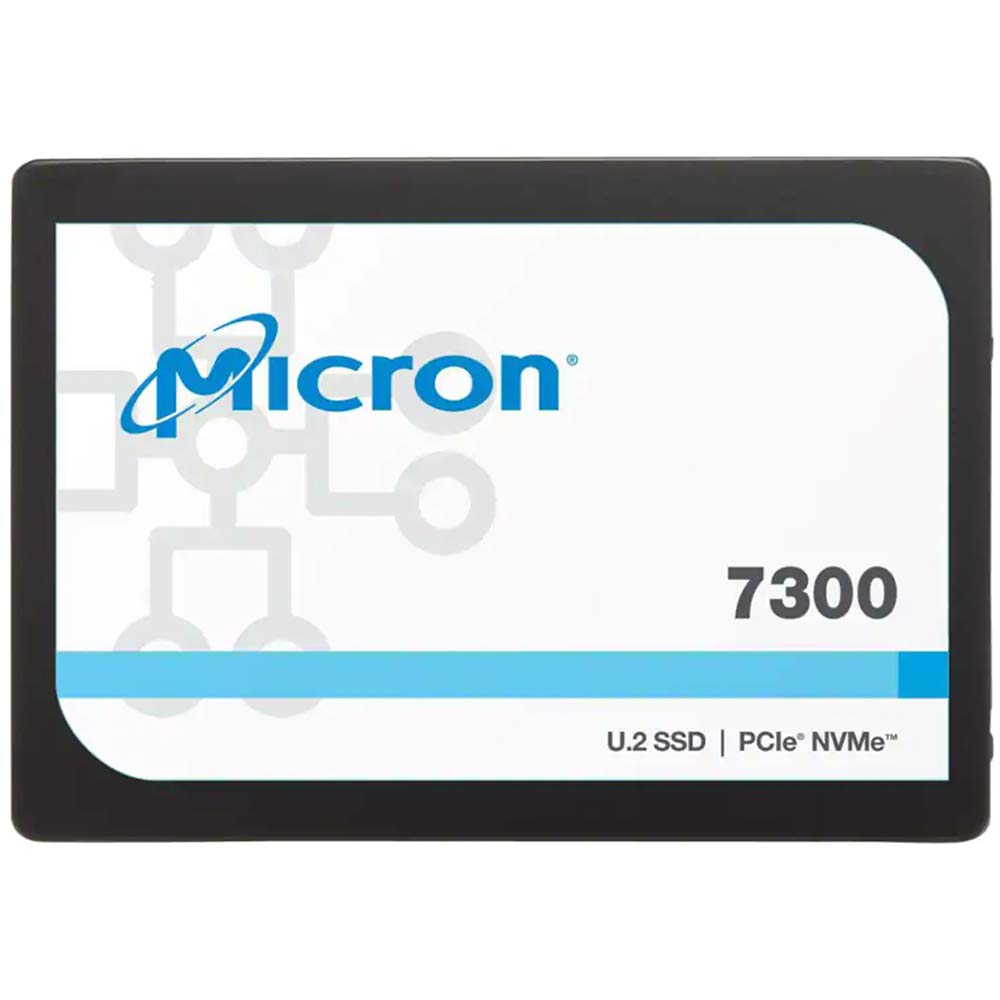
Micron 7300 Pronvme For The Massesfrom Data Center It To Performance In The Cloud, Your Applications Demand The Fast, Low Latency And Consistent Performance Of Nvme Ssds. Don'T Save Nvme For Only The Top Workloads. Expand The Benefits Of Nvme Across Your Data Center With Micron'S 7300 Ssds. Built For Workloads That Demand High Throughput And Low Latency While Staying Within Budget, The Micron 7300 Is Ideal For Broadly, Mixed Read-Write, Compute, And Virtualized Workloads Of Today.A Complete Nvme Platformget End-To-End Nvme - From System Startup To Caching To Main Data Storage. Whether You'Re Booting, Storing, Or Caching, The Micron 7300 Mainstream Nvme Ssds Are The Solution For Data Center Infrastructures. System Startup: Start Your Systems Right With Data Center Nvme In 80Mm And 110Mm M.2 Form Factor With Boot-Specific Capacities As Low As 400Gb. Storing: Unlock The Value Of Vast Data Stores By Finding The Insights, Sorting Them, And Acting On Them Right Away With The Micron 7300 Pro. Caching: When Hot Data Drives Your Business Day In And Day Out, Handle The Extreme Workloads With The High Endurance And Low, Predictable Latency Of The Micron 7300 Max.7300 Ssd Key Benefitsnvme Performance; Approachable Price Pointget Up To 6X The Performance Of Data Center Sata Ssds At Comparable Prices.Single Port Or Dual Portchoose Simple, Scalable In-Platform Single Port Or Dual Path, External Storage Controller Dual Port, Dual Controller Designs (Enabling Outside The Drive Redundancy) So Storage Systems Can Share The Io Load For Failover, High Availability, Or Custom Uses.Micron'S 96L Nand Technologybring The Kind Of High Performance And Reliability Required For Numerous Applicati
⚠️ WARNING (California Proposition 65): This product may contain chemicals known to the State of California to cause cancer, birth defects, or other reproductive harm. For more information, please visit www.P65Warnings.ca.gov.
Frequently Asked Questions
Q: What is the storage capacity of the Micron 7300 Pro SSD?A: The storage capacity is one point nine two terabytes. This allows for substantial data storage suitable for various applications.
Q: What are the physical dimensions of the Micron 7300 Pro SSD?A: The dimensions are two point five inches in width and seven millimeters in height. This compact size fits standard data center SSD slots.
Q: What type of interface does the Micron 7300 Pro use?A: It uses a PCIe Gen3 one by four NVMe interface. This ensures fast data transfer rates essential for high-performance applications.
Q: How do I install the Micron 7300 Pro SSD?A: You install it by inserting it into a compatible M.2 slot on your motherboard. Ensure your system is powered off before installation.
Q: Is the Micron 7300 Pro suitable for gaming?A: Yes, it is suitable for gaming. Its high throughput and low latency improve game load times and overall performance.
Q: Can I use the Micron 7300 Pro for data storage and caching?A: Yes, it is designed for both storing and caching data. This versatility makes it great for varied workloads.
Q: How do I keep the Micron 7300 Pro in good condition?A: Keep it in a dry, cool environment and ensure proper ventilation. Regularly check for firmware updates to maintain performance.
Q: What is the endurance rating of the Micron 7300 Pro?A: The endurance rating is four point two petabytes written. This high endurance is ideal for write-intensive applications.
Q: What do I do if the Micron 7300 Pro SSD is not recognized?A: Check the connection to ensure it is securely installed. If issues persist, try reinstalling drivers or checking BIOS settings.
Q: Does the Micron 7300 Pro come with a warranty?A: Yes, it typically comes with a limited warranty. Check the manufacturer's website for specific terms and duration.
Q: Is the Micron 7300 Pro compatible with all systems?A: No, it is not compatible with all systems. Ensure your system supports NVMe and has the appropriate M.2 slot.
Q: What is the expected lifespan of the Micron 7300 Pro SSD?A: The lifespan can exceed five years if used under normal conditions. Proper care can help extend its longevity.
Q: Does the Micron 7300 Pro support dual port configurations?A: Yes, it supports dual port configurations. This allows for enhanced redundancy and load balancing in storage systems.
Q: How do I format the Micron 7300 Pro SSD for use?A: You can format it using your operating system's disk management tool. Ensure you back up any important data before formatting.
Q: What type of NAND technology does the Micron 7300 Pro use?A: It uses Micron's ninety-six-layer NAND technology. This technology enhances performance and reliability for demanding applications.