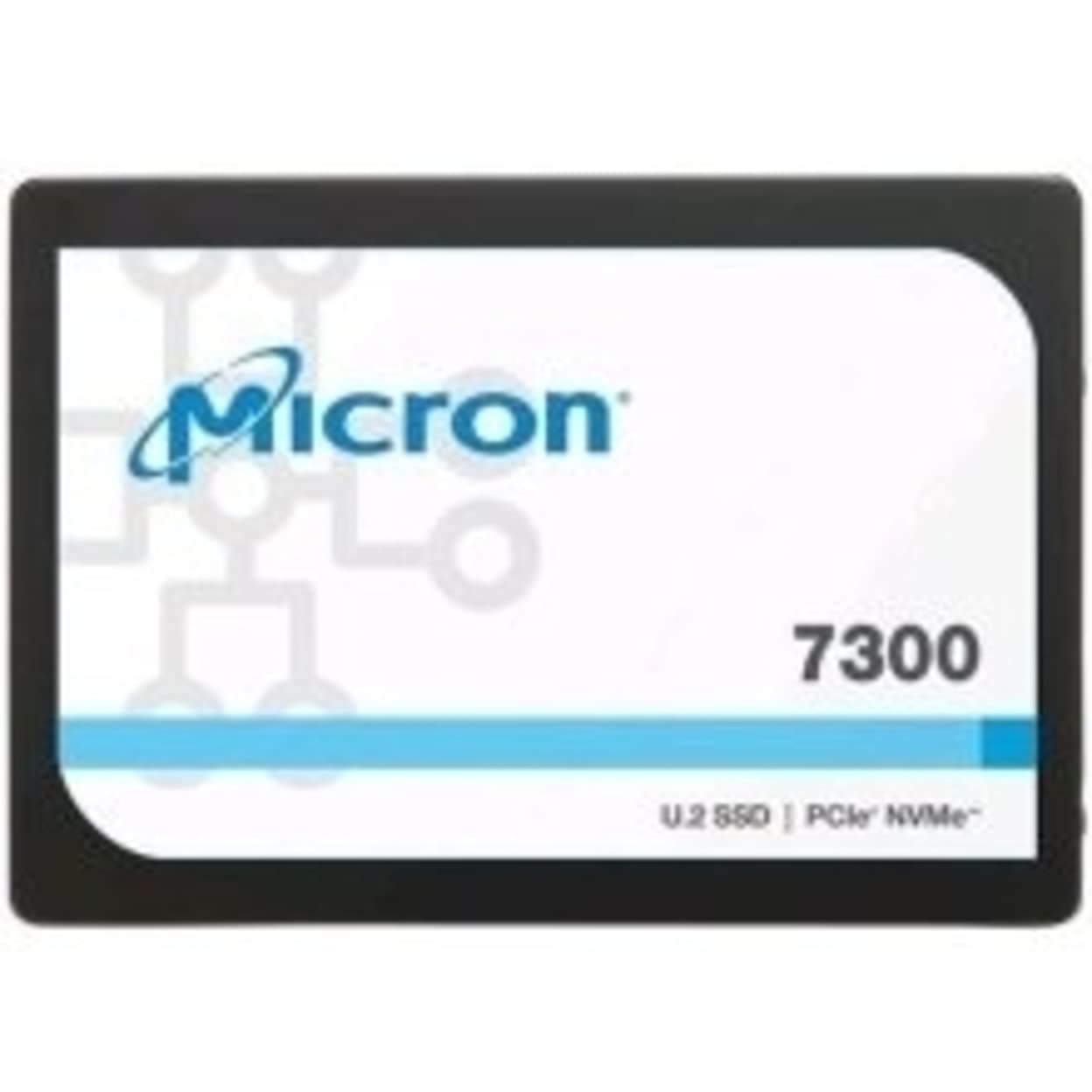
Specifications Mfr Part Number: &Nbsp;Mtfdhbe960Tdf-1Aw1Zabyy Capacity: &Nbsp;960Gb Form Factor: 2.5 Inch Product Line:&Nbsp; 7300 Pro Performance: Sequential Read Speed(128Kb): &Nbsp;2400 Mb/S Sequential Write Speed(128Kb): &Nbsp;700 Mb/S
⚠️ WARNING (California Proposition 65): This product may contain chemicals known to the State of California to cause cancer, birth defects, or other reproductive harm. For more information, please visit www.P65Warnings.ca.gov.
Frequently Asked Questions
Q: What is the capacity of the Micron 7300 PRO Solid State Drive?A: The capacity is nine hundred sixty gigabytes. This allows for substantial storage for applications and files.
Q: What are the dimensions of the Micron 7300 PRO Solid State Drive?A: The dimensions are approximately zero point nine three inches in height, nine point two inches in width, and nine point three inches in length. This compact design fits standard two point five-inch drive bays.
Q: What type of interface does the Micron 7300 PRO use?A: It uses a PCI Express NVMe three point one interface. This ensures fast data transfer rates and efficient performance.
Q: How do I install the Micron 7300 PRO Solid State Drive?A: To install, simply insert the drive into a compatible U.2 connector in your system. Ensure your computer is powered off before installation.
Q: Is the Micron 7300 PRO suitable for gaming?A: Yes, it is suitable for gaming. The high sequential read and write speeds enhance loading times and overall gaming performance.
Q: Can I use the Micron 7300 PRO for video editing?A: Yes, it is great for video editing. Its read-intensive performance allows for smooth playback and quick file transfers.
Q: What is the warranty period for the Micron 7300 PRO?A: The warranty period is typically five years. This provides peace of mind regarding the drive's reliability.
Q: How do I maintain the Micron 7300 PRO Solid State Drive?A: To maintain it, ensure proper ventilation and avoid physical shocks. Regularly update firmware for optimal performance.
Q: Is the Micron 7300 PRO safe in terms of data security?A: Yes, it is designed with data integrity in mind. The drive includes features that protect against data loss.
Q: What should I do if the drive arrives damaged?A: If it arrives damaged, contact customer support for a return or replacement. They will guide you through the process.
Q: Does the Micron 7300 PRO require special drivers?A: No, it does not require special drivers. It is recognized by most modern operating systems without additional software.
Q: How does the Micron 7300 PRO compare to traditional hard drives?A: It significantly outperforms traditional hard drives in speed and reliability. The solid state technology provides faster access times.
Q: Is the Micron 7300 PRO compatible with all laptops?A: No, it is not compatible with all laptops. It requires a U.2 connector and a compatible motherboard.
Q: Can I use the Micron 7300 PRO in a RAID setup?A: Yes, it can be used in a RAID setup. This enhances performance and provides redundancy for data safety.
Q: What operating systems are compatible with the Micron 7300 PRO?A: It is compatible with various operating systems including Windows, Linux, and macOS. Ensure your system supports NVMe.


![Micron 7300 7300 Pro 960 Gb Solid State Drive 2.5 Internal U.2 [Sff 8639] Nvme [Pci Express Nvme 3.1 X4] Read Intensive](http://electroeshop.com/cdn/shop/files/51Pf0jykJKS.jpg?v=1759823471&width=1400)