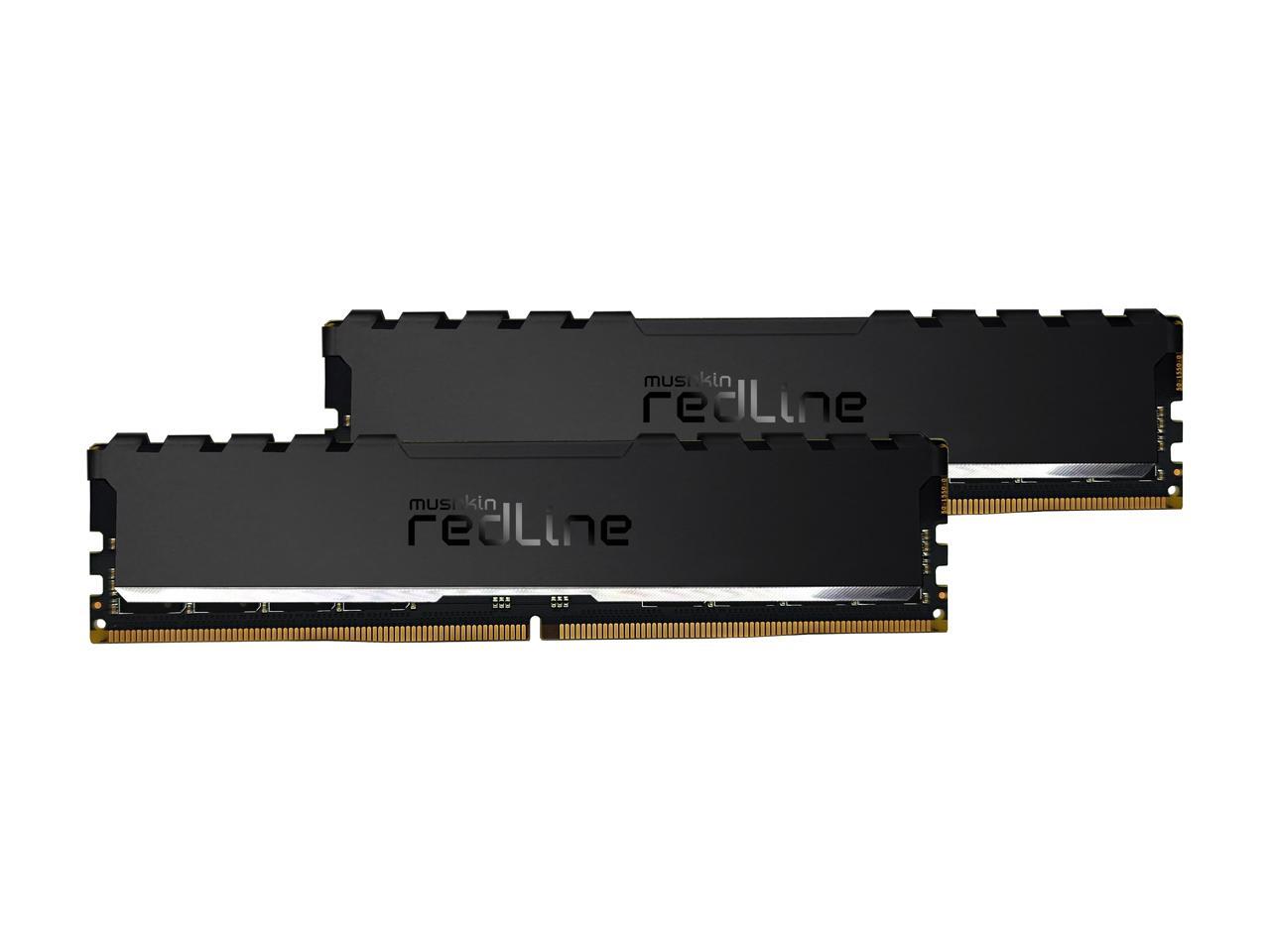
Mushkin Enhanced Redline Stiletto 64Gb (2 X 32Gb) 288-Pin Pc Ram Ddr4 3600 (Pc4 28800) Desktop Memory Model Mrf4U360Jnnm32Gx2
⚠️ WARNING (California Proposition 65): This product may contain chemicals known to the State of California to cause cancer, birth defects, or other reproductive harm. For more information, please visit www.P65Warnings.ca.gov.
Frequently Asked Questions
Q: What is the capacity of the Mushkin RAM?A: The capacity is sixty-four gigabytes. This large memory size is ideal for gaming, video editing, and demanding applications.
Q: What is the speed of the Mushkin RAM?A: The speed is three thousand six hundred megahertz. This high frequency allows for faster data transfer and improved overall system performance.
Q: What is the CAS latency of this RAM?A: The CAS latency is eighteen. A lower CAS latency means quicker access to data, enhancing performance in memory-intensive tasks.
Q: What is the model number of this RAM?A: The model number is MRF4U360JNNM32GX2. This identifier helps locate product specifications and support information.
Q: What color is the Mushkin RAM?A: The RAM is black. This color fits well with most gaming and PC builds, providing a sleek aesthetic.
Q: How much does the Mushkin RAM weigh?A: The weight is zero point two pounds. Its lightweight design makes it easy to handle during installation.
Q: Is this RAM compatible with most motherboards?A: Yes, it is compatible with most motherboards that support DDR4 memory. Ensure your motherboard specifications match the RAM type and speed.
Q: How do I install the Mushkin RAM?A: To install, open your computer case, locate the RAM slots, and insert the RAM sticks firmly until they click into place. Ensure the system is powered off during installation.
Q: Is this RAM suitable for gaming?A: Yes, this RAM is well-suited for gaming. Its high speed and capacity ensure smooth gameplay and fast loading times.
Q: How should I clean the Mushkin RAM?A: To clean, gently wipe the surface with a soft, dry cloth. Avoid using any liquid cleaners, as they can damage electronic components.
Q: Is the Mushkin RAM safe to handle?A: Yes, it is safe to handle. However, it's recommended to use anti-static precautions, such as grounding yourself, to prevent static damage.
Q: How should I store unused Mushkin RAM?A: Store it in an anti-static bag in a cool, dry place. This helps protect the RAM from dust and static electricity.
Q: What if the RAM does not fit in my motherboard?A: If the RAM does not fit, check compatibility with your motherboard's specifications. You may require an adapter or different RAM type.
Q: What is the warranty on the Mushkin RAM?A: The warranty is typically limited lifetime. Always check the manufacturer's warranty policy for specific details.
Q: What do I do if the RAM is defective?A: If defective, contact the retailer or manufacturer for a return or replacement. Keep your purchase receipt for warranty claims.