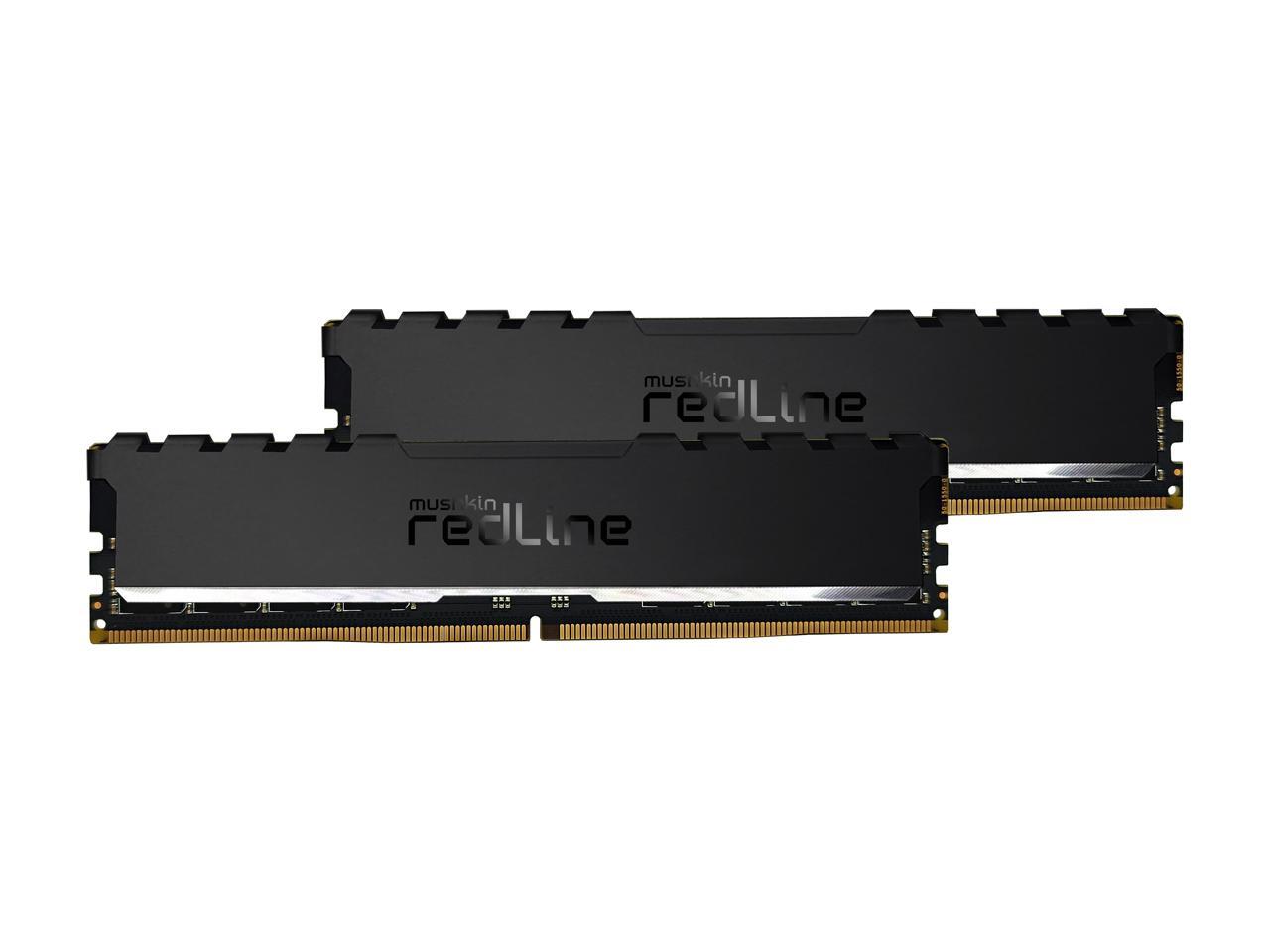
Mushkin Enhanced Redline Stiletto 64Gb (2 X 32Gb) 288-Pin Pc Ram Ddr4 3200 (Pc4 25600) Desktop Memory Model Mrf4U320Gjjm32Gx2
⚠️ WARNING (California Proposition 65): This product may contain chemicals known to the State of California to cause cancer, birth defects, or other reproductive harm. For more information, please visit www.P65Warnings.ca.gov.
Frequently Asked Questions
Q: What is the memory capacity of the Mushkin RAM D4?A: The capacity is sixty-four gigabytes. This high capacity is ideal for demanding applications like gaming and video editing.
Q: What is the speed of the Mushkin RAM D4?A: The speed is three thousand two hundred megahertz. This ensures fast data transfer rates for improved system performance.
Q: What type of memory is the Mushkin RAM D4?A: It is DDR4 memory. DDR4 offers better speed and efficiency compared to previous generations of RAM.
Q: What are the dimensions of the Mushkin RAM D4?A: The dimensions are not specified, but it is designed to fit standard DIMM slots. Ensure your motherboard supports DDR4 memory for compatibility.
Q: What is the weight of the Mushkin RAM D4?A: The item weight is one kilogram. This weight is typical for memory modules of this size and type.
Q: How do I install the Mushkin RAM D4?A: Installation is straightforward: open your computer case, locate the memory slots, and securely insert the RAM into the slots. Ensure your system is powered off during installation.
Q: Is the Mushkin RAM D4 suitable for gaming?A: Yes, it is suitable for gaming. The high capacity and speed provide excellent performance for modern games and multitasking.
Q: Can I use the Mushkin RAM D4 for video editing?A: Yes, it is ideal for video editing. The sixty-four gigabytes of memory allows for smooth handling of large files and multiple software applications.
Q: Is the Mushkin RAM D4 compatible with my motherboard?A: Compatibility depends on your motherboard supporting DDR4. Check your motherboard specifications to confirm compatibility.
Q: How do I clean the Mushkin RAM D4?A: Use a soft, dry cloth to gently clean the RAM. Avoid any liquids or abrasive materials that could damage the components.
Q: What is the warranty for the Mushkin RAM D4?A: The warranty details vary, but Mushkin typically offers a limited lifetime warranty. Check the product documentation for specific terms.
Q: Can I return the Mushkin RAM D4 if it doesn't work?A: Yes, you can return it if it arrives damaged or does not work. Review the return policy for detailed instructions.
Q: What should I do if the Mushkin RAM D4 is not recognized by my system?A: First, ensure it is properly seated in the slot. If it still isn't recognized, check for BIOS updates or consult technical support.
Q: Is the Mushkin RAM D4 energy efficient?A: Yes, DDR4 RAM like this model is designed to be energy efficient, helping to reduce overall power consumption in your system.
Q: What is the CAS latency of the Mushkin RAM D4?A: The CAS latency is sixteen. This low latency contributes to the overall performance and responsiveness of the memory.