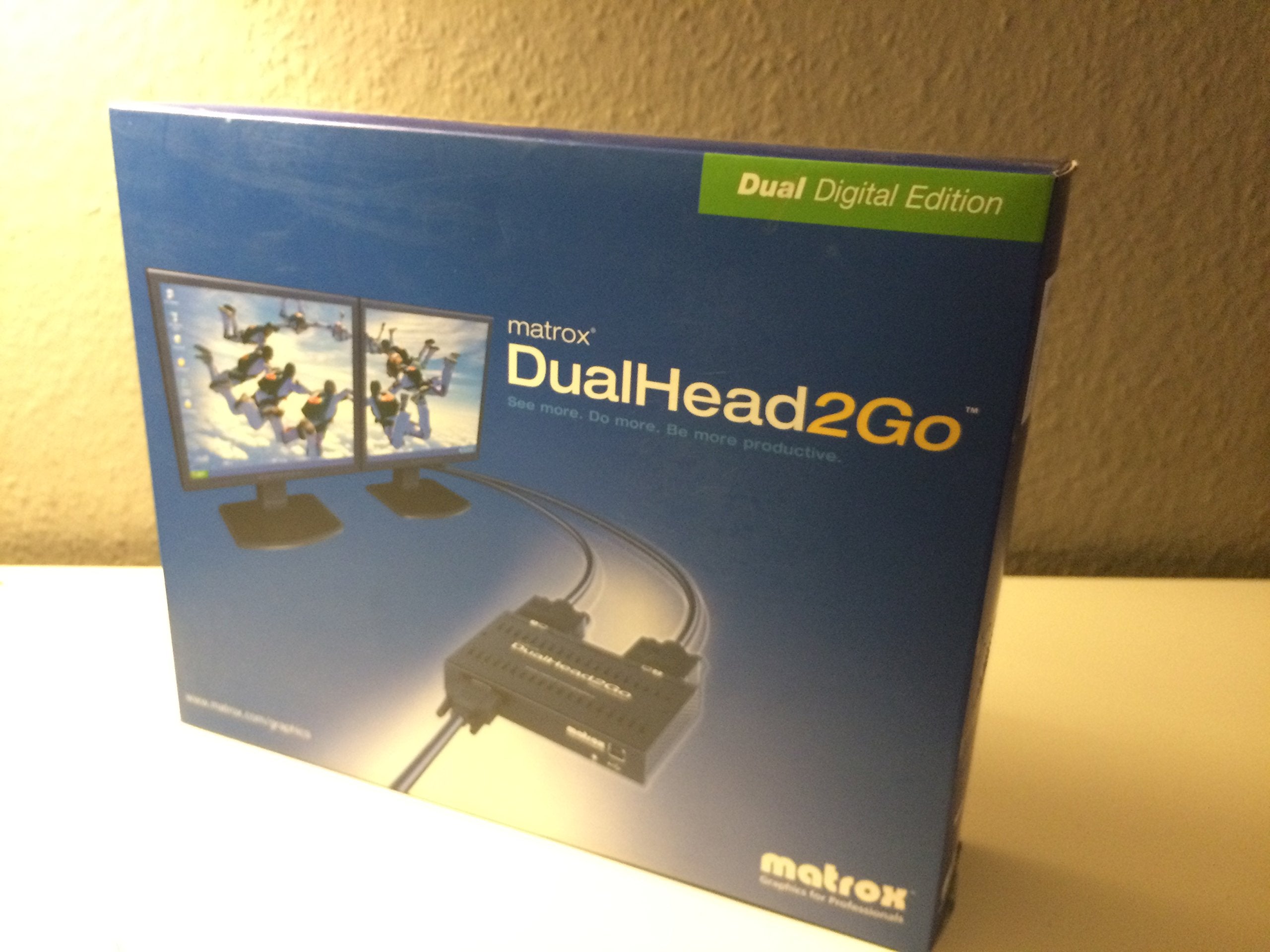
Detail Specifications 1.Add Two Independent Displays To Your Notebook Or Desktop System And Create A Fully Symmetrical Dualhead?Setup. 2.Run Your Desktop At Up To 3840 X 1200 Resolution Stretched Across Two Displays (1920X1200 Per Display)1. 3.Harness The Full Graphics Rendering Power Of Your Existing Notebook Or Desktop Computer. This Includes The Full Video And 3D Capabilities Of Your Embedded Graphics Solution. 4.Rade Intel Integrated Graphics On A Desktop To Dualhead?Without Opening The Chassis Of The Computer. 5.Matrox Powerdesk Se Software (For Windows Only) Seamlessly Manages Window Positioning And Message Pop-Ups And Offers The Flexibility To Select A Wider Range Of Resolutions, Including Support For Widescreen And Standard Aspect Ratios. 6.Compact Device That May Easily Be Taken On The Road With You. 7.Can Be Used With Either Analog1 Or Digital Panels. 8.Compatible With Both Windows And Mac Operating Systems. Product Information Dimensions - 10 Cm X 14 Cm X 3.2 Cm Weight - 235 Grams Connectors - Hd-15 (Analog) X 1 (Input); Dvi-I (Digital) X 2 (Outputs), Usb Part Number - D2G-A2D-If Hardware Included - Dualhead2Go Digital Edition Connector Box - One 2-Foot Hd15-To-Hd15 (Analog) Monitor Cable - One Usb Cable Optional Upgrades - Two Dvi (Male) To Hd15 (Female) Adapters Sold Separately Minimum System Requirements - Single Vga Output Connector, On A Compatible System - Microsoft?Windows?Xp, Windows 2000, Windows Xp X64Bit, Windows Vista?And Mac?Os X V10.4 - Display Driver Supporting 2048 X 768 Or 2560 X 1024 Resolution - Powered Usb Connector Warranty - 2 Years
⚠️ WARNING (California Proposition 65): This product may contain chemicals known to the State of California to cause cancer, birth defects, or other reproductive harm. For more information, please visit www.P65Warnings.ca.gov.
Frequently Asked Questions
Q: What are the dimensions of the Matrox DualHead2Go Digital Edition?A: The dimensions are ten centimeters long, fourteen centimeters wide, and three point two centimeters high. This compact size makes it portable for travel.
Q: How much does the Matrox DualHead2Go Digital Edition weigh?A: It weighs two hundred thirty-five grams. This lightweight design enhances its portability for users on the go.
Q: What connectors are included with the Matrox DualHead2Go?A: The device has one HD-15 (analog) input and two DVI-I (digital) outputs. It also includes a USB connector for additional functionality.
Q: What systems is the Matrox DualHead2Go compatible with?A: It is compatible with both Microsoft Windows and Mac operating systems. This versatility allows users to enhance their display setup across different platforms.
Q: How do I install the Matrox DualHead2Go Digital Edition?A: You can install it by connecting the device to your computer's VGA output and connecting two monitors to the DVI outputs. Follow the included instructions for seamless setup.
Q: Is the Matrox DualHead2Go suitable for gaming?A: Yes, it supports up to three thousand eight hundred forty by one thousand two hundred resolution across two displays. This enables a rich gaming experience with enhanced visuals.
Q: How should I care for the Matrox DualHead2Go?A: Keep it in a dry environment and clean it with a soft cloth to remove dust. Avoid exposing it to extreme temperatures to ensure longevity.
Q: Does the Matrox DualHead2Go come with a warranty?A: Yes, it comes with a two-year warranty. This warranty covers defects in materials and workmanship under normal use.
Q: Can I use the Matrox DualHead2Go with a laptop?A: Yes, it can be used with a laptop that has a single VGA output connector. This allows you to extend your display capabilities.
Q: What is the maximum resolution supported by this device?A: The maximum supported resolution is three thousand eight hundred forty by one thousand two hundred. This allows for high-definition display across two monitors.
Q: Is additional software required for the Matrox DualHead2Go?A: Yes, the Matrox PowerDesk SE software is required for Windows users. It helps manage window positioning and offers flexibility in resolution selection.
Q: What type of monitors can I use with the Matrox DualHead2Go?A: You can use both analog and digital monitors with this device. This flexibility allows for a variety of display setups.
Q: How do I troubleshoot if my setup isn’t working?A: First, check all cable connections and ensure the monitors are powered on. If issues persist, refer to the user manual for detailed troubleshooting steps.
Q: What do I do if the Matrox DualHead2Go arrives damaged?A: Contact the retailer or manufacturer immediately to report the damage. Most products come with a return policy for such situations.
Q: Can I use this device for video editing?A: Yes, it is suitable for video editing as it harnesses the full graphics rendering power of your computer. This enhances the editing experience with dual displays.
Q: Is there a way to upgrade the Matrox DualHead2Go?A: Yes, optional upgrades include two DVI (male) to HD15 (female) adapters. These are sold separately to enhance connectivity.