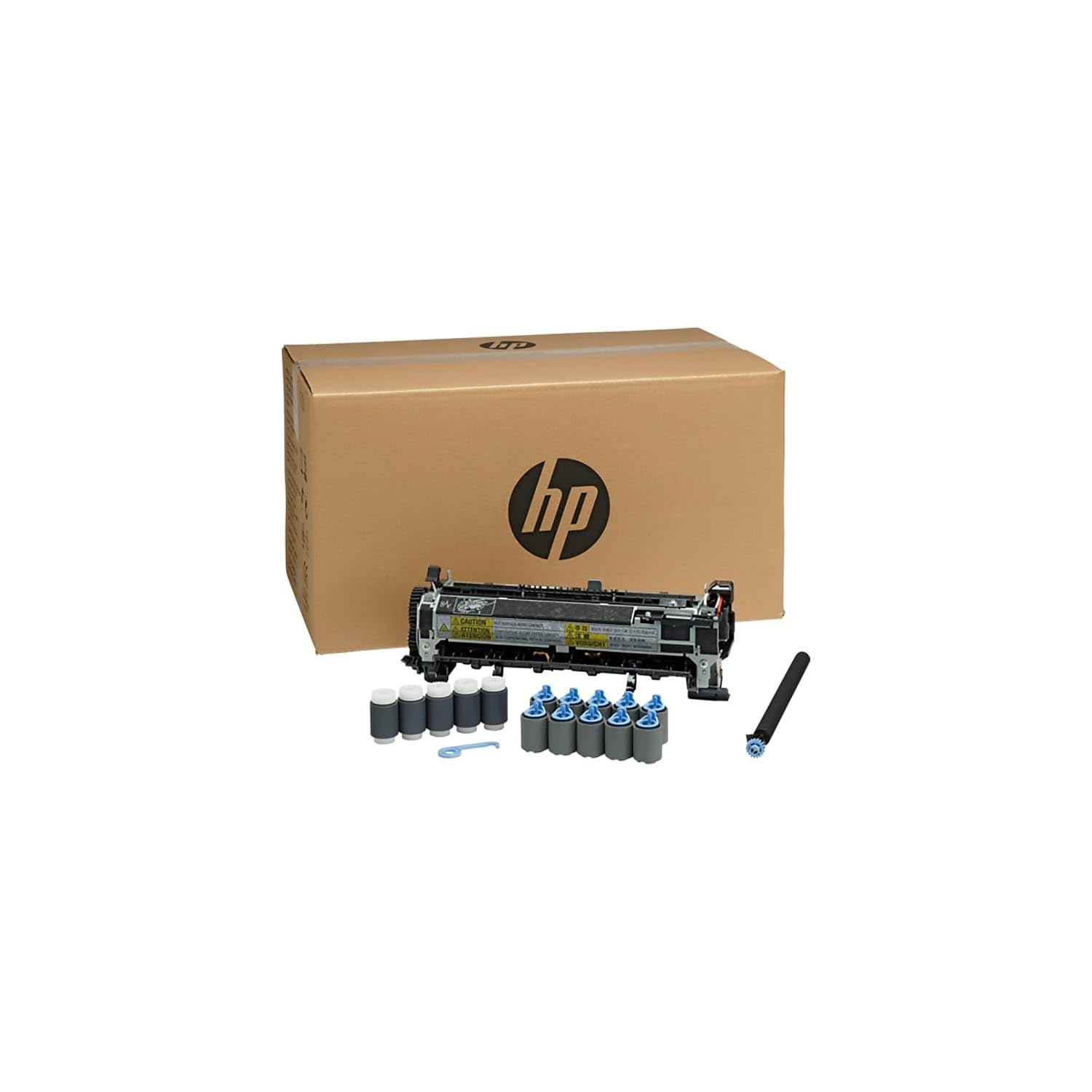
Hp Laserjet Enterprise 600 M601, M602, M603 Series, Color Lj P4034, 4035 Maintenance Kit (110V) (225,000 Yield)
⚠️ WARNING (California Proposition 65): This product may contain chemicals known to the State of California to cause cancer, birth defects, or other reproductive harm. For more information, please visit www.P65Warnings.ca.gov.
Frequently Asked Questions
Q: What is the size of the Maintenance Kit?A: The Maintenance Kit dimensions are ten point five inches in height, eighteen point nine inches in width, and eleven point six inches in depth.
Q: How many pages can this maintenance kit yield?A: This maintenance kit can yield two hundred twenty-five thousand pages, ensuring long-lasting performance for your printer.
Q: What printers are compatible with this maintenance kit?A: This kit is compatible with HP LaserJet Enterprise models M604n, M604dn, M605n, M605dn, M605x, M606dn, and M606x.
Q: How do I install the Maintenance Kit?A: To install the Maintenance Kit, follow the instructions in your printer's manual, which typically involve opening the printer and replacing the transfer rollers.
Q: Is this maintenance kit suitable for home use?A: Yes, this maintenance kit is suitable for home use, particularly for HP LaserJet printers in high-volume printing environments.
Q: Can I use this kit for color printers?A: Yes, this maintenance kit is compatible with the Color LJ P4034 and P4035 printers, making it versatile for color printing needs.
Q: How do I clean my printer after using this kit?A: After using the kit, clean your printer by gently wiping the interior with a lint-free cloth to remove any debris or toner residue.
Q: What is the best way to store the Maintenance Kit?A: Store the Maintenance Kit in a cool, dry place to prevent any damage and ensure optimal performance when needed.
Q: How often should I replace the maintenance kit?A: You should replace the maintenance kit after the yield of two hundred twenty-five thousand pages or when your printer indicates it's time for a replacement.
Q: What should I do if the kit arrives damaged?A: If the kit arrives damaged, contact customer support immediately for assistance with returns or exchanges according to the warranty policy.
Q: Is there a warranty on this maintenance kit?A: Yes, this maintenance kit typically comes with a manufacturer's warranty, covering defects and ensuring reliable performance.
Q: How do I know when my printer needs maintenance?A: Your printer will usually display an alert when maintenance is needed, or you may notice a decline in print quality.
Q: Can I buy this maintenance kit in bulk?A: Yes, you can purchase this maintenance kit in bulk, which may provide cost savings for businesses with multiple printers.
Q: Does this maintenance kit come with installation instructions?A: Yes, the maintenance kit comes with installation instructions to guide you through the replacement process.
Q: Is this maintenance kit easy to install?A: Yes, the maintenance kit is designed for easy installation, allowing users to replace it without needing professional assistance.