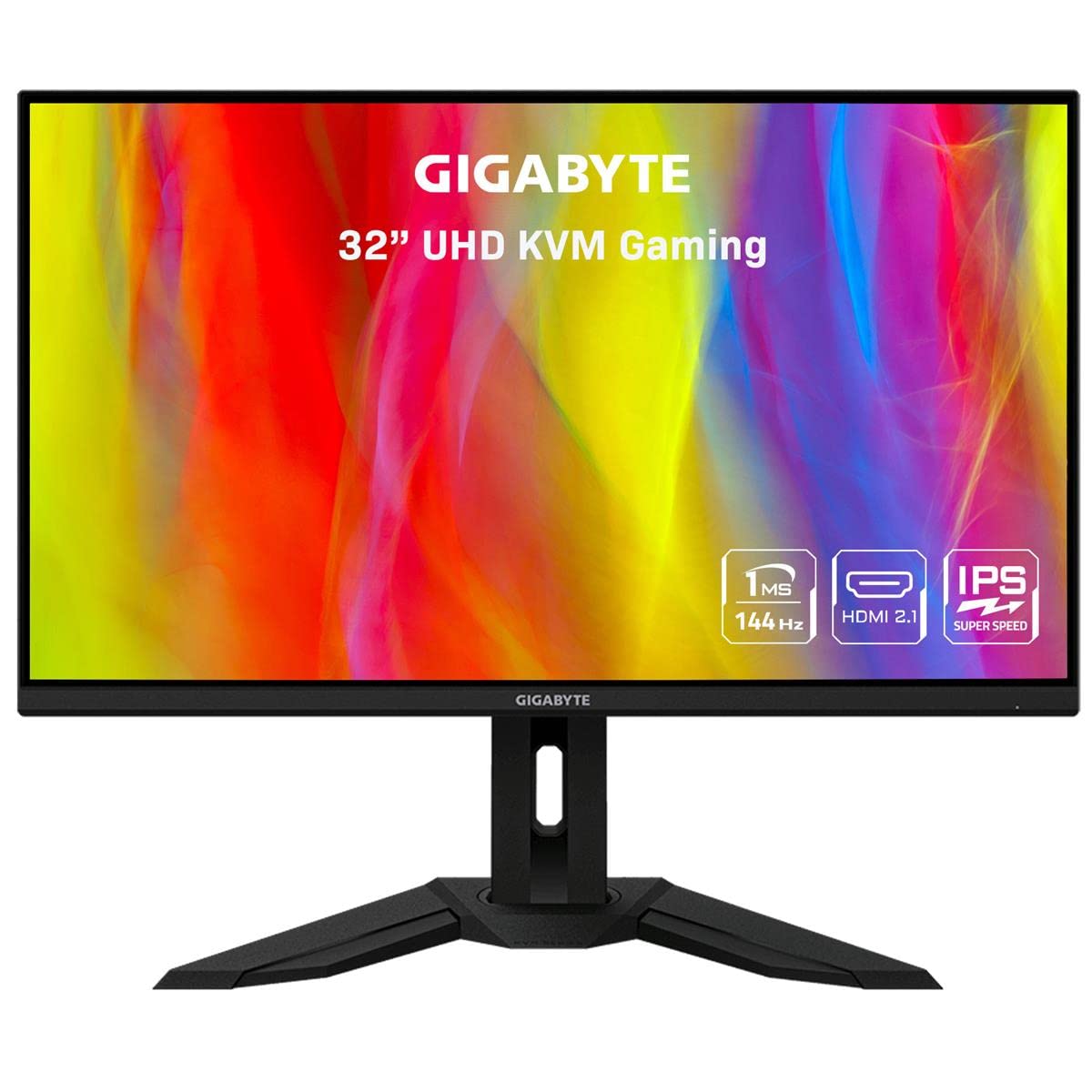
Gigabyte M32U 32'' 144Hz 4K Adaptivesync Compatible Gaming Monitor, Ss Ips, 3840X2160 Display, 1Ms Response Time (Gtg), 1X Display Port 1.4, 2X Hdmi 2.1, 2X Usb 3.0, 1X Usb Type C|729.99|0|Both|Short|Warning: Cancer And Reproductive Harm - Www.P65Warnings.Ca.Gov.
⚠️ WARNING (California Proposition 65): This product may contain chemicals known to the State of California to cause cancer, birth defects, or other reproductive harm. For more information, please visit www.P65Warnings.ca.gov.
Frequently Asked Questions
Q: What is the screen size of the GIGABYTE M32U monitor?A: The screen size is thirty-one point five inches. This size offers an expansive display for an immersive gaming experience.
Q: What is the resolution of the GIGABYTE M32U monitor?A: The resolution is three thousand eight hundred forty by two thousand one hundred sixty pixels. This Ultra High Definition quality ensures sharp and detailed visuals.
Q: What is the refresh rate of the GIGABYTE M32U monitor?A: The refresh rate is one hundred forty-four hertz. This high refresh rate provides smooth motion for fast-paced gaming.
Q: What technology does the GIGABYTE M32U support?A: The monitor supports Adaptive-Sync technology. This feature reduces screen tearing and enhances the overall gaming experience.
Q: What is the response time of the GIGABYTE M32U monitor?A: The response time is one millisecond MPRT. This fast response time minimizes motion blur for clearer images.
Q: What color gamut does the GIGABYTE M32U monitor cover?A: It covers ninety percent of the DCI-P3 color space. This wide color gamut allows for vibrant and lifelike colors.
Q: How do I connect multiple devices to the GIGABYTE M32U monitor?A: You can connect multiple devices using the KVM feature. This allows for seamless control of different devices with one keyboard and mouse.
Q: Can I use the GIGABYTE M32U monitor for console gaming?A: Yes, it is suitable for console gaming. The monitor's high refresh rate and low response time enhance the gaming experience on consoles.
Q: How can I adjust the display settings on the GIGABYTE M32U monitor?A: You can adjust the display settings using the OSD Sidekick software. This tool lets you customize settings using your keyboard and mouse.
Q: Is the GIGABYTE M32U monitor easy to set up?A: Yes, it is easy to set up. The package includes all necessary cables and a quick start guide for an effortless installation.
Q: What materials are used in the GIGABYTE M32U monitor's construction?A: The monitor features a sturdy stand and a matte finish. These materials enhance both durability and aesthetic appeal.
Q: Does the GIGABYTE M32U monitor come with a warranty?A: Yes, it comes with a three-year limited warranty. This warranty provides peace of mind for your investment.
Q: What is the weight of the GIGABYTE M32U monitor?A: The monitor weighs approximately twenty-eight pounds. This weight provides stability but may require a sturdy desk.
Q: What are the dimensions of the GIGABYTE M32U monitor?A: The dimensions are thirty-eight point nine inches in length, twenty-one inches in width, and seven point five two inches in height. These dimensions ensure it fits well on most desks.
Q: How do I clean the GIGABYTE M32U monitor?A: You can clean the monitor with a soft, lint-free cloth. Avoid using harsh chemicals to maintain the screen's quality.