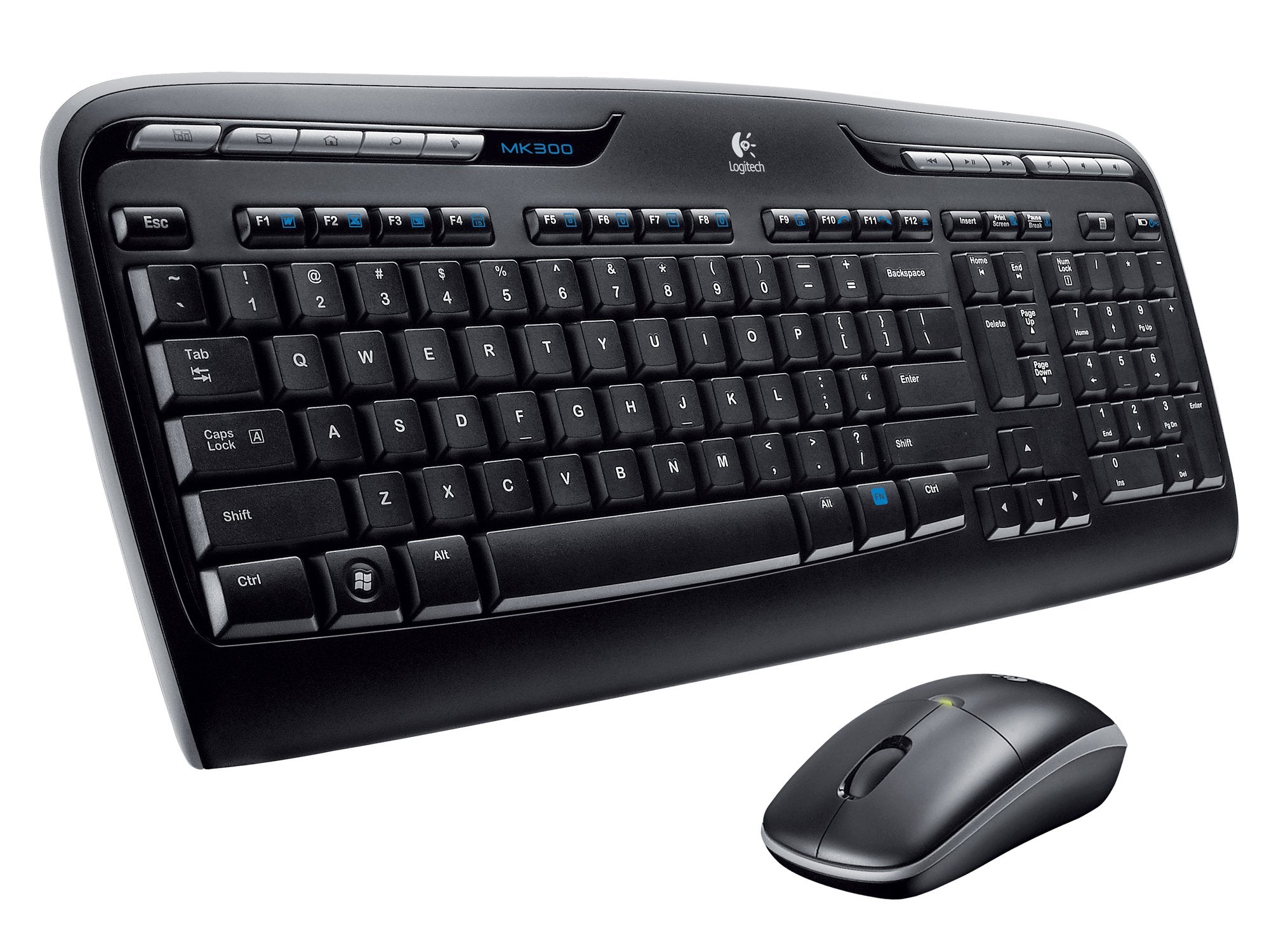
For An Easy And Reliable Way To ''Go Cordless'' Without Sacrificing Features, The Logitech Wireless Desktop Mk300 Offers A Contemporary Keyboard And Mouse Combination For Your Home Desk. It Features One-Touch Access Controls For Media And Applications; Extended Battery Life; And Wireless Technology That Connects Right Out Of The Box--All In A Sleek Design.
⚠️ WARNING (California Proposition 65): This product may contain chemicals known to the State of California to cause cancer, birth defects, or other reproductive harm. For more information, please visit www.P65Warnings.ca.gov.
Frequently Asked Questions
Q: What are the dimensions of the Logitech Wireless Desktop MK 300?A: The dimensions are two point four four inches in height, seven point four eight inches in width, and eighteen point one one inches in length. This compact design fits well on most desks.
Q: What is the model number of the Logitech Wireless Desktop MK 300?A: The model number is nine two zero dash zero zero zero nine two zero. This identifier helps in locating product specifics and support.
Q: What colors are available for the Logitech Wireless Desktop MK 300?A: The Logitech Wireless Desktop MK 300 is available in black. This classic color complements most office environments.
Q: How do I connect the Logitech Wireless Desktop MK 300?A: You can connect it easily via wireless technology that works out of the box. Simply plug in the USB receiver and turn on the keyboard and mouse.
Q: Is the Logitech Wireless Desktop MK 300 suitable for gaming?A: Yes, it can be used for casual gaming. However, it is primarily designed for office and everyday use.
Q: Can I customize the keys on the Logitech Wireless Desktop MK 300?A: Yes, the keyboard features programmable F-keys for customization. This allows you to set shortcuts for quick access to applications.
Q: How do I clean the Logitech Wireless Desktop MK 300?A: To clean it, use a soft, damp cloth to wipe the surfaces. Avoid using harsh chemicals to prevent damage.
Q: What is the battery life of the Logitech Wireless Desktop MK 300?A: The battery life is extended, allowing for long periods of use without frequent replacements. The intelligent power management helps in conserving battery.
Q: Is the Logitech Wireless Desktop MK 300 compatible with all operating systems?A: No, it is primarily designed for personal computers. Compatibility may vary depending on the operating system.
Q: Does the Logitech Wireless Desktop MK 300 come with a warranty?A: Yes, it typically comes with a limited warranty. Check with the retailer for specific warranty details.
Q: What if the Logitech Wireless Desktop MK 300 doesn't connect?A: If it doesn't connect, ensure the USB receiver is properly plugged in and that the keyboard and mouse are turned on. Try replacing the batteries if needed.
Q: Can I use the Logitech Wireless Desktop MK 300 on a laptop?A: Yes, it is compatible with laptops that have USB ports. Just plug in the receiver and you're set.
Q: How do I change the batteries in the Logitech Wireless Desktop MK 300?A: To change the batteries, open the battery compartment located on the underside of the keyboard and mouse. Replace them with new batteries and close the compartment.
Q: Is the Logitech Wireless Desktop MK 300 good for office work?A: Yes, it is specifically designed for office work with features that enhance productivity. One-touch access controls make it user-friendly.
Q: What type of mouse is included with the Logitech Wireless Desktop MK 300?A: The mouse is a one thousand two hundred DPI optical mouse. This provides smoother tracking compared to standard optical mice.