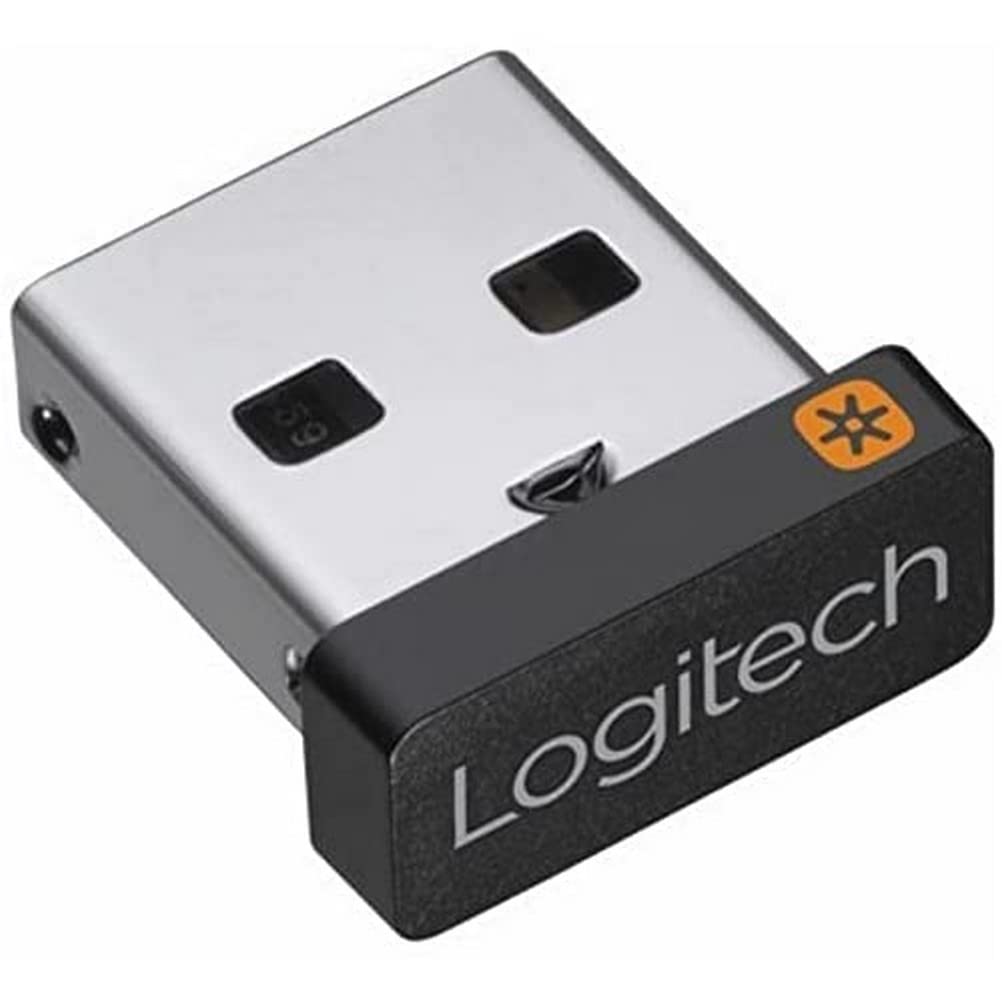
Descriptionplug It. Forget It. Add To It. The Tiny Logitech Unifying Receiver Stays In Your Notebook, So There'S No Need To Unplug It When You Move Around. It Connects Up To Six Unifying Devices To Your Computer So You Can Easily Add A Compatible Mouse Or Keyboard - Without The Hassle Of Multiple Usb Receivers. Advanced 2.4 Ghz Wireless Technology Provides A Powerful, Reliable Connection Up To 10 Metres (33 Feet) Away With Virtually No Delays Or Dropouts.
⚠️ WARNING (California Proposition 65): This product may contain chemicals known to the State of California to cause cancer, birth defects, or other reproductive harm. For more information, please visit www.P65Warnings.ca.gov.
Frequently Asked Questions
Q: What is the model number of the Logitech USB Unifying Receiver?A: The model number is nine hundred ten dash zero zero five nine three one. This identifier helps ensure compatibility with Logitech devices.
Q: What are the dimensions of the Logitech USB Unifying Receiver?A: The dimensions are zero point thirty-five inches in length, zero point twenty-four inches in width, and zero point fifty-nine inches in height. This compact size makes it easy to carry.
Q: What material is the Logitech USB Unifying Receiver made from?A: The receiver is made from copper. This material contributes to its durability and performance.
Q: What is the range of the Logitech USB Unifying Receiver?A: The range is up to ten meters or thirty-three feet. This allows for flexible use without losing connection quality.
Q: How many devices can connect to the Logitech USB Unifying Receiver?A: You can connect up to six compatible devices. This eliminates the need for multiple USB receivers.
Q: How do I install the Logitech USB Unifying Receiver?A: Simply plug it into a USB port on your computer. There’s no need for additional software, making installation quick and easy.
Q: Is the Logitech USB Unifying Receiver compatible with all Logitech devices?A: No, it is only compatible with devices that support the Unifying technology. Check for compatibility before purchasing.
Q: How do I add a new device to the Logitech USB Unifying Receiver?A: You can add a new device using the Logitech Unifying Software. Follow the instructions in the software to pair your new device.
Q: Can I leave the Logitech USB Unifying Receiver plugged in while traveling?A: Yes, it’s designed to stay plugged in without being removed. This convenience is ideal for laptop users.
Q: What is the best way to clean the Logitech USB Unifying Receiver?A: Use a soft, dry cloth to wipe it down. Avoid any harsh chemicals that could damage the receiver.
Q: Is the Logitech USB Unifying Receiver safe to leave plugged in?A: Yes, it is safe to leave plugged in. Its design ensures it doesn’t overheat or malfunction when not in use.
Q: What should I do if the Logitech USB Unifying Receiver is not working?A: Check if it is properly plugged in and try restarting your computer. If issues persist, consult Logitech's support for troubleshooting.
Q: What warranty does the Logitech USB Unifying Receiver come with?A: It typically comes with a one-year limited warranty. This covers manufacturing defects and provides peace of mind.
Q: Is the Logitech USB Unifying Receiver compatible with Mac computers?A: Yes, it is compatible with both Windows and Mac operating systems. This versatility makes it a great choice for different users.
Q: Can I use the Logitech USB Unifying Receiver with gaming devices?A: No, it is primarily designed for keyboards and mice. It does not support gaming-specific peripherals.