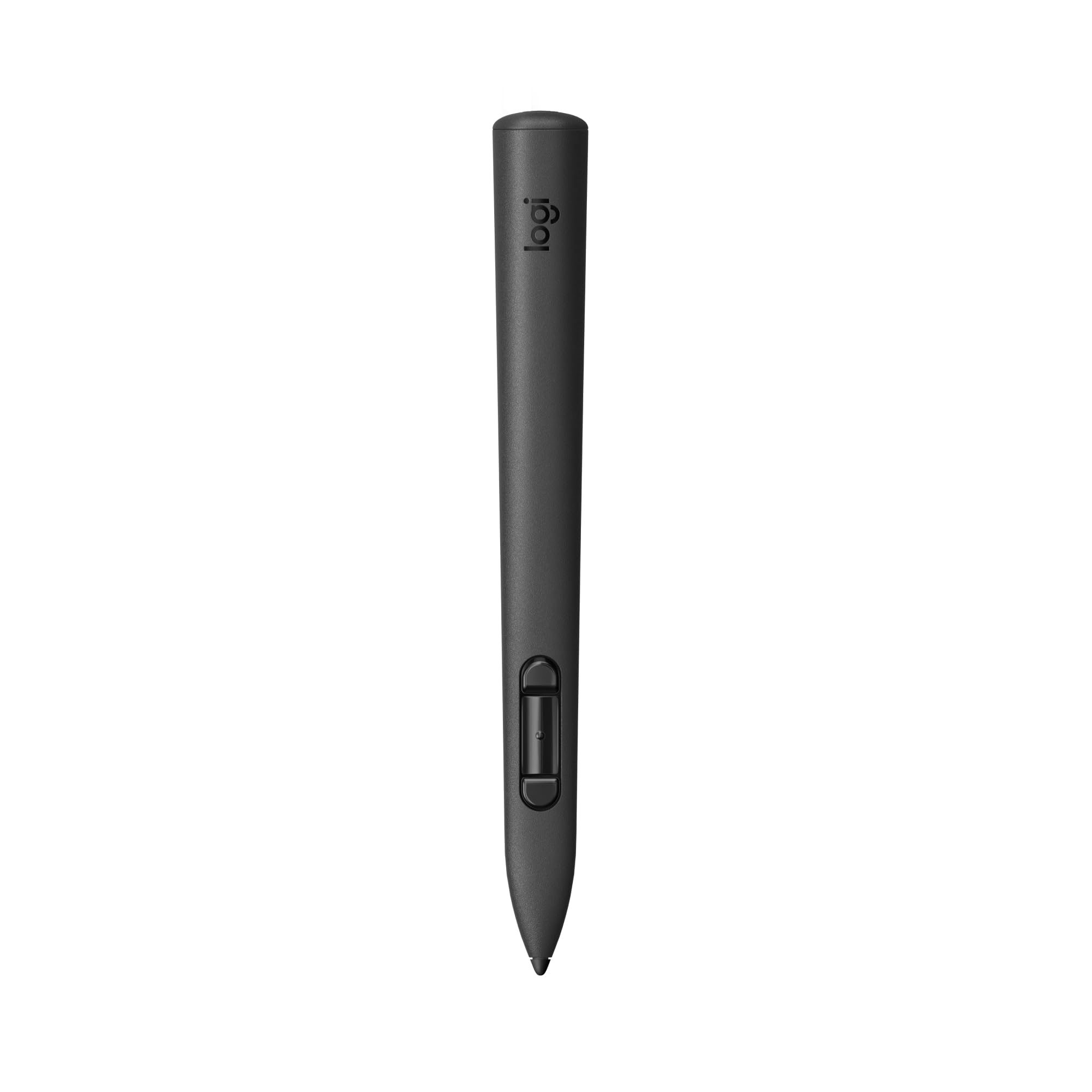
Mx Ink Is A Crafted Control Device With Perfected Pressure Sensitivity And Organic Form. This Is A Tool You Do Not Need To Learn. Dive Into Your Creations, In 3D And 2D, With Frictionless Ease. Pair And Control Leveraging Meta Horizon App And Meta Settings. Mx Ink Was Designed To Be Intuitive And Give A Masterfully Fine-Tuned And Immersive Experience.
⚠️ WARNING (California Proposition 65): This product may contain chemicals known to the State of California to cause cancer, birth defects, or other reproductive harm. For more information, please visit www.P65Warnings.ca.gov.
Frequently Asked Questions
Q: What materials are used in the Logitech MX Ink stylus?A: The Logitech MX Ink stylus is made primarily from plastic. It is designed for durability and ease of use in mixed reality applications.
Q: What are the dimensions of the MX Ink stylus?A: The stylus measures six point four six inches in length, zero point seven two inches in width, and zero point seven two inches in height. These dimensions make it comfortable to hold for extended periods.
Q: Is the battery rechargeable, and what type does it use?A: Yes, the MX Ink stylus has a rechargeable lithium-ion battery. It can be charged using a USB-C cable or through pogo pins with a charging dock.
Q: How do I pair the MX Ink stylus with my Meta Quest?A: To pair the MX Ink stylus, simply open the Meta Horizon app and follow the on-screen instructions. This process ensures a seamless connection.
Q: Can I use the stylus for both 2D and 3D applications?A: Yes, the MX Ink stylus is designed to transition smoothly between two-dimensional and three-dimensional applications. This versatility enhances your creative workflow.
Q: How do I customize the stylus settings for my preferences?A: You can customize the stylus settings through the Meta Settings app. This allows you to adjust pressure curves, activation forces, and button mapping.
Q: What is the expected battery life of the MX Ink stylus?A: The stylus can last up to seven hours on a full charge. However, battery life may vary depending on the headset and applications used.
Q: How do I clean and maintain the MX Ink stylus?A: To clean the MX Ink stylus, use a soft, dry cloth to wipe the exterior. Avoid using any harsh chemicals or abrasive materials to maintain its finish.
Q: Is the MX Ink stylus safe for extended use?A: Yes, the MX Ink stylus is designed for comfortable extended use. Its ergonomic shape and lightweight construction help prevent fatigue.
Q: Can I replace the tips of the MX Ink stylus?A: Yes, the MX Ink stylus comes with one replacement fine tip and one wide tip. You can easily swap them out as needed.
Q: Are there any known compatibility issues with the stylus?A: The MX Ink stylus is specifically designed to work with Meta Quest devices. Ensure your device is compatible before use.
Q: What should I do if my stylus arrives damaged?A: If your MX Ink stylus arrives damaged, contact the retailer for a return or exchange. Most retailers offer a warranty for defective products.
Q: Is there a warranty for the MX Ink stylus?A: Yes, the MX Ink stylus typically comes with a limited warranty. Check with the retailer for specific warranty details and coverage.
Q: How do I troubleshoot pairing issues with the stylus?A: If you're having trouble pairing the stylus, ensure it's charged and within range of your Meta Quest. Restart both devices if necessary.
Q: Is the MX Ink stylus suitable for beginners?A: Yes, the MX Ink stylus is designed to be intuitive and user-friendly, making it suitable for both beginners and experienced users.
Q: What should I do if I lose the charging cable?A: If you lose the charging cable, you can use any compatible USB-C cable to recharge the MX Ink stylus. Alternatively, consider purchasing a replacement.