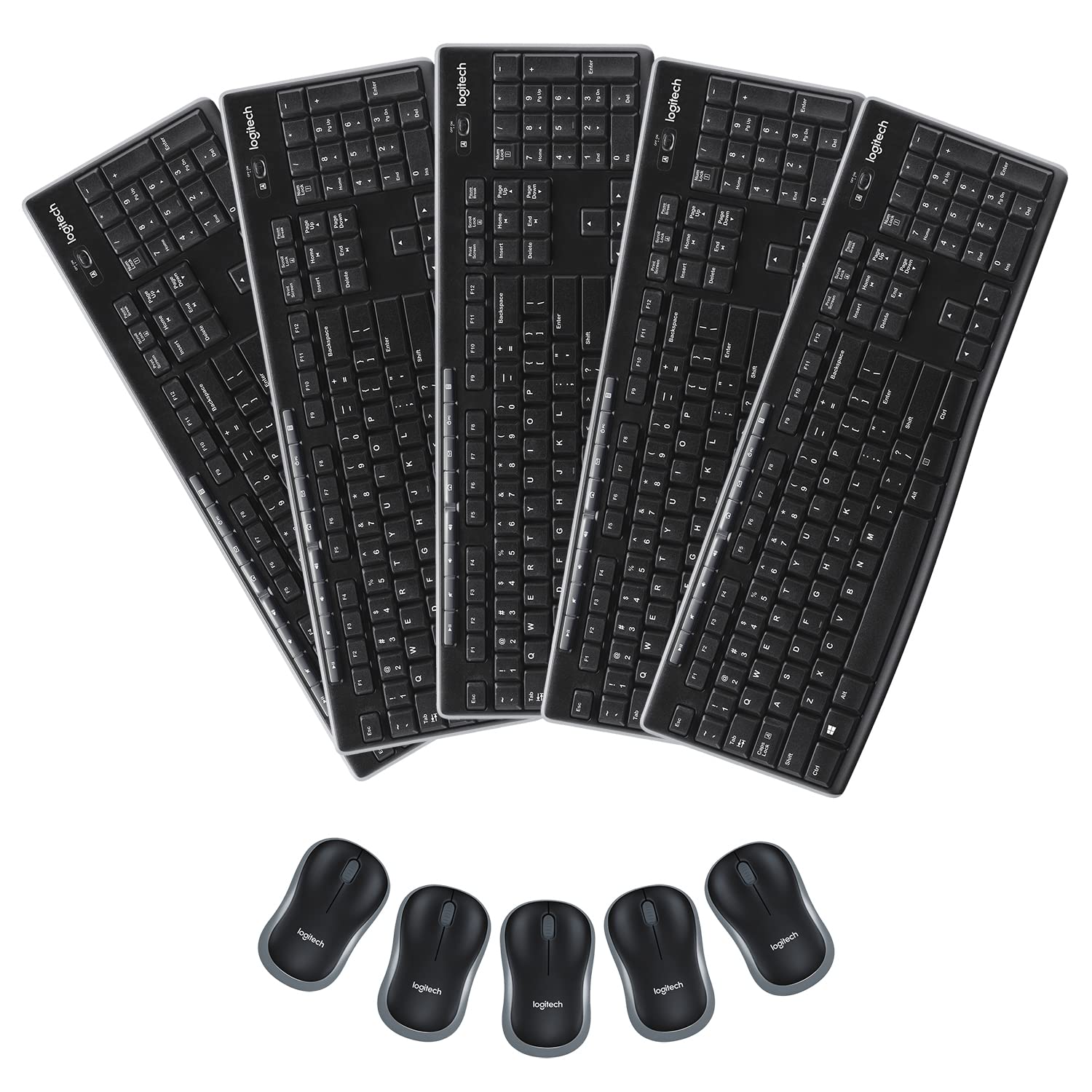
This Is The Active Lifestyle Home, Or Office Bundle For Your Busy Day To Day Life. This Bundle Offers Products So Convenient, Portable, & Durable, Without Sacrificing Performance, Functionality, & Versatility. Includes 5 Logitech Mk270 Usb Keyboard & Mouse Combo Packs. The Keyboard & Mouse Combo Features Full-Size Board With 10 Key Numeric Keypad, Shortcut Keys, Media Keys, & No Delays Or Drop Out Connections With 2.4Ghz, To Ensure A Reliable Connection Up To 33 Ft. What'S In Each Mk270 Combo Box: 1 Keyboard, 1 Mouse, 1 Aa & 2 Aaa Batteries, 1 Corresponding Usb Nano Receiver, & 1 User Guide System Requirements: Chromeos, Windows, & Usb Port Keyboard Dimensions: 17.36'' W X 5.87'' H X 0.71'' D Keyboard Weight: 17.57 Oz. Key Type: Deep Profile Mouse Dimensions: 2.36'' W X 3.90'' H X 1.54'' D Mouse Weight: 2.65 Oz. Nano Receiver Dimensions: 0.57'' W X 0.74'' H X 0.26'' D - Nano Receiver Weight: 0.07 Oz.
⚠️ WARNING (California Proposition 65): This product may contain chemicals known to the State of California to cause cancer, birth defects, or other reproductive harm. For more information, please visit www.P65Warnings.ca.gov.
Frequently Asked Questions
Q: What are the dimensions of the Logitech MK270 keyboard?A: The keyboard measures seventeen point thirty-six inches wide, five point eighty-seven inches high, and zero point seventy-one inches deep. This full-size design includes a ten key numeric keypad for efficient data entry.
Q: How much does the Logitech MK270 keyboard weigh?A: The keyboard weighs seventeen point fifty-seven ounces. This weight is ideal for a stable typing experience without being overly heavy for portability.
Q: What are the dimensions of the Logitech MK270 mouse?A: The mouse measures two point thirty-six inches wide, three point ninety inches high, and one point fifty-four inches deep. Its compact size makes it suitable for comfortable use in any workspace.
Q: What is the battery life of the Logitech MK270 keyboard?A: The keyboard has a battery life of thirty-six months. This long-lasting battery ensures minimal interruptions during use.
Q: What is included in the Logitech MK270 combo pack?A: Each combo pack includes one keyboard, one mouse, one AA battery, two AAA batteries, one USB nano receiver, and one user guide. This comprehensive bundle offers everything needed for a complete setup.
Q: How do I connect the Logitech MK270 to my computer?A: Simply plug the USB nano receiver into a USB port on your computer and switch on the keyboard and mouse. The plug-and-play functionality allows for immediate use without additional software.
Q: Is the Logitech MK270 suitable for left-handed users?A: Yes, the compact wireless mouse is designed to be comfortable for both left and right-handed users. Its ergonomic design ensures a pleasant experience regardless of hand preference.
Q: Can I use the Logitech MK270 with a Chromebook?A: Yes, the Logitech MK270 is compatible with ChromeOS. It also works with Windows systems, making it versatile for different devices.
Q: How do I clean the Logitech MK270 keyboard?A: To clean the keyboard, gently wipe it with a damp cloth. Avoid using harsh chemicals and ensure that no liquid seeps into the keys to maintain functionality.
Q: Is the Logitech MK270 mouse spill-resistant?A: Yes, the keyboard features a spill-resistant design. This durability helps protect against accidental spills during daily use.
Q: What multimedia functions does the Logitech MK270 keyboard have?A: The keyboard includes eight multimedia hotkeys for easy access to the Internet, email, play/pause, and volume control. These shortcuts enhance productivity and convenience.
Q: What should I do if my Logitech MK270 doesn't connect?A: If the MK270 does not connect, check that the USB receiver is securely plugged in and that the keyboard and mouse are turned on. If issues persist, try replacing the batteries.
Q: How do I store the Logitech MK270 when not in use?A: Store the keyboard and mouse in a dry, cool place, preferably in their original packaging to protect them from dust and damage. Avoid extreme temperatures to maintain their performance.
Q: What is the wireless range of the Logitech MK270?A: The wireless range of the MK270 is up to thirty-three feet. This allows for flexibility in your workspace without losing connection.
Q: Does the Logitech MK270 come with a warranty?A: Yes, the Logitech MK270 is typically covered by a limited warranty. Check the manufacturer’s details for the specific duration and terms.