

Cart
0


Litokam 2K Indoor Security Camera, 360 Cameras For Home Security Indoor With Motion Detection, Pet Cam With Phone App, Baby Moni
Vendor: litokam
Type: Security Cameras
Sku: WBCAMB09CH4L7M4
Availability: In Stock
Couldn't load pickup availability
Guarantee safe checkout

Sold by Electroeshop, an authorized reseller.
Returns accepted within 30 days | support@electroeshop.com
Shipping Information
- Free Standard Shipping — United States only
- Processing Time: 1–3 business days
- Estimated Delivery: 3–5 business days after dispatch
- Double-boxed, fully insured & discreetly packaged
- Tracking number sent via email once dispatched
- Orders over $250 require signature upon delivery. Taxes calculated at checkout.
Returns & Refund
Returns accepted within 30 days of delivery.
Damaged or Defective Item
Free return shipping + replacement or full refund
Wrong Item Received
Free return shipping + replacement or full refund
Change of Mind
Return shipping at customer's expense · 25% restocking fee applies
All returns require a Return Authorization (RA) number before sending.
View Full Return & Refund Policy
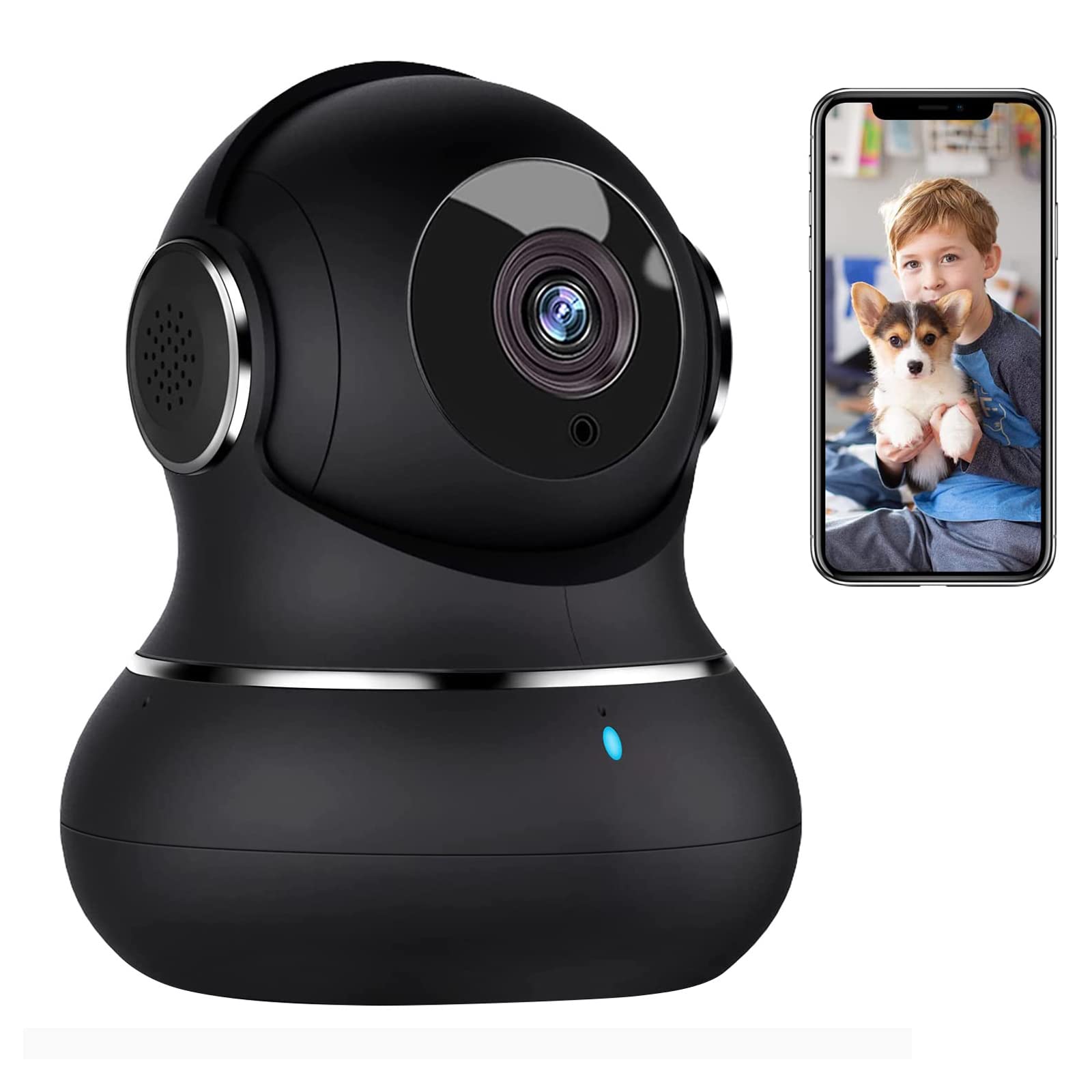
Litokam 2K Indoor Security Camera, 360 Cameras For Home Security Indoor With Motion Detection, Pet Cam With Phone App, Baby Moni
$30.85

Frequently Asked Questions
- Q: What are the dimensions of the Litokam 2K Indoor Security Camera? A: The camera measures three point fifty-four inches in length, three point fifty-four inches in width, and four point thirty-three inches in height.
- Q: What is the resolution of the Litokam security camera? A: The Litokam security camera offers a two thousand resolution, providing high-definition clarity for monitoring your home.
- Q: What connectivity does the camera support? A: The camera supports two point four gigahertz Wi-Fi connectivity but is not compatible with five gigahertz networks.
- Q: How do I set up the Litokam camera? A: To set up the camera, download the Little Elf Smart app, connect the camera to your two point four gigahertz Wi-Fi, and follow the on-screen instructions.
- Q: Can multiple users access the camera feed? A: Yes, the camera supports multiple users, allowing any number of accounts to view simultaneously on both iPhone and Android devices.
- Q: How do I use the motion detection feature? A: The motion detection feature is activated automatically; you will receive alerts on your phone when movement is detected.
- Q: What is the night vision range of the camera? A: The night vision range of the camera extends up to thirty-three feet in complete darkness.
- Q: How do I store video recordings from the camera? A: You can store video recordings on a maximum one hundred twenty-eight gigabyte TF card or utilize cloud storage for playback.
- Q: Does the camera have two-way audio? A: Yes, the camera features a built-in microphone and speaker, enabling two-way audio communication.
- Q: What should I do if the camera does not connect to Wi-Fi? A: If the camera does not connect, ensure you are using a two point four gigahertz network and check the camera's placement for signal strength.
- Q: Are there any maintenance requirements for the camera? A: Regularly check and clean the camera lens to ensure optimal image quality and performance.
- Q: What if I want to reset the camera? A: To reset the camera, locate the reset button and hold it for approximately ten seconds until the indicator light flashes.
- Q: Can I manually turn night vision on or off? A: Yes, you have the option to manually activate or deactivate the night vision mode through the app settings.
- Q: Is the camera suitable for outdoor use? A: No, the Litokam security camera is designed for indoor use only and is not weatherproof.
- Q: How do I access cloud storage settings? A: You can access cloud storage settings through the Little Elf Smart app under the storage options in the settings menu.