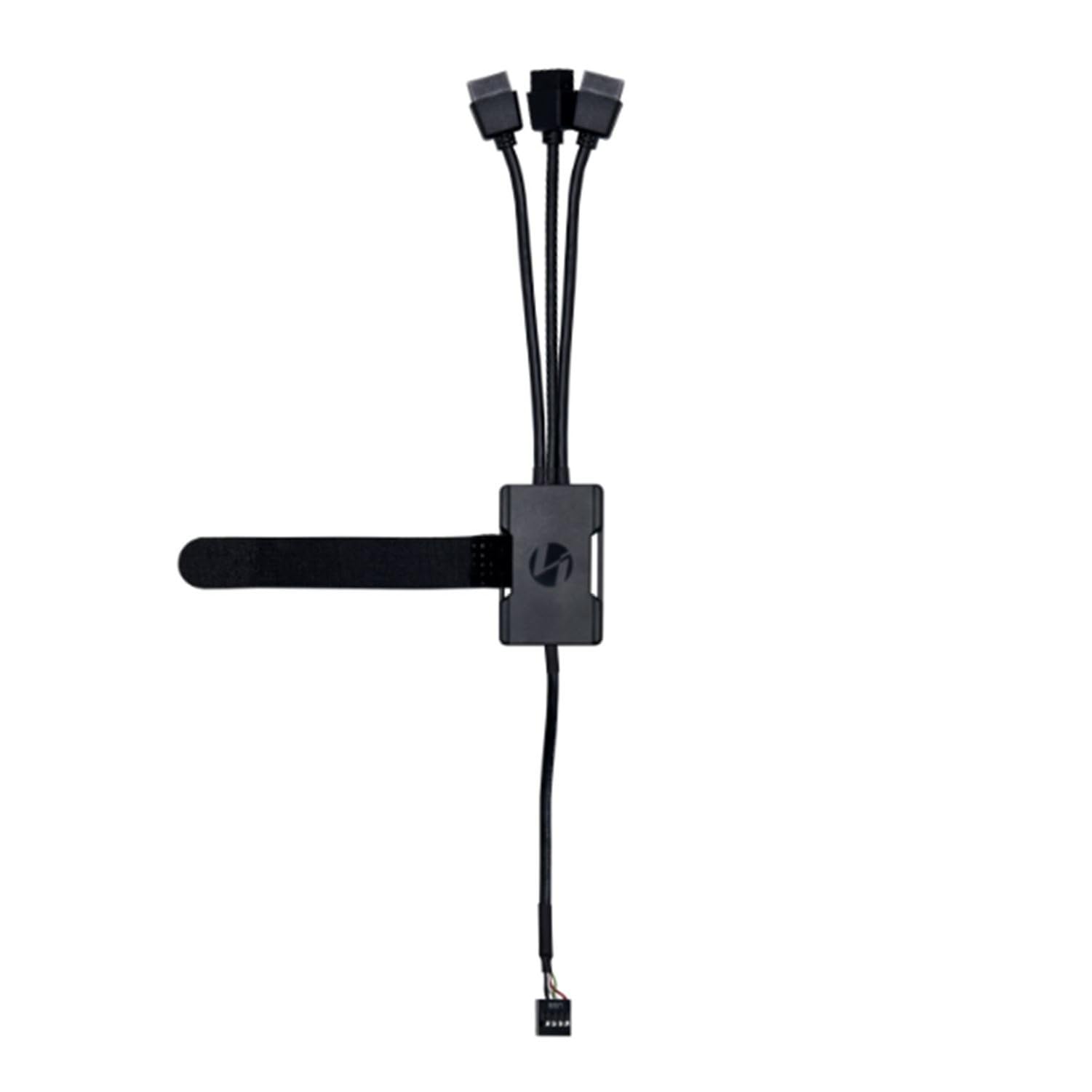
This Is A Usb 2.0 Hub For Using Multiple Controller Units Of Lian Li'S Popular Uni Fan'' Series Cooling Fans.This Hub Expands From 1 Usb 2.0 9Pin Port On Motherboard To Usb 2.0 9Pin 3 Port Which Is Very Useful When Using Multiple Uni Fans Simultaneously.
⚠️ WARNING (California Proposition 65): This product may contain chemicals known to the State of California to cause cancer, birth defects, or other reproductive harm. For more information, please visit www.P65Warnings.ca.gov.
Frequently Asked Questions
Q: What is the size of the Lian Li USB 2.0 Hub?A: The Lian Li USB 2.0 Hub measures approximately nineteen point six nine centimeters in length, nineteen point six nine centimeters in width, and eleven point zero two centimeters in height.
Q: What material is the Lian Li USB 2.0 Hub made from?A: The hub is made from aluminum, which offers durability and a sleek design.
Q: How many ports does the Lian Li USB 2.0 Hub provide?A: The hub expands one USB 2.0 nine pin port to three USB 2.0 nine pin ports, allowing for multiple connections.
Q: How do I install the Lian Li USB 2.0 Hub?A: To install, connect the hub's single nine pin connector to your motherboard's USB header, and plug in your devices to the additional three ports.
Q: Can I use this hub with any UNI FAN series controller?A: Yes, the Lian Li USB 2.0 Hub is compatible with all UNI FAN series controllers for optimal performance.
Q: Is this hub suitable for gaming setups?A: Yes, this hub is ideal for gaming setups that require multiple cooling fan connections for effective thermal management.
Q: How do I keep the Lian Li USB 2.0 Hub clean?A: To clean the hub, use a soft, dry cloth to wipe it down. Avoid using harsh chemicals that may damage the aluminum finish.
Q: What should I do if the hub arrives damaged?A: If the hub arrives damaged, contact the seller immediately to initiate a return or exchange process.
Q: Can I use this hub with devices other than UNI FANs?A: Yes, while it is optimized for UNI FANs, you can use the hub with any USB 2.0 compatible devices.
Q: Is there a warranty for the Lian Li USB 2.0 Hub?A: Yes, the hub typically comes with a warranty, but check with the retailer for specific terms and duration.
Q: How does the Velcro feature on the hub work?A: The hub features Velcro on its body, allowing you to neatly secure excess cables and maintain an organized setup.
Q: Does the Lian Li USB 2.0 Hub require external power?A: No, the hub does not require external power; it draws power directly from the motherboard's USB header.
Q: Is the Lian Li USB 2.0 Hub easy to transport?A: Yes, due to its compact size and lightweight aluminum material, the hub is easy to transport for gaming or LAN parties.
Q: What is the maximum data transfer rate of this hub?A: The Lian Li USB 2.0 Hub supports a maximum data transfer rate of up to four hundred eighty megabits per second.
Q: Can I connect multiple hubs together?A: Yes, you can connect multiple hubs to expand your USB capabilities further, as long as you have available USB headers.
Q: What type of devices can I connect to the Lian Li USB 2.0 Hub?A: You can connect various devices, including cooling fans, external drives, and other USB peripherals that are compatible with USB 2.0.