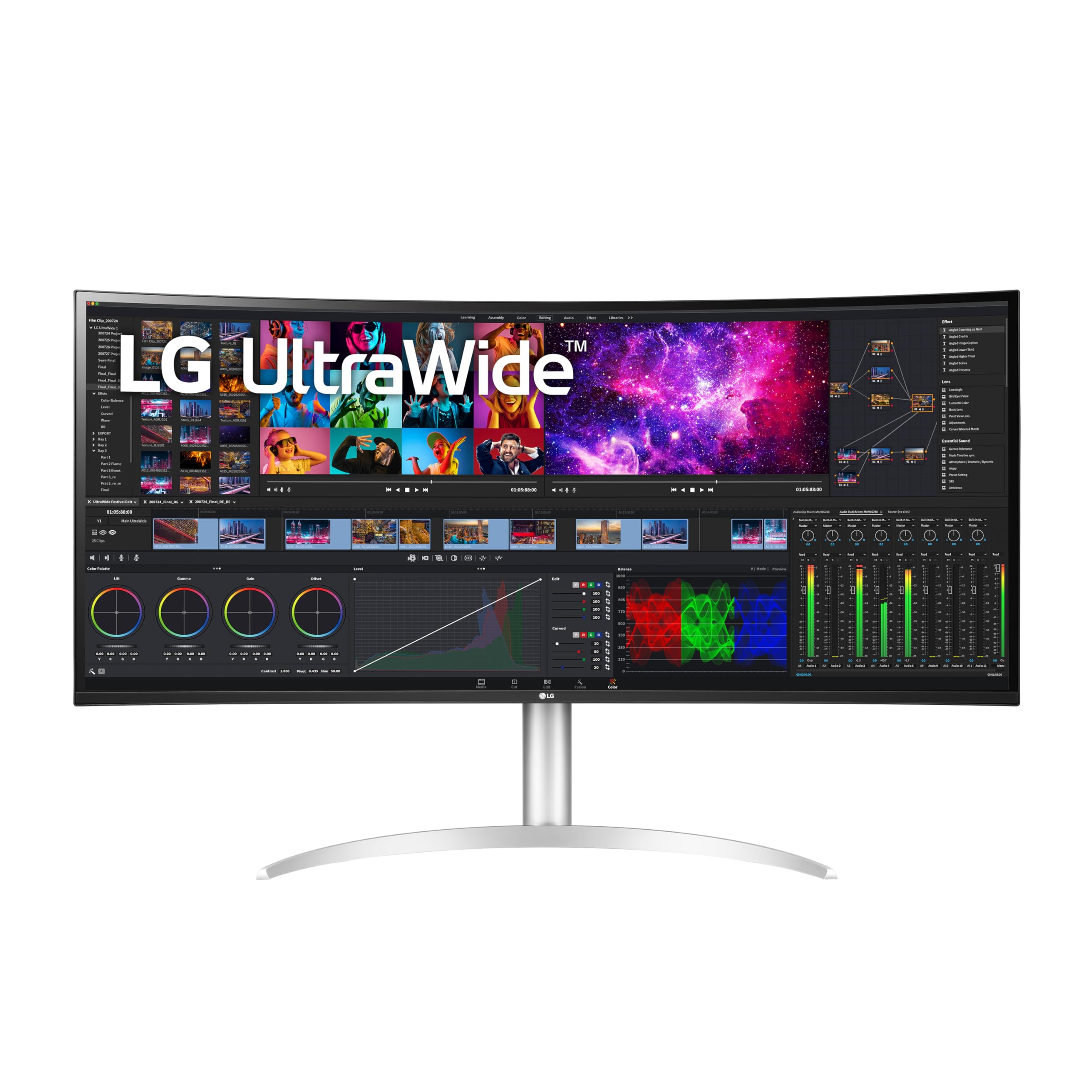
40Wp95C-Wa Wider View For Working Or Watching. Push Your Productivity With The #1 Ultrawide Monitor Brand In The U. S. At 40'' And 21: 9 Screen Ratio, This Curved Wuhd (5120 X 2160) 5K2K Nano Ips Display Features Realistic, Accurate Color, Contrast, Clarity And Detail At Wide Angles. Content Creation. Designing. Video Editing. Entertainment. Bright And Bold. The Dci-P3 98% Color Gamut Coverage With Hdr 10 Brings Work And Virtual Worlds To Life. This Display Tech Elevates Textures, Elements, Character Movements And Natural Light And Shadow. This Ultrawide Monitor Features A 3-Side Virtually Borderless Display Thats Has A Tilt And Height Adjustable Stand. And With Thunderbolt 4 With 96W Power Delivery, Whatever The Task, The Lg Ultrawide Monitor Unveils A Panoramic View And High-Performance Features To Push Productivity To New Levels. Other Features: Built In Speakers X 2 With Rich Bass And A Tilt/Height/Swivel Stand.
⚠️ WARNING (California Proposition 65): This product may contain chemicals known to the State of California to cause cancer, birth defects, or other reproductive harm. For more information, please visit www.P65Warnings.ca.gov.
Frequently Asked Questions
Q: What is the resolution of the LG 40WP95C-W monitor?A: The resolution is five thousand one hundred twenty by two thousand one hundred sixty pixels. This ultra-wide display provides stunning clarity and detail for all types of content.
Q: What color gamut does this monitor cover?A: This monitor covers ninety-eight percent of the DCI-P3 color gamut. This high color accuracy is ideal for content creation and video editing.
Q: What are the dimensions of the LG 40WP95C-W monitor?A: The monitor measures approximately eleven point one inches in depth, thirty-seven point three inches in width, and twenty-four point two inches in height. Its size makes it suitable for immersive viewing experiences.
Q: What type of display technology does the LG 40WP95C-W use?A: It utilizes Nano IPS technology. This provides vibrant colors and wide viewing angles, enhancing the overall visual experience.
Q: How do I adjust the height of the LG 40WP95C-W monitor?A: You can adjust the height using the tilt and height adjustable stand. This feature allows you to customize the monitor’s position for optimal viewing.
Q: Is the LG 40WP95C-W monitor suitable for gaming?A: Yes, it is suitable for gaming. The ultra-wide resolution and fast response times enhance the gaming experience by providing a wider field of view.
Q: Can I use the LG 40WP95C-W monitor for video editing?A: Yes, it is excellent for video editing. The high resolution and color accuracy help in achieving professional-grade edits.
Q: How do I connect my devices to this monitor?A: You can connect devices using Thunderbolt 4 connectivity. This allows for high-speed data transfer and power delivery up to ninety-six watts.
Q: Does the LG 40WP95C-W come with built-in speakers?A: Yes, it includes two built-in speakers with rich bass. This feature provides an enhanced audio experience without the need for external speakers.
Q: How do I clean the LG 40WP95C-W monitor?A: To clean, use a soft, lint-free cloth and a gentle screen cleaner. Avoid using harsh chemicals that could damage the screen.
Q: What is the warranty period for the LG 40WP95C-W monitor?A: The warranty period typically lasts for one year. Check with the retailer for specific warranty details.
Q: Is the LG 40WP95C-W monitor compatible with Mac devices?A: Yes, it is compatible with Mac devices. The Thunderbolt 4 connectivity works seamlessly with MacBook and other Apple products.
Q: What should I do if my monitor arrives damaged?A: If your monitor arrives damaged, contact customer support immediately for assistance with returns or exchanges. Keep all packaging materials for potential return.
Q: Can I mount the LG 40WP95C-W monitor on a wall?A: Yes, it is VESA mount compatible. You can mount it on a wall to save desk space and enhance your viewing setup.
Q: What are the power requirements for the LG 40WP95C-W monitor?A: It operates on a standard voltage of one hundred ten to one hundred twenty volts. Ensure you use the correct power supply for optimal performance.