⚠️ WARNING (California Proposition 65): This product may contain chemicals known to the State of California to cause cancer, birth defects, or other reproductive harm. For more information, please visit www.P65Warnings.ca.gov.
Frequently Asked Questions
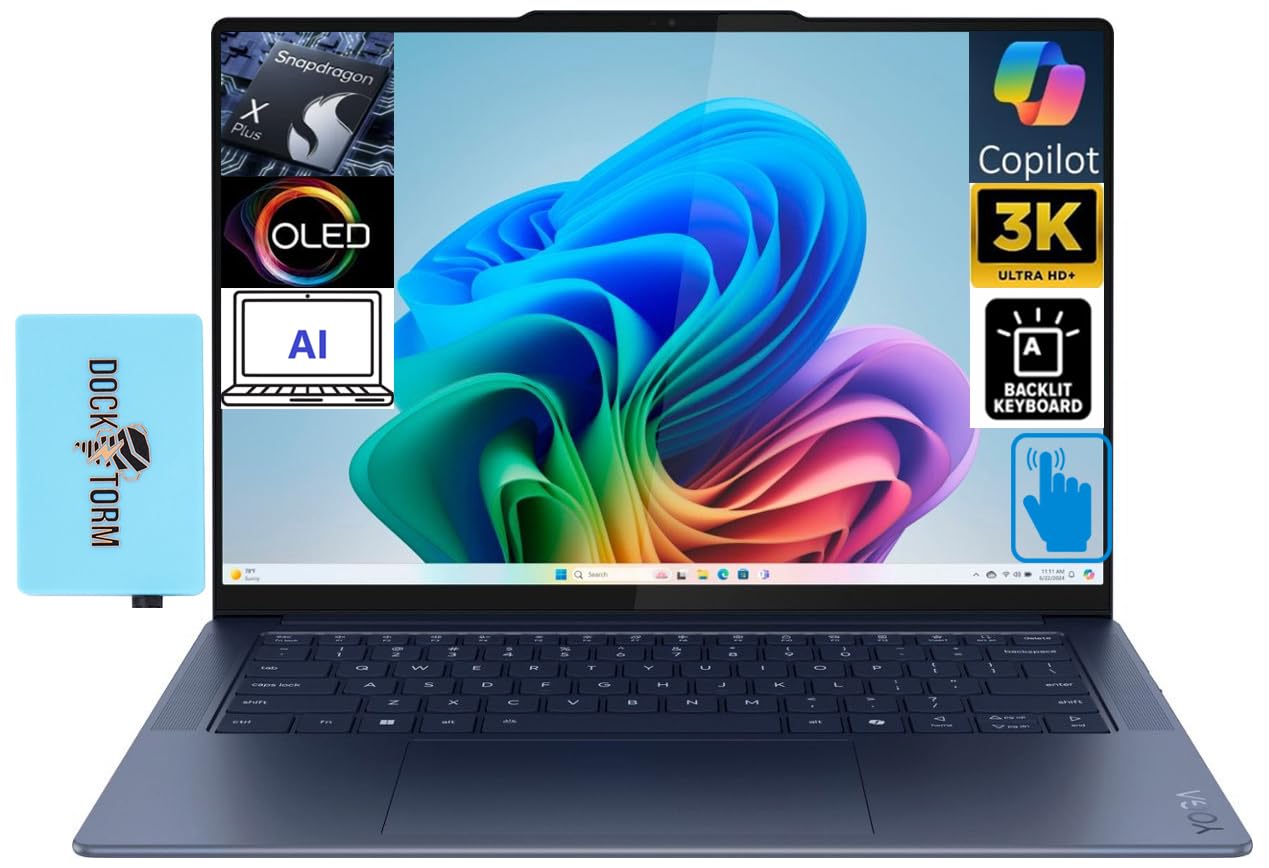
Q: What are the dimensions of the Lenovo Yoga Slim 7X laptop?A: The dimensions of the Lenovo Yoga Slim 7X laptop are twelve point seventy-nine inches in length, eight point eighty-six inches in width, and zero point fifty-one inches in height.
Q: How much does the Lenovo Yoga Slim 7X weigh?A: The Lenovo Yoga Slim 7X weighs two point eighty-two pounds, making it lightweight and portable for on-the-go use.
Q: What type of display does the Lenovo Yoga Slim 7X have?A: The Lenovo Yoga Slim 7X features a fourteen point five inch OLED display with a three thousand and forty-four by eighteen hundred and forty pixel resolution, offering vibrant colors and sharp images.
Q: What is the processor in the Lenovo Yoga Slim 7X?A: The laptop is powered by a Snapdragon X Elite X1E-78-100 processor, capable of running at three point forty gigahertz.
Q: How much RAM and storage does the Lenovo Yoga Slim 7X have?A: The Lenovo Yoga Slim 7X comes with sixteen gigabytes of LPDDR5X RAM and one terabyte of SSD storage.
Q: What operating system does the Lenovo Yoga Slim 7X run?A: The Lenovo Yoga Slim 7X operates on Windows eleven Home, providing a modern and user-friendly experience.
Q: How do I use the touchscreen feature on the Lenovo Yoga Slim 7X?A: To use the touchscreen feature, simply tap or swipe on the fourteen point five inch OLED display to navigate applications and settings.
Q: Is the Lenovo Yoga Slim 7X suitable for gaming?A: Yes, the integrated Qualcomm Adreno GPU and powerful Snapdragon processor make the Lenovo Yoga Slim 7X suitable for light gaming and multimedia tasks.
Q: Can the Lenovo Yoga Slim 7X be used for creative work?A: Yes, the laptop's AI capabilities and high-performance specs make it ideal for creative tasks like graphic design and video editing.
Q: How do I charge the Lenovo Yoga Slim 7X?A: You can charge the Lenovo Yoga Slim 7X using the USB-C ports that support USB Power Delivery, providing a fast charging solution.
Q: What is the battery life of the Lenovo Yoga Slim 7X?A: The Lenovo Yoga Slim 7X offers an impressive battery life of up to twenty-three point five hours of video playback on a single charge.
Q: How do I connect to Wi-Fi with the Lenovo Yoga Slim 7X?A: To connect to Wi-Fi, access the settings menu, select the Wi-Fi option, and choose your network from the available list.
Q: Does the Lenovo Yoga Slim 7X come with a warranty?A: Yes, the Lenovo Yoga Slim 7X includes a one-year warranty, with options to extend coverage up to five years upon registration.
Q: How do I clean the Lenovo Yoga Slim 7X?A: To clean the Lenovo Yoga Slim 7X, use a soft, lint-free cloth dampened with water or a mild cleaning solution to wipe the exterior and screen.
Q: What should I do if the Lenovo Yoga Slim 7X arrives damaged?A: If the Lenovo Yoga Slim 7X arrives damaged, contact customer support immediately to initiate a return or exchange process.