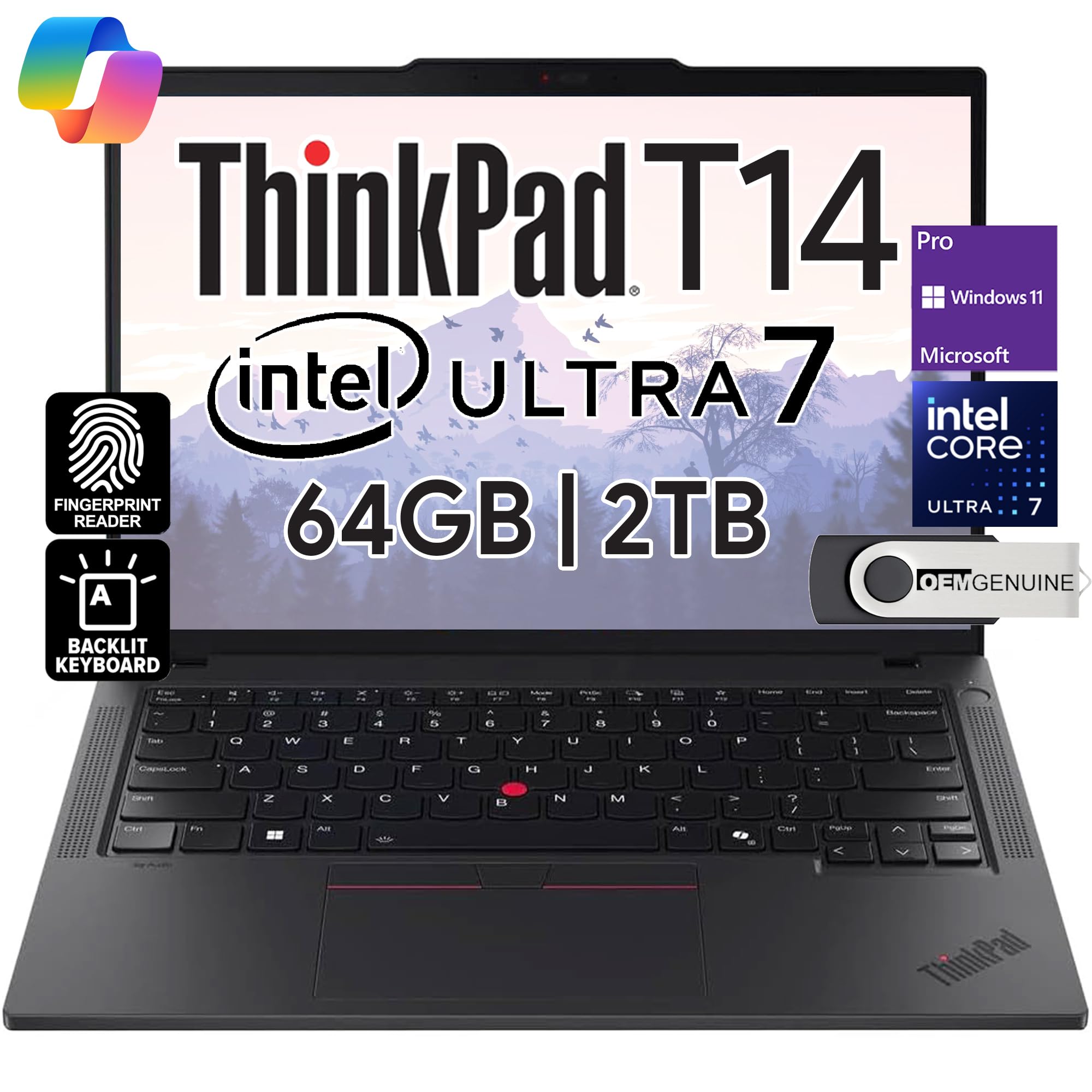
2024 Newly Released Thinkpad T14 Gen 5 Laptop With Mil-Std 810G Military Grade Certification, Equipped With Blazing-Fast Ddr5-5600Mhz Ram And Ethernet (Rj-45) Port, It Helps You To Breeze Through Any Task. Whats More, This Business Laptop'S Weight Starts At 3.10Lbs So It Can Accompany You Everywhere. Intel Core Ultra 7 155U Processor (E-Cores Up To 3.80 Ghz P-Cores Up To 4.80 Ghz, 12 Cores, 14 Threads, 12 Mb Cache); 64Gb Ddr5 Ram Memory, 2Tb Pcie M.2 Ssd.
⚠️ WARNING (California Proposition 65): This product may contain chemicals known to the State of California to cause cancer, birth defects, or other reproductive harm. For more information, please visit www.P65Warnings.ca.gov.
Frequently Asked Questions
Q: What are the specifications of the Lenovo ThinkPad T14 Gen 6?A: The Lenovo ThinkPad T14 Gen 6 features a fourteen inch FHD+ IPS display, an Intel Core Ultra 7 255U processor, sixty-four gigabytes of DDR5 RAM, and a two terabyte SSD.
Q: What is the weight and size of the Lenovo ThinkPad T14 Gen 6?A: The laptop has dimensions of twenty inches in length, three inches in width, and eleven inches in height, making it portable for business travel.
Q: What type of display does the Lenovo ThinkPad T14 Gen 6 have?A: It has a fourteen inch WUXGA anti-glare display with a resolution of one thousand nine hundred twenty by one thousand two hundred.
Q: How do I use the Lenovo ThinkPad T14 Gen 6?A: To use the Lenovo ThinkPad T14 Gen 6, simply power it on, log into Windows eleven Pro, and open applications as needed for productivity or collaboration.
Q: Can I connect multiple monitors to the Lenovo ThinkPad T14 Gen 6?A: Yes, you can connect up to three monitors using the HDMI and Thunderbolt four ports available on the laptop.
Q: Is the Lenovo ThinkPad T14 Gen 6 suitable for gaming?A: Yes, it is suitable for casual gaming due to its powerful Intel integrated graphics and sufficient RAM for most games.
Q: How do I maintain the Lenovo ThinkPad T14 Gen 6?A: To maintain the laptop, keep it clean by using a soft cloth for the screen, avoid exposure to extreme temperatures, and ensure proper ventilation during use.
Q: What should I do if my Lenovo ThinkPad T14 Gen 6 arrives damaged?A: If your laptop arrives damaged, contact customer support immediately to initiate a return or exchange under the warranty.
Q: Does the Lenovo ThinkPad T14 Gen 6 have a warranty?A: Yes, it comes with a one year manufacturer warranty, covering defects in materials and workmanship.
Q: Is the Lenovo ThinkPad T14 Gen 6 equipped with Wi-Fi capabilities?A: Yes, it features Intel Wi-Fi six E technology for fast and reliable wireless connectivity.
Q: What type of keyboard does the Lenovo ThinkPad T14 Gen 6 have?A: It has a backlit keyboard, making it easier to type in low-light conditions.
Q: Can I upgrade the memory or storage of the Lenovo ThinkPad T14 Gen 6?A: Yes, the memory and hard drive are upgradeable, allowing for customization based on your needs.
Q: How do I clean the Lenovo ThinkPad T14 Gen 6?A: Use a microfiber cloth to gently wipe the screen and keyboard, and avoid using harsh chemicals that can damage the surfaces.
Q: What is the battery life of the Lenovo ThinkPad T14 Gen 6?A: The battery life can last up to fifteen hours, depending on usage and power settings.
Q: Does the Lenovo ThinkPad T14 Gen 6 have a fingerprint reader?A: Yes, it includes a fingerprint reader for enhanced security and easy login.