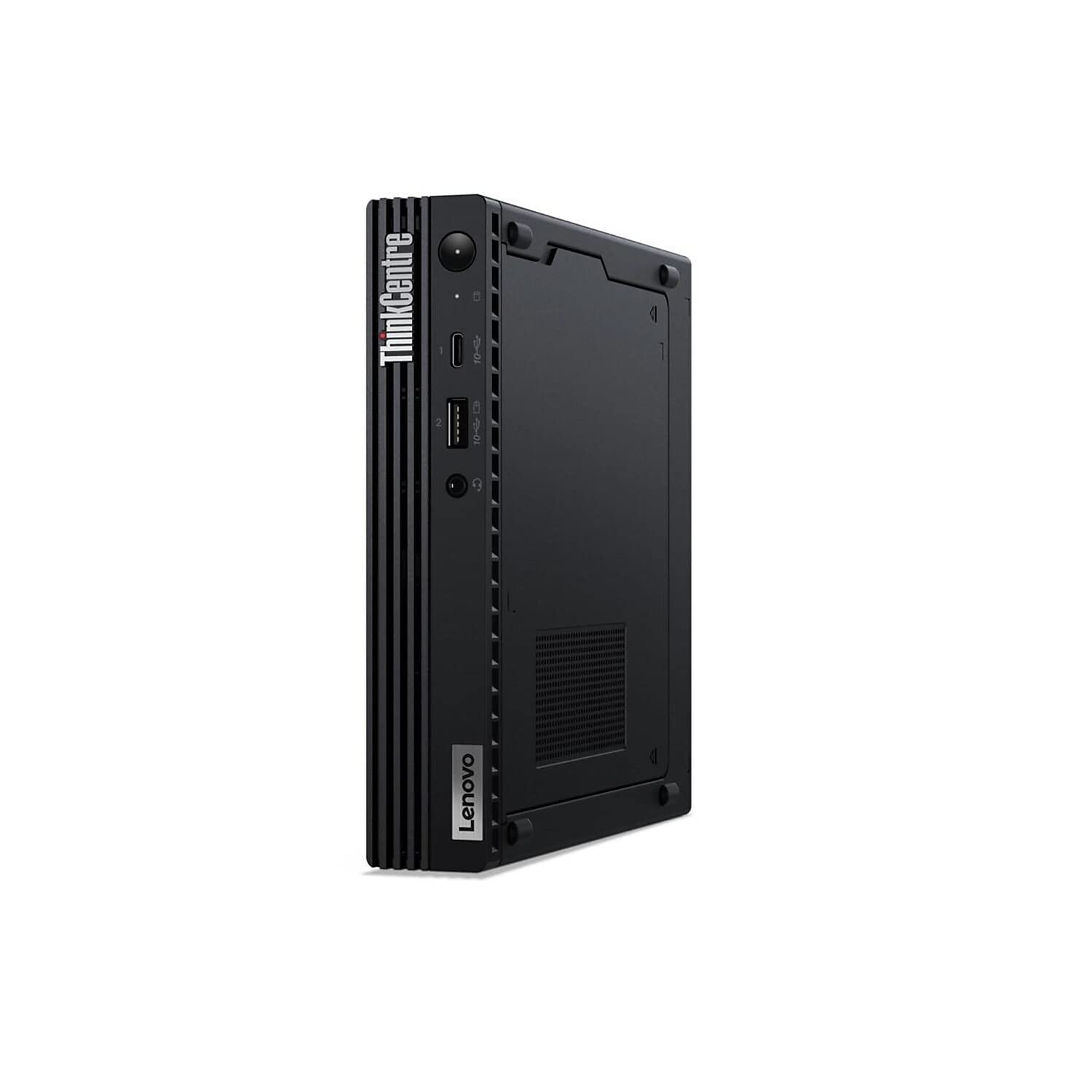
M Tiny Series | Compact Yet Full-Featured Desktopstiny In Name But Not In Nature, M Series Tiny Desktops Deliver Big-Business Performance With Impressive Processing Power And Platform Stability. Both Durable And Energy Efficient, They Require Very Little Space, Too.
⚠️ WARNING (California Proposition 65): This product may contain chemicals known to the State of California to cause cancer, birth defects, or other reproductive harm. For more information, please visit www.P65Warnings.ca.gov.
Frequently Asked Questions
Q: What are the dimensions of the Lenovo ThinkCentre M90q Gen 2?A: The dimensions are one point four inches in height, seven inches in width, and seven point two inches in length. This compact design makes it suitable for small spaces.
Q: What type of processor does the Lenovo ThinkCentre M90q Gen 2 have?A: It features an Intel Core i5 eleventh generation i5-11500 hexa-core processor. This provides solid performance for multitasking and demanding applications.
Q: How much RAM does the Lenovo ThinkCentre M90q Gen 2 come with?A: It comes with eight gigabytes of DDR4 SDRAM. This amount of memory allows for efficient multitasking and running powerful programs.
Q: What storage type is included in the Lenovo ThinkCentre M90q Gen 2?A: It includes a two hundred fifty-six gigabyte M.2 PCI Express three point zero SSD. This storage type ensures fast boot times and quick access to data.
Q: What operating system does the Lenovo ThinkCentre M90q Gen 2 run on?A: It runs on Windows ten Pro. This operating system supports advanced multitasking capabilities and productivity features.
Q: What is the color of the Lenovo ThinkCentre M90q Gen 2?A: The desktop computer is available in black. This color gives it a sleek and professional appearance.
Q: How is the Lenovo ThinkCentre M90q Gen 2 used for multitasking?A: You can use it to run multiple applications simultaneously. Windows ten Pro allows you to snap up to four apps on the screen for effortless multitasking.
Q: Is the Lenovo ThinkCentre M90q Gen 2 suitable for gaming?A: Yes, it is suitable for light gaming. The Intel UHD Graphics seven hundred fifty shared graphics card can handle HD video playback and casual gaming.
Q: Can I use the Lenovo ThinkCentre M90q Gen 2 for video editing?A: Yes, it can be used for video editing. The hexa-core processor and sufficient RAM make it capable of handling editing software.
Q: How do I clean the Lenovo ThinkCentre M90q Gen 2 safely?A: You can clean it using a soft, lint-free cloth. Avoid using harsh chemicals or abrasive materials that could damage the surface.
Q: What is the warranty for the Lenovo ThinkCentre M90q Gen 2?A: The warranty is typically one year from the date of purchase. It's advisable to check with the retailer for specific warranty details.
Q: Is the Lenovo ThinkCentre M90q Gen 2 energy-efficient?A: Yes, it is designed to be energy-efficient. The compact design and efficient components help reduce power consumption.
Q: How do I connect the Lenovo ThinkCentre M90q Gen 2 to the internet?A: You can connect it via Ethernet or Wi-Fi. It supports standard networking protocols for easy internet access.
Q: What do I do if the Lenovo ThinkCentre M90q Gen 2 does not power on?A: Check to ensure it is properly plugged in and the outlet is functioning. If it still does not power on, consult the manufacturer's support.
Q: Can I upgrade the RAM in the Lenovo ThinkCentre M90q Gen 2?A: Yes, the RAM is upgradeable. You can install additional memory to enhance performance as needed.