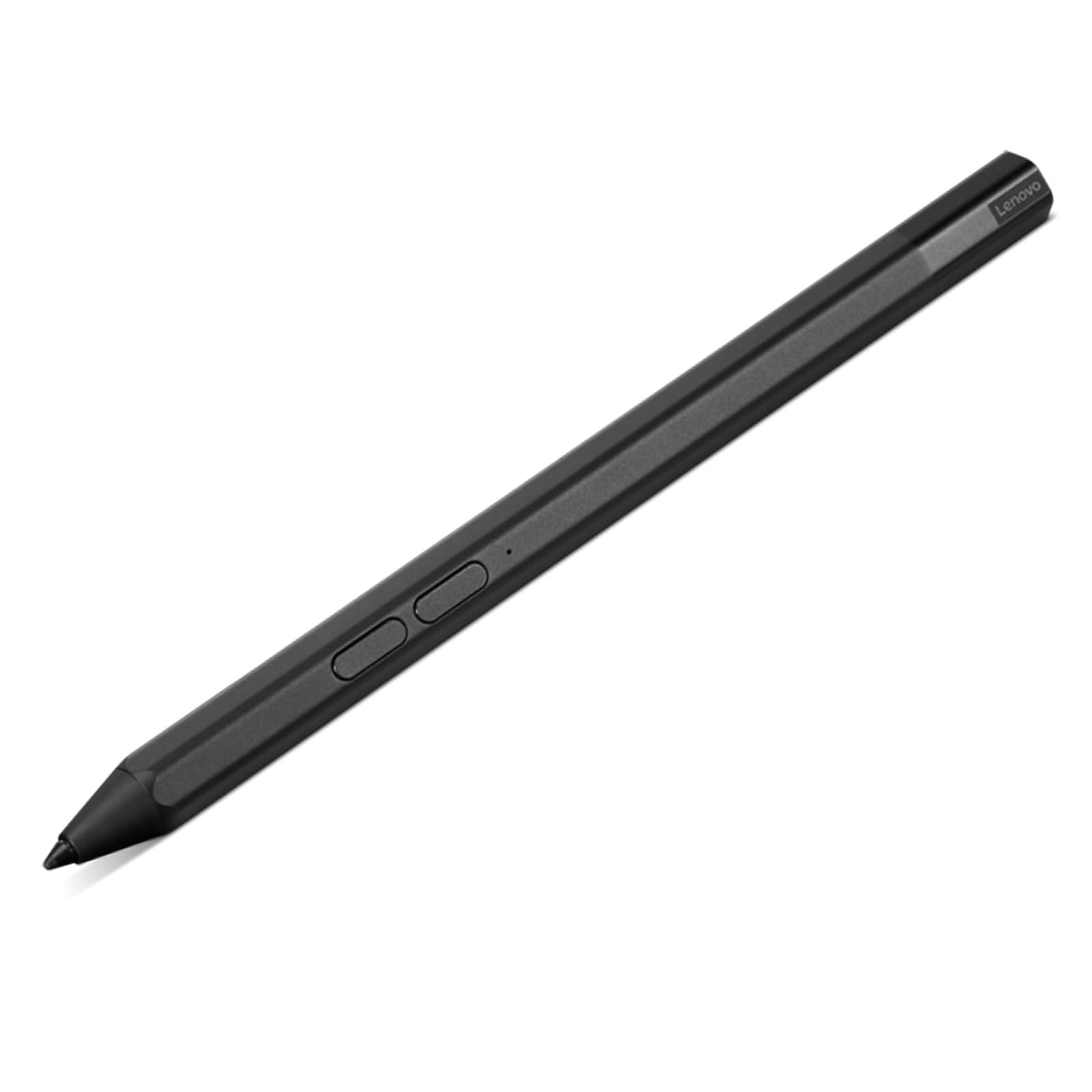
Get Ready To Take Your Creativity To The Next Level With The Lenovo Precision Pen 2 (Laptop). Whether Youre An Artist, Designer, Or Student, This Versatile And Precise Stylus Offers A Seamless And Tactile Experience That Feels Just Like Pen And Paper. With Up To 150 Hours Of Battery Life And Usb-C Charging, Youll Never Have To Worry About Running Out Of Juice.
⚠️ WARNING (California Proposition 65): This product may contain chemicals known to the State of California to cause cancer, birth defects, or other reproductive harm. For more information, please visit www.P65Warnings.ca.gov.
Frequently Asked Questions
Q: What is the size of the Lenovo Precision Pen 2?A: The Lenovo Precision Pen 2 measures five point ninety-one inches in length, zero point thirty-eight inches in height, and zero point thirty-five inches in width.
Q: What materials are used in the Lenovo Precision Pen 2?A: The Lenovo Precision Pen 2 is made of aluminum, providing a sturdy and lightweight construction for ease of use.
Q: How long does the battery last on the Lenovo Precision Pen 2?A: The battery life of the Lenovo Precision Pen 2 lasts up to one hundred fifty hours, allowing for extensive use without frequent recharging.
Q: How do I charge the Lenovo Precision Pen 2?A: You can charge the Lenovo Precision Pen 2 using a USB-C charging cable, making it convenient for quick recharges.
Q: Is the Lenovo Precision Pen 2 suitable for artists?A: Yes, the Lenovo Precision Pen 2 is designed for artists, featuring four thousand ninety-six levels of pressure sensitivity for precise control.
Q: Can I use the Lenovo Precision Pen 2 for note-taking?A: Yes, the Lenovo Precision Pen 2 offers a natural sketching and note-taking experience, ideal for students and professionals alike.
Q: How do I care for my Lenovo Precision Pen 2?A: To care for your Lenovo Precision Pen 2, keep it clean and store it in a safe place to prevent damage, and avoid using it on surfaces that may scratch.
Q: What should I do if my Lenovo Precision Pen 2 stops working?A: If your Lenovo Precision Pen 2 stops working, ensure it is charged and check for compatibility with your device. If issues persist, contact Lenovo support.
Q: Can the Lenovo Precision Pen 2 be used with any device?A: No, the Lenovo Precision Pen 2 is only compatible with select Lenovo laptops and not with Lenovo tablets.
Q: What devices is the Lenovo Precision Pen 2 compatible with?A: The Lenovo Precision Pen 2 is compatible with several Lenovo laptops, including the ThinkPad series and IdeaPad Duet 5.
Q: Does the Lenovo Precision Pen 2 have programmable buttons?A: Yes, the Lenovo Precision Pen 2 features two programmable buttons that allow for added versatility during use.
Q: Is the Lenovo Precision Pen 2 suitable for beginners?A: Yes, the Lenovo Precision Pen 2 is suitable for beginners and professionals, offering a user-friendly experience for all skill levels.
Q: Can I use the Lenovo Precision Pen 2 for digital art?A: Yes, the Lenovo Precision Pen 2 is excellent for digital art, providing advanced tilt recognition for creating lifelike sketches.
Q: What are the safety concerns regarding the Lenovo Precision Pen 2?A: The Lenovo Precision Pen 2 contains lithium-ion batteries, which should be handled according to safety guidelines to avoid hazards.
Q: What do I do if my Lenovo Precision Pen 2 arrives damaged?A: If your Lenovo Precision Pen 2 arrives damaged, contact the retailer for return policies and warranty options to resolve the issue.