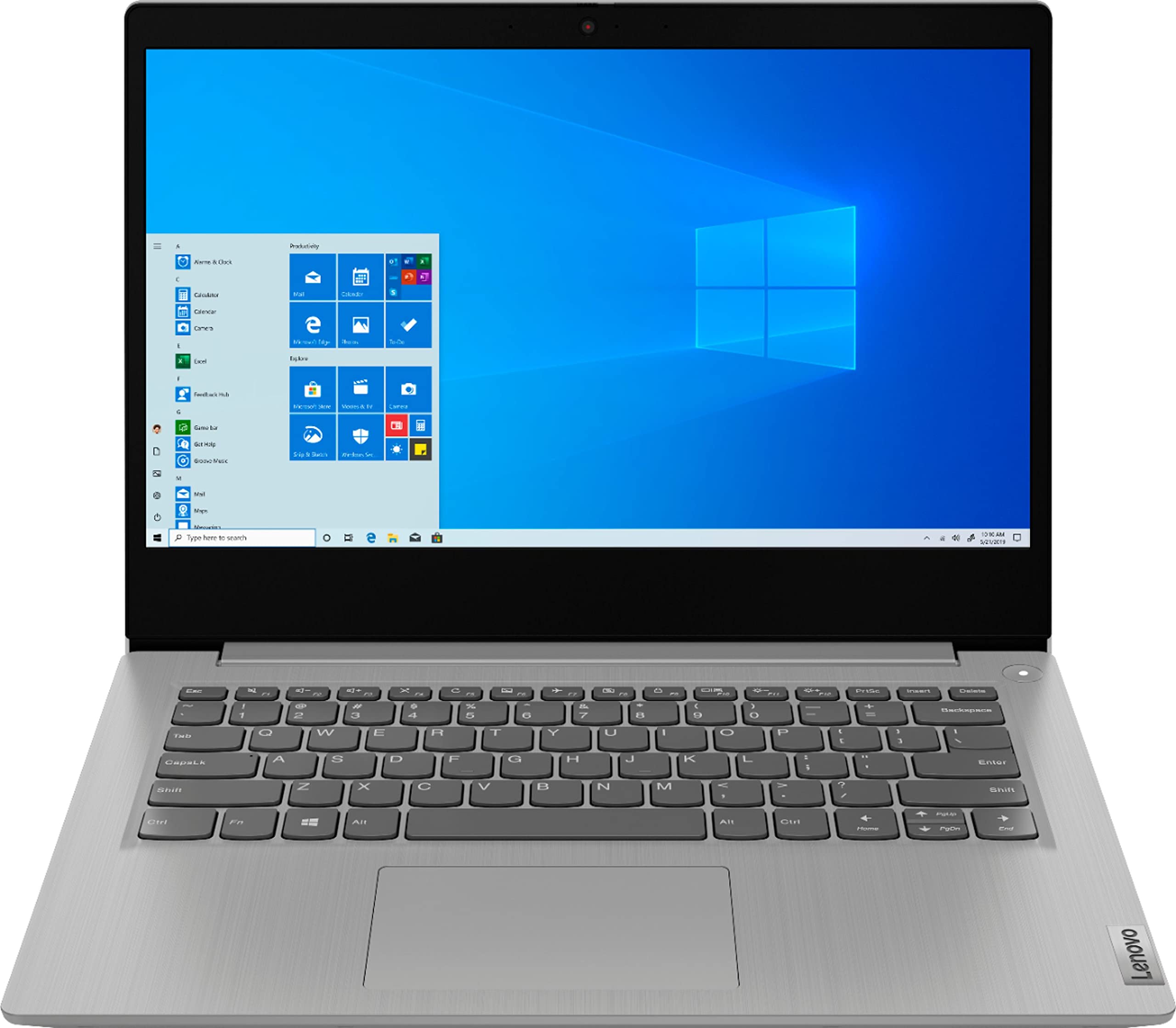
Engineered For Long-Lasting Performance, The Lenovo Ideapad 3 Delivers Powerful Performance With Intel Pentium Processors And Integrated Intel Uhd Graphics 605, In A Laptop Thats Perfect For Your Everyday Tasks, With Features That You Can Depend On.
⚠️ WARNING (California Proposition 65): This product may contain chemicals known to the State of California to cause cancer, birth defects, or other reproductive harm. For more information, please visit www.P65Warnings.ca.gov.
Frequently Asked Questions
Q: What are the dimensions of the Lenovo Ideapad 3 Laptop?A: The dimensions are twelve point seventy-six inches in length, eight point five inches in width, and zero point seventy-nine inches in height.
Q: What type of processor does the Lenovo Ideapad 3 use?A: It uses an Intel Pentium Silver N5030 processor, which is designed for basic computing tasks.
Q: How much memory does the Lenovo Ideapad 3 have?A: The laptop has four gigabytes of memory, suitable for everyday tasks such as browsing and document editing.
Q: What is the storage capacity of the Lenovo Ideapad 3?A: It features a one hundred twenty-eight gigabyte SSD, providing fast access to files and applications.
Q: What color is the Lenovo Ideapad 3 Laptop?A: The laptop is available in Platinum Grey, offering a sleek and modern appearance.
Q: Can I use the Lenovo Ideapad 3 for gaming?A: No, this laptop is not designed for gaming due to its basic hardware specifications.
Q: Is the Lenovo Ideapad 3 suitable for students?A: Yes, it is a good choice for students as it handles basic tasks like word processing and internet browsing well.
Q: How do I charge the Lenovo Ideapad 3?A: To charge, simply connect the provided power adapter to the charging port and plug it into an electrical outlet.
Q: Is the Lenovo Ideapad 3 good for video conferencing?A: Yes, it can support video conferencing with its built-in webcam and microphone.
Q: What is the battery life of the Lenovo Ideapad 3?A: The battery life can last up to seven hours on a single charge, depending on usage.
Q: How do I clean the Lenovo Ideapad 3?A: To clean, use a microfiber cloth to gently wipe the screen and casing, avoiding liquid contact.
Q: Are there any safety concerns with the Lenovo Ideapad 3?A: Yes, it contains lithium-ion batteries, which should be handled and stored according to safety guidelines.
Q: What if my Lenovo Ideapad 3 arrives damaged?A: If it arrives damaged, contact the seller immediately to initiate a return or exchange process.
Q: What should I do if my Lenovo Ideapad 3 won't turn on?A: First, ensure it is charged. If it still won't turn on, try holding the power button for a few seconds.
Q: Is there a warranty for the Lenovo Ideapad 3?A: Yes, it typically comes with a one-year limited warranty covering manufacturing defects.