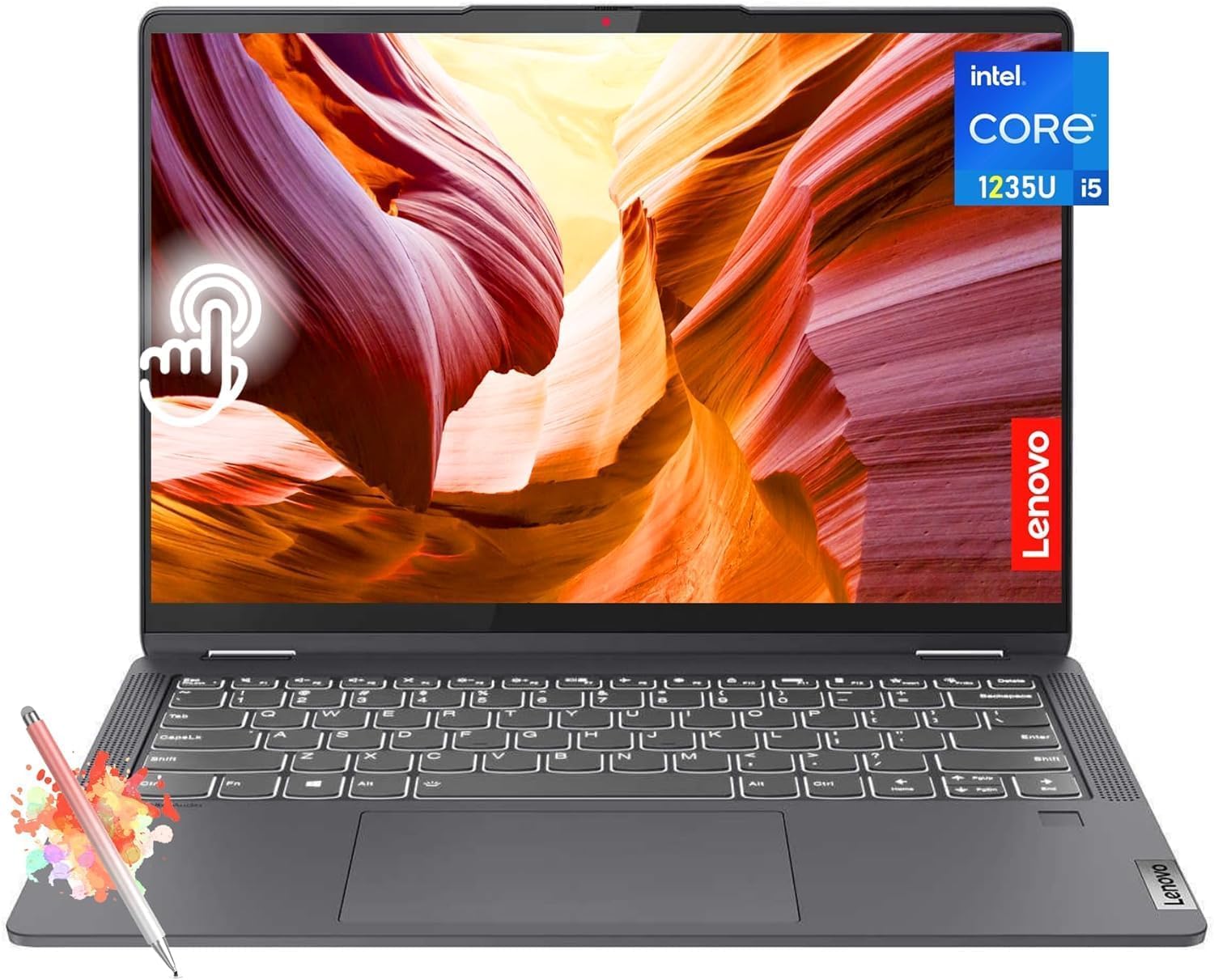
The Lenovo Flex 5I 14'' Fhd Touchscreen 2-In-1 Laptop Is A Versatile And Powerful Device That Combines The Functionality Of A Laptop And A Tablet. Powered By An Intel Core I5-1235U Processor And 8Gb Of Memory, This Laptop Delivers Smooth Performance For Multitasking And Running Demanding Applications. The Intel Iris Xe Graphics Ensure An Immersive Visual Experience, Whether You'Re Streaming Movies, Editing Photos, Or Playing Games. With A 512Gb Ssd, You'Ll Enjoy Lightning-Fast Boot Times And Rapid Data Access. The 14-Inch Full Hd Touchscreen Display Offers Vivid Colors And Sharp Details, While The 2-In-1 Design Allows You To Switch Between Laptop And Tablet Modes Effortlessly. The Storm Grey Color Adds A Sleek And Modern Touch To This Portable Powerhouse. Whether You'Re A Student, Professional, Or Casual User, The Lenovo Flex 5I 14'' Fhd Touchscreen 2-In-1 Laptop Is A Reliable And Versatile Companion For All Your Computing Needs.
⚠️ WARNING (California Proposition 65): This product may contain chemicals known to the State of California to cause cancer, birth defects, or other reproductive harm. For more information, please visit www.P65Warnings.ca.gov.
Frequently Asked Questions
Q: What are the specifications of the Lenovo Flex 5i laptop?A: The Lenovo Flex 5i features an Intel Core i5-1235U processor, eight gigabytes of memory, and a five hundred twelve gigabyte SSD.
Q: What is the size of the Lenovo Flex 5i laptop?A: The laptop measures approximately eight point eight six inches in length, twelve point three two inches in width, and zero point seven one inches in height.
Q: What type of display does the Lenovo Flex 5i have?A: The laptop has a fourteen inch WUXGA touchscreen display with a resolution of one thousand nine hundred twenty by one thousand two hundred.
Q: How do I convert the Lenovo Flex 5i into tablet mode?A: To convert the laptop into tablet mode, simply rotate the screen back until it folds flat against the keyboard.
Q: Can I use the touchscreen for drawing on the Lenovo Flex 5i?A: Yes, the touchscreen is compatible with a stylus, making it suitable for drawing and note-taking.
Q: How do I install software on the Lenovo Flex 5i?A: You can install software via the Microsoft Store or by downloading installers from trusted websites.
Q: What should I do to maintain the Lenovo Flex 5i's battery?A: To maintain the battery, avoid extreme temperatures and charge it regularly to keep it healthy.
Q: Is the Lenovo Flex 5i safe for children to use?A: Yes, the Lenovo Flex 5i is safe for children, provided adult supervision is in place when using the internet.
Q: How do I clean the touchscreen of the Lenovo Flex 5i?A: To clean the touchscreen, use a soft, lint-free cloth lightly dampened with water or a gentle screen cleaner.
Q: Can I upgrade the RAM on the Lenovo Flex 5i?A: No, the RAM is soldered onto the motherboard, making it impossible to upgrade after purchase.
Q: How does the Lenovo Flex 5i compare to other laptops in its category?A: The Lenovo Flex 5i stands out with its versatile two-in-one design and powerful Intel Core i5 processor for multitasking.
Q: Is the Lenovo Flex 5i suitable for gaming?A: Yes, the integrated Intel Iris Xe Graphics allows for casual gaming, though it's not designed for high-end gaming.
Q: What warranty comes with the Lenovo Flex 5i?A: The laptop typically comes with a one-year limited warranty covering manufacturing defects.
Q: What should I do if my Lenovo Flex 5i won't turn on?A: If the laptop won't turn on, ensure it's charged and try a hard reset by holding the power button for ten seconds.
Q: Can I return the Lenovo Flex 5i if I change my mind?A: Yes, you can return the Lenovo Flex 5i within the return policy period if it is in original condition.