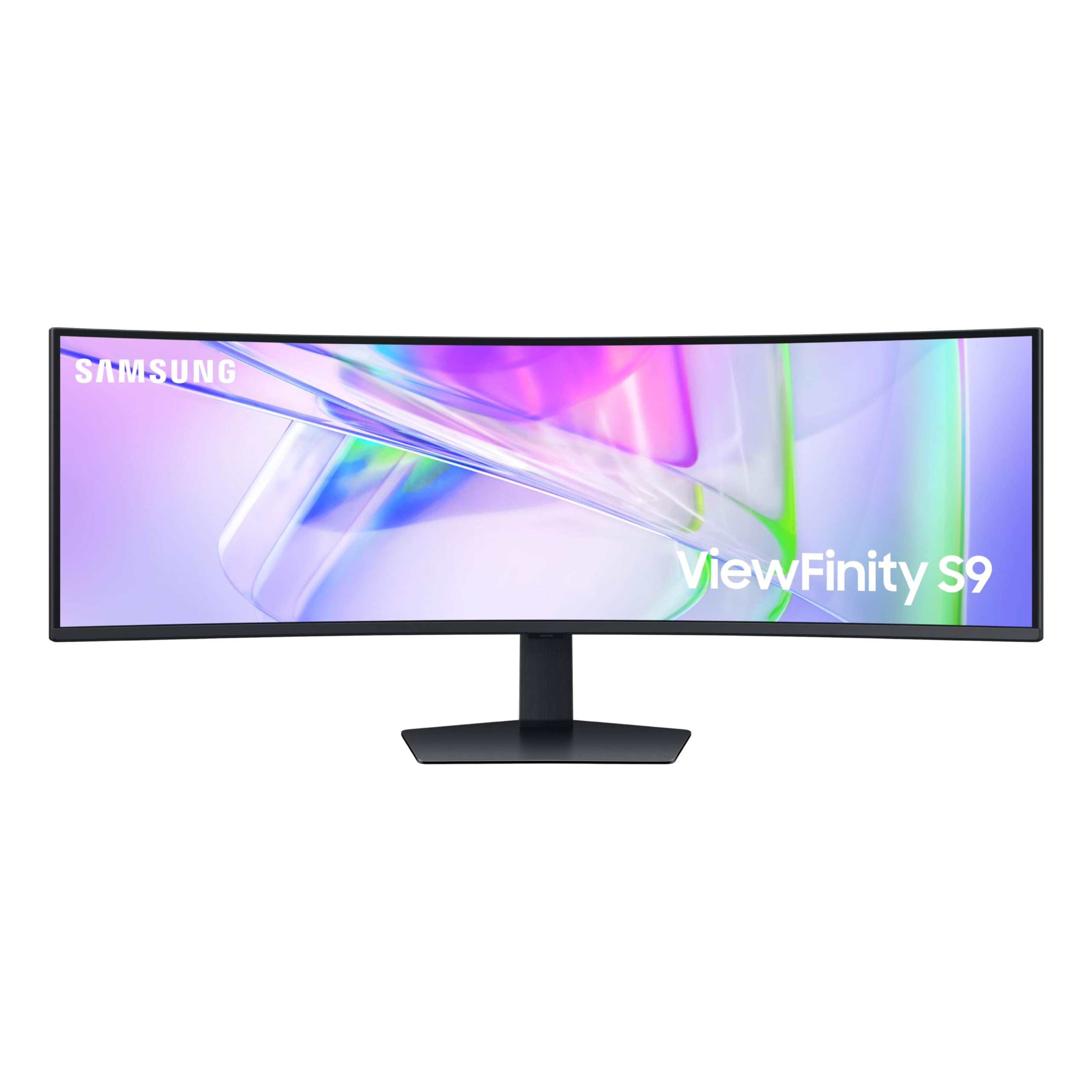
49In, 1000R Curved,32:9, Va Panel, 240Hz,5120X1440, Fully Adjustable Stand, Hdmi/Dp/Usbc/Lan/Usb Hub, Speaker, Freesync, 3 Yr Wrty
⚠️ WARNING (California Proposition 65): This product may contain chemicals known to the State of California to cause cancer, birth defects, or other reproductive harm. For more information, please visit www.P65Warnings.ca.gov.
Frequently Asked Questions
Q: What is the screen size of the Samsung monitor?A: The screen size is forty-nine inches. This large display offers an immersive viewing experience with a 32:9 aspect ratio.
Q: What are the dimensions of the Samsung monitor?A: The dimensions are approximately twenty-two point thirty-eight inches in depth, forty-five point eighteen inches in width, and sixteen point fifty-six inches in height. This size provides ample screen real estate for multitasking.
Q: What type of display does this monitor use?A: It features a Dual QHD display. This resolution offers enhanced clarity and detail for both work and gaming.
Q: What ports are available on the Samsung monitor?A: It has DisplayPort, two HDMI inputs, USB, and USB Type-C ports. This variety allows for versatile connectivity options.
Q: Does the monitor have built-in speakers?A: Yes, it includes built-in speakers. This feature helps to minimize desk clutter while providing audio functionality.
Q: How do I adjust the height of the Samsung monitor?A: The monitor features a height-adjustable stand. You can easily modify the height to create a comfortable viewing position.
Q: Can I use the monitor for gaming?A: Yes, it is suitable for gaming. The one hundred twenty hertz refresh rate enhances gameplay by reducing lag and providing smooth visuals.
Q: Is the monitor compatible with MacBook devices?A: Yes, it is compatible with MacBook devices. The USB Type-C connection allows for easy connectivity and charging.
Q: How do I set up the Samsung monitor?A: Setting up is straightforward. Simply connect it to your computer using the provided cables and adjust the height as needed.
Q: What is the recommended maintenance for the monitor?A: To maintain the monitor, clean the screen with a microfiber cloth. Avoid using harsh chemicals that could damage the display.
Q: How do I ensure my monitor is safe from damage?A: Place the monitor on a stable surface and avoid exposure to moisture. This helps to prevent accidental damage and ensures longevity.
Q: What if my Samsung monitor arrives damaged?A: If it arrives damaged, contact customer support for a return or exchange. They will provide assistance with the process.
Q: Can I connect two devices to the monitor at once?A: Yes, it has a KVM switch feature. This allows you to connect and control two different sources simultaneously.
Q: Is there a warranty for the Samsung monitor?A: Yes, it comes with a manufacturer's warranty. Check the warranty details for specific coverage and duration.
Q: Does the monitor have eye care features?A: Yes, it includes TÜV-certified Intelligent Eye Care. This feature helps to reduce screen flickering and eye strain during use.
Q: Can I use the monitor for design work?A: Yes, it is excellent for design work. The VESA DisplayHDR four hundred support provides rich colors and high dynamic range.