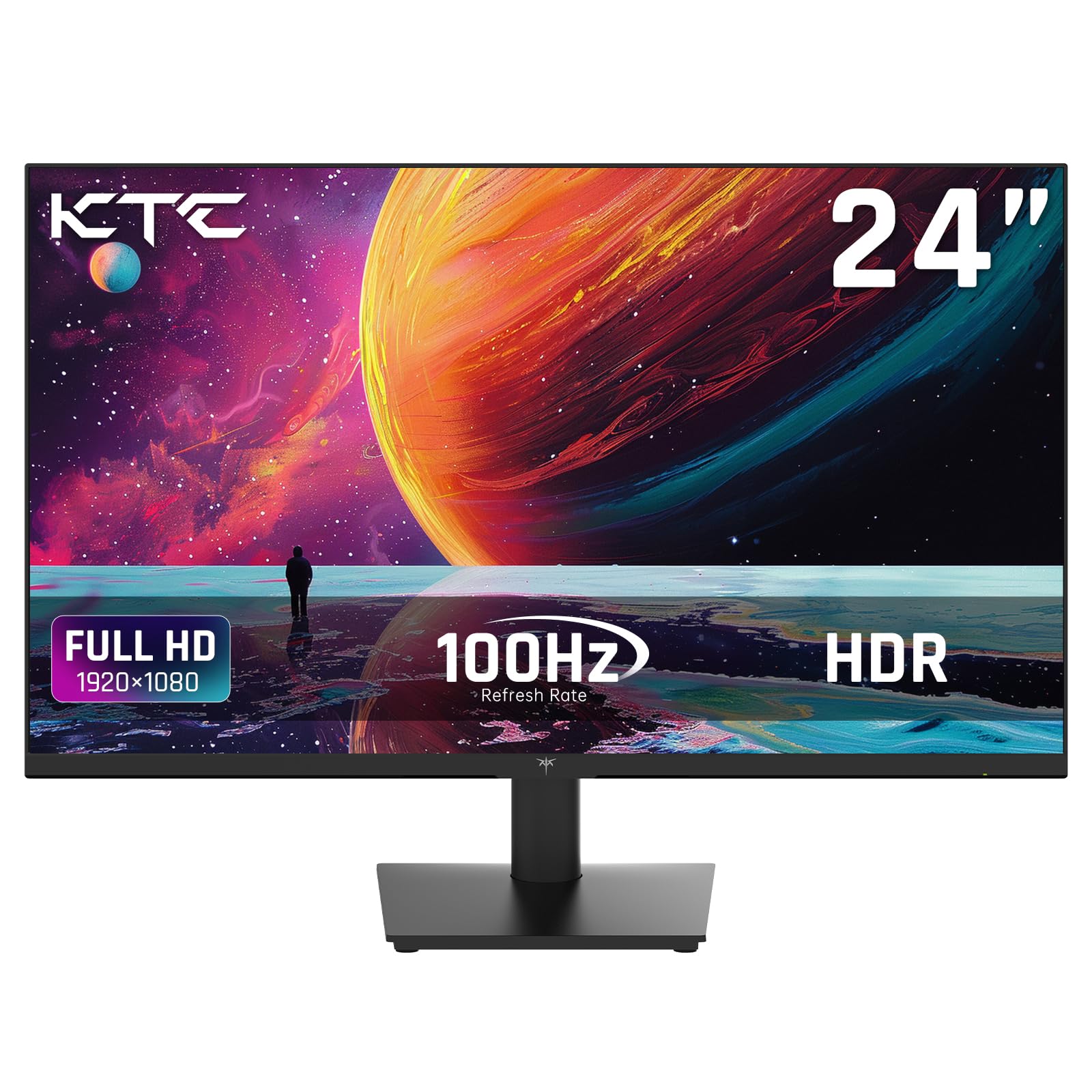
Ktc 24 Inch Gaming Monitor, Model H24V13, Is A Top-Of-The-Line Desktop Monitor Suitable For Both Personal And Professional Use. This 1080P Monitor Offers Exceptional Graphics And Color Clarity That Will Enhance Your Media Experience Whether You'Re Gaming, Streaming Movies, Or Designing. With Its Sleek Design And Adjustable Stand, This 24 Inch 1080P Monitor Is Perfect For Gamers Who Want To Optimize Their Gaming Experience. Curve The Monitor From Side To Side For An Immersive Gaming Session. The Vertical Monitor Is Also Great For Gamers Who Want More Height To Their Experience. This Computer Monitor 24 Inch Is Equipped With The Latest Technology To Enhance Your Gaming Experience, Giving You The Advantage You Need To Win. The Monitor Features A Rapid 1Ms Response Rate, Which Ensures That Your Movements Are Captured In Real-Time, Providing For A Smooth And Uninterrupted Gaming Experience. The Monitor Also Features Amd Freesync And Anti-Flicker Technology To Reduce Eye Strain And Provide Better Image Quality. The Monitor Has A Refresh Rate Of Up To 75Hz, Which Reduces Motion Blur, Providing For A Clearer Image. This Gaming Monitor Is Easy To Set Up And Use, Making It Perfect For Offices, Students And Gamers Alike. With Its Sleek Design And Gorgeous Visuals, This Pc Monitor Gaming Experience Is Unmatched. If You'Re In The Market For A High-Quality 24 Monitor, Then Look No Further Than Ktc H24V13.
⚠️ WARNING (California Proposition 65): This product may contain chemicals known to the State of California to cause cancer, birth defects, or other reproductive harm. For more information, please visit www.P65Warnings.ca.gov.
Frequently Asked Questions
Q: What is the screen size of the KTC monitor?A: The KTC monitor has a screen size of twenty-four inches. This makes it ideal for both office tasks and gaming.
Q: What is the resolution of the KTC monitor?A: The monitor features a Full HD resolution of one thousand nine hundred twenty by one thousand eighty pixels. This ensures clear and vibrant visuals for all applications.
Q: What refresh rate does this monitor offer?A: The KTC monitor provides a refresh rate of one hundred hertz. This allows for smoother gameplay and a more fluid viewing experience.
Q: How do I adjust the viewing angle of the monitor?A: The monitor is tiltable from negative five degrees to positive fifteen degrees. This flexibility helps you find the most comfortable viewing angle.
Q: Is the KTC monitor VESA mount compatible?A: Yes, the monitor is VESA mounting compliant with a standard of one hundred by one hundred millimeters. This allows for easy wall mounting or attachment to various stands.
Q: What ports are available on the KTC monitor?A: The monitor includes one HDMI one point four port, one VGA port, and one earphone jack. This variety allows for easy connection to multiple devices.
Q: How do I take care of the KTC monitor?A: To clean the monitor, use a soft, lint-free cloth. Avoid using harsh chemicals to maintain the screen's quality and prevent damage.
Q: Is the monitor safe for long hours of use?A: Yes, the monitor features Low Blue Light technology. This helps reduce eye fatigue and irritation during extended usage.
Q: What is the brightness level of the KTC monitor?A: The monitor has a brightness level of three hundred nits. This ensures that the display remains clear and visible in various lighting conditions.
Q: Can this monitor be used for gaming?A: Yes, the KTC monitor is designed for gaming with its one hundred hertz refresh rate and FreeSync technology. This enhances the gaming experience by reducing screen tearing.
Q: What is the weight of the KTC monitor?A: The monitor weighs approximately four point eight pounds. This makes it relatively easy to move and set up in different locations.
Q: Is the KTC monitor suitable for office work?A: Yes, it is perfect for office use due to its clear display and adjustable features. Its size and resolution cater well to productivity tasks.
Q: What is the aspect ratio of the KTC monitor?A: The monitor has an aspect ratio of sixteen to nine. This is the standard for widescreen displays, making it suitable for movies and games.
Q: How do I connect the monitor to my computer?A: You can connect the monitor to your computer using the HDMI or VGA ports. Simply plug in the appropriate cable to establish the connection.
Q: What is the model number of the KTC monitor?A: The model number of this monitor is twenty-four DY seven hundred twenty. This helps when looking for specifications or support.