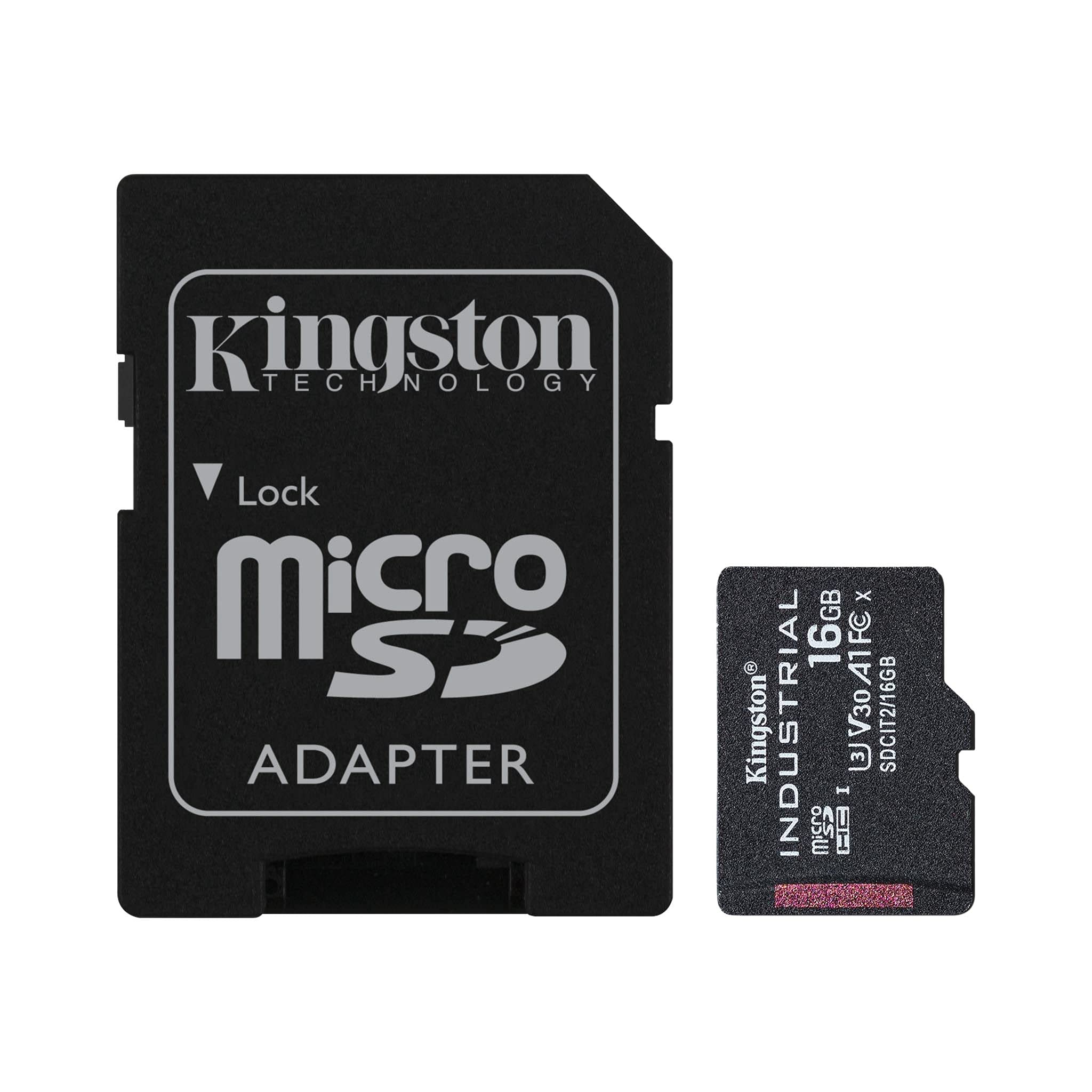
Kingstons Industrial Microsd Card Is Designed And Tested To Withstand The Most Demanding Environmental Factors. With An Operating Temperature Of -40C To 85C, It Can Operate Normally Even In Extreme Desert Heat To Below Freezing Conditions. The Card Utilizes Industry-Leading Pslc Mode To Provide Top Transfer Speeds Up To 100Mb/S. It Is Rated Up To 1920 Tbw With 30K P/E Cycles And A Built-In Feature Set Specific To Endurance, Performance, And Industrial Needs. Kingstons Industrial Microsd Ships With A Uhs-I Sd Adapter And Is Available In Capacities From 8Gb-64Gb.
⚠️ WARNING (California Proposition 65): This product may contain chemicals known to the State of California to cause cancer, birth defects, or other reproductive harm. For more information, please visit www.P65Warnings.ca.gov.
Frequently Asked Questions
Q: What is the storage capacity of the Kingston Industrial microSD card?A: This microSD card has a storage capacity of sixteen gigabytes. It is available in various capacities ranging from eight gigabytes to sixty-four gigabytes.
Q: What are the dimensions of the Kingston Industrial microSD card?A: The dimensions are zero point fifty-nine inches in length, zero point forty-three inches in width, and zero point zero four inches in height. This compact size makes it suitable for various devices.
Q: What is the speed class of the Kingston Industrial microSD card?A: The Kingston Industrial microSD card is rated as UHS-I Speed Class U3, V30, A3. This ensures high transfer speeds suitable for demanding applications.
Q: How do I use the Kingston Industrial microSD card?A: Simply insert the microSD card into your device's microSD slot. It can be used in cameras, smartphones, and other compatible devices.
Q: Is the Kingston Industrial microSD card suitable for outdoor use?A: Yes, this microSD card is designed for extreme conditions, operating between minus forty degrees Celsius to eighty-five degrees Celsius. It is ideal for outdoor and industrial applications.
Q: Can I use the Kingston Industrial microSD card with an SD adapter?A: Yes, the card comes with a UHS-I SD adapter. This allows you to use it in devices that require a standard SD card format.
Q: What should I do to ensure the longevity of the Kingston Industrial microSD card?A: Store the card in a cool, dry place to prevent damage. Avoid exposing it to extreme temperatures beyond its rated specifications.
Q: Is the Kingston Industrial microSD card waterproof?A: No, this specific model is not rated as waterproof. However, it is designed to withstand extreme temperatures and has built-in features for durability.
Q: How many write cycles can I expect from the Kingston Industrial microSD card?A: The card offers up to thirty thousand program/erase cycles. This high endurance rating makes it suitable for intensive data applications.
Q: What built-in features does the Kingston Industrial microSD card have?A: It includes a strong ECC engine, wear leveling, and bad block management. These features enhance performance and reliability for industrial use.
Q: Is the Kingston Industrial microSD card compatible with all devices?A: Most devices that support microSD cards should be compatible. However, check your device specifications to ensure it supports UHS-I U3, V30, and A3 ratings.
Q: How do I safely remove the Kingston Industrial microSD card from my device?A: Always use the 'eject' function on your device to safely remove the card. This prevents data corruption and ensures the card remains in good condition.
Q: What is the maximum transfer speed of the Kingston Industrial microSD card?A: The card provides top transfer speeds of up to one hundred megabytes per second. This speed is ideal for high-resolution video recording and fast data transfer.
Q: Can I reformat the Kingston Industrial microSD card?A: Yes, you can reformat the card using your device's formatting options. This is recommended if you want to clear data or change the file system.
Q: What if the Kingston Industrial microSD card does not work in my device?A: First, ensure that your device supports microSD cards and check for any compatibility issues. If it still doesn't work, consider trying the card in a different device.