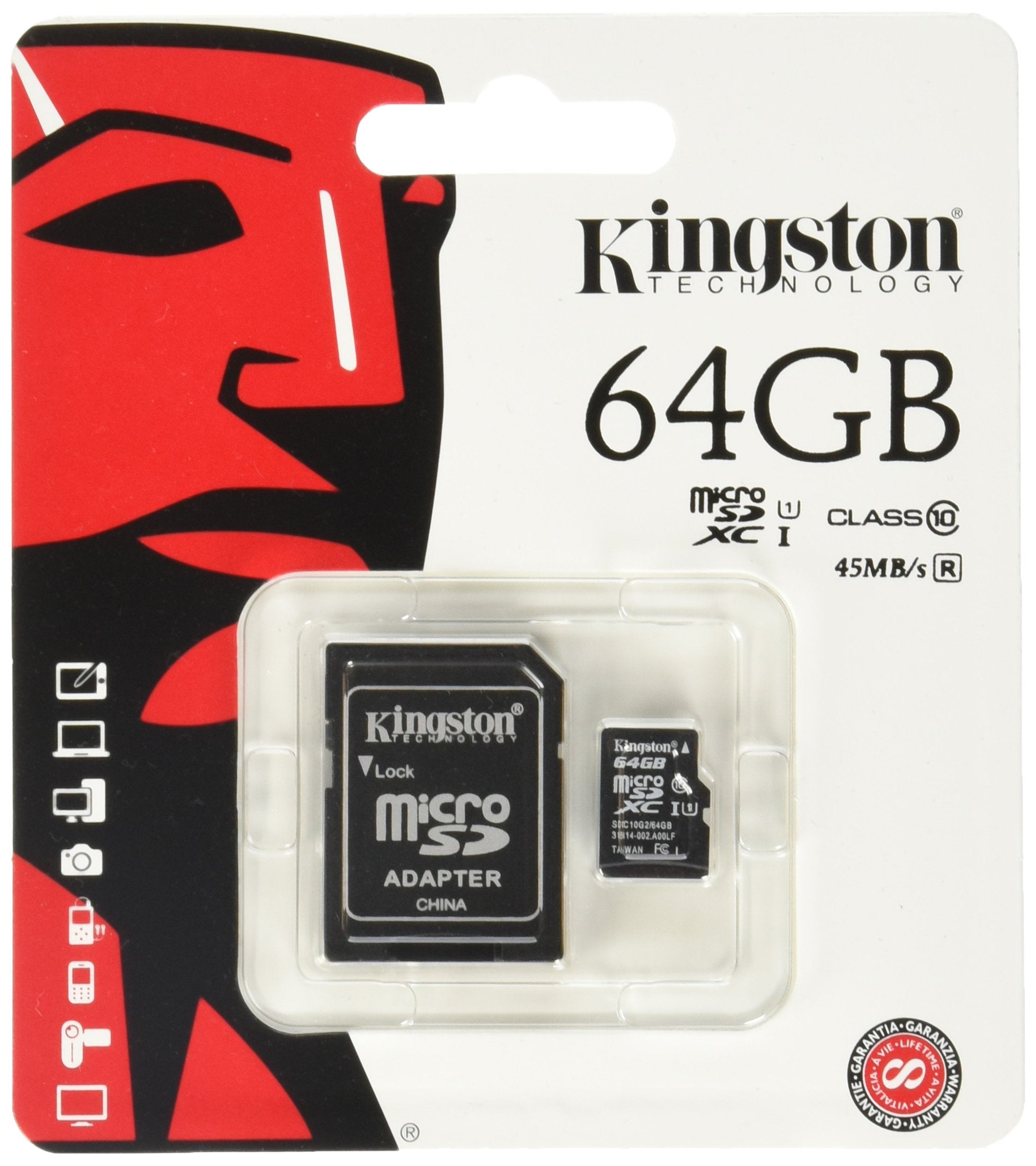
The Kingston Digital 64Gb Microsdxc Class 10 Flash Card Offers Higher Storage For More Music, More Videos, More Pictures, More Games - More Of Everything You Need In Todays Mobile World, Allowing You To Maximize Todays Revolutionary Mobile Devices. The Class 10 Minimum Data Transfer Rates Of 10Mb/S, Great For Hd Video Video Recordings. To Ensure Compatibility, Look For The Microsdxc Or Sdhc/Sdxc Logos On Host Devices (E.G., Phones, Tablets And Cameras). Wherever You Find Yourself In The Mobile World, You Can Rely On Kingstons Microsdxc Cards. All Cards Are 100-Percent Tested And Are Backed By A Lifetime Warranty.
⚠️ WARNING (California Proposition 65): This product may contain chemicals known to the State of California to cause cancer, birth defects, or other reproductive harm. For more information, please visit www.P65Warnings.ca.gov.
Frequently Asked Questions
Q: What is the storage capacity of the Kingston Digital microSD card?A: The storage capacity is sixty-four gigabytes. This allows you to store a large amount of music, videos, pictures, and games.
Q: What is the maximum data transfer speed of this microSD card?A: The maximum data transfer speed is thirty megabytes per second. This performance is ideal for HD video recordings and quick file transfers.
Q: What are the dimensions of the Kingston microSD card?A: The dimensions are zero point four three inches in length, zero point five nine inches in width, and zero point zero four inches in height. This compact size makes it easy to use in various devices.
Q: Is the Kingston microSD card compatible with all devices?A: No, it is not compatible with all devices. To ensure compatibility, look for devices that support the microSDXC or SDHC/SDXC logos.
Q: Can the microSD card be used as a full-size SD card?A: Yes, it can be used as a full-size SD card when combined with the included adapter. This versatility expands its usability across different devices.
Q: How do I insert the Kingston microSD card into my device?A: To insert the microSD card, locate the microSD slot on your device and gently push the card in until it clicks. Make sure the card is properly aligned.
Q: Can I use this microSD card in a smartphone?A: Yes, you can use it in smartphones that support microSDXC. Always check your device's specifications for compatibility.
Q: How do I format the Kingston microSD card for my camera?A: To format the microSD card, insert it into your camera, go to the settings menu, and select the format option. This will prepare the card for use.
Q: What is the warranty period for the Kingston microSD card?A: The microSD card comes with a lifetime warranty. This guarantees its performance and quality for as long as you own it.
Q: How should I store the Kingston microSD card when not in use?A: Store the microSD card in a protective case to prevent damage. Keep it in a cool, dry place to maintain its performance.
Q: Is the Kingston microSD card water-resistant?A: No, the Kingston microSD card is not advertised as water-resistant. Avoid exposing it to moisture to prevent potential damage.
Q: What if my Kingston microSD card is not recognized by my device?A: If it's not recognized, try re-inserting the card or testing it in another device. If issues persist, you may need to format the card.
Q: Can I recover data from a damaged Kingston microSD card?A: Yes, data recovery may be possible using specialized software or services. However, results can vary depending on the extent of the damage.
Q: Does the Kingston microSD card come with technical support?A: Yes, it includes free technical support. You can contact Kingston for assistance with any issues or questions regarding the card.
Q: Is this microSD card suitable for recording high-definition video?A: Yes, it is suitable for recording high-definition video. The Class 10 rating ensures minimum data transfer rates needed for HD recording.