

Cart
0


Kickstand Security Grip Cable For Surface Pro And Other Laptop/Tablet Hybrids
Vendor: Cta Digital
Type: Laptop Stands
Sku: WBEEAB0884DMBDY
Availability: In Stock
Couldn't load pickup availability
Guarantee safe checkout

Sold by Electroeshop, an authorized reseller.
Returns accepted within 30 days | support@electroeshop.com
Shipping Information
- Free Standard Shipping — United States only
- Processing Time: 1–3 business days
- Estimated Delivery: 3–5 business days after dispatch
- Double-boxed, fully insured & discreetly packaged
- Tracking number sent via email once dispatched
- Orders over $250 require signature upon delivery. Taxes calculated at checkout.
Returns & Refund
Returns accepted within 30 days of delivery.
Damaged or Defective Item
Free return shipping + replacement or full refund
Wrong Item Received
Free return shipping + replacement or full refund
Change of Mind
Return shipping at customer's expense · 25% restocking fee applies
All returns require a Return Authorization (RA) number before sending.
View Full Return & Refund Policy
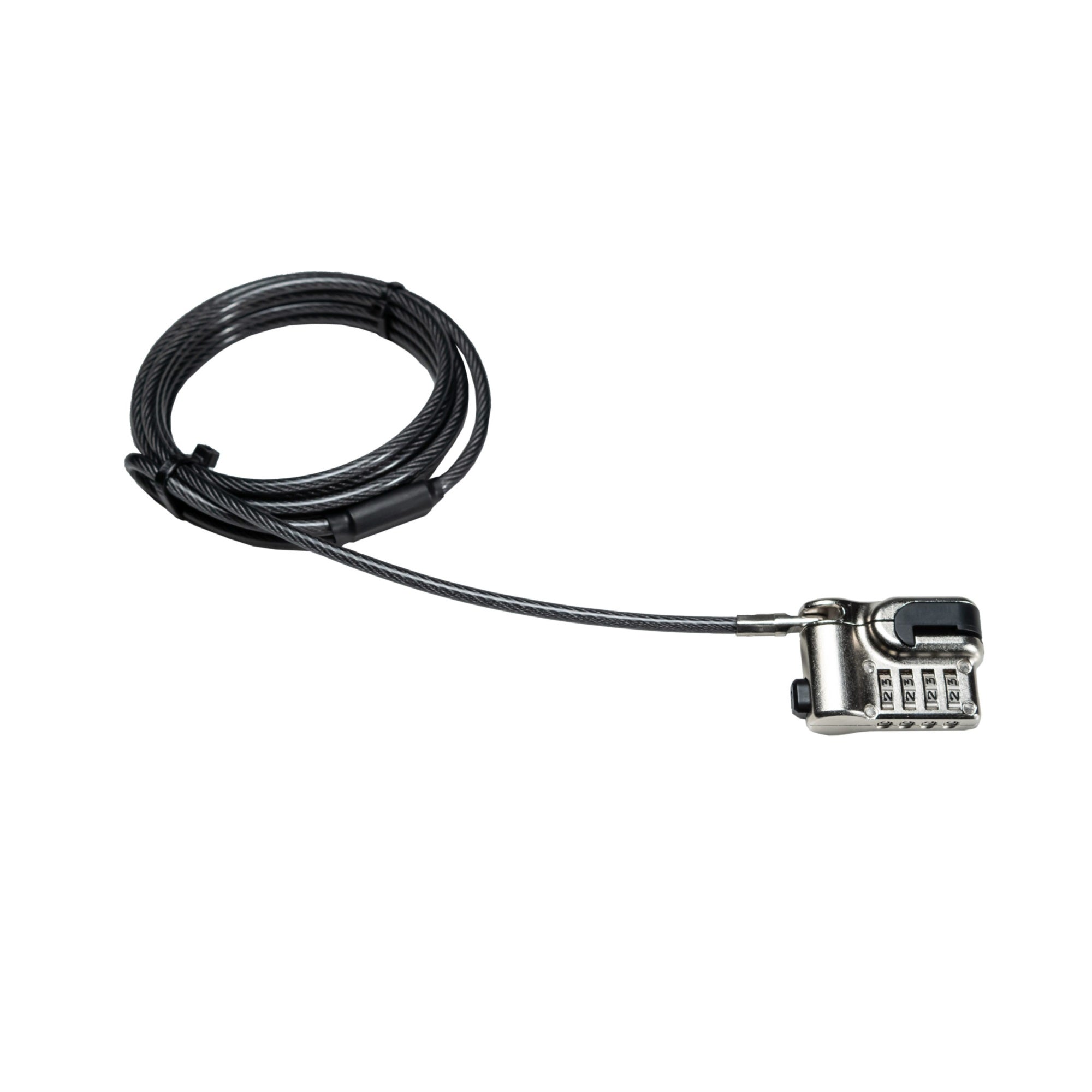
Kickstand Security Grip Cable For Surface Pro And Other Laptop/Tablet Hybrids
$58.64

Frequently Asked Questions
- Q: What materials is the Tablet Kickstand Lock made of? A: The Tablet Kickstand Lock is made of galvanized steel and reinforced aluminum. These materials ensure durability and strength for effective theft protection.
- Q: What are the dimensions of the Tablet Kickstand Lock? A: The dimensions of the Tablet Kickstand Lock when coiled are four inches by four inches by one inch. It is compact and easy to store.
- Q: What is the length of the security cable? A: The security cable is eighty inches long. This length provides flexibility for securing your device to various fixtures.
- Q: How do I install the Tablet Kickstand Lock? A: Simply attach the metal security plate to the kickstand of your device. Then, connect the steel security cable to the plate and loop it around a permanent fixture.
- Q: Is the Tablet Kickstand Lock suitable for all laptops and tablets? A: Yes, it is compatible with various laptop and tablet hybrids, including the Surface Pro and Go. Its design allows for secure attachment to kickstands.
- Q: Can I use this lock in different environments? A: Yes, the Tablet Kickstand Lock is perfect for dorm rooms, classrooms, offices, and retail spaces. It is designed for use in various settings.
- Q: How do I care for the Tablet Kickstand Lock? A: To maintain the Tablet Kickstand Lock, wipe it with a damp cloth to remove dirt. Avoid using harsh chemicals that might damage the materials.
- Q: Is the Tablet Kickstand Lock weather-resistant? A: No, the Tablet Kickstand Lock is not specifically designed to be weather-resistant. It is recommended to use it in indoor environments for optimal performance.
- Q: What should I do if the lock mechanism is faulty? A: If the lock mechanism is faulty, contact CTA Digital's customer support for assistance. They can guide you on warranty options or replacements.
- Q: How secure is the programmable combination lock? A: The programmable combination lock is designed for high security. You can set your own combination, making it difficult for unauthorized users to access your device.
- Q: Can I use this lock with multiple devices? A: Yes, you can use the Tablet Kickstand Lock with multiple devices. Just reprogram the combination each time you switch devices.
- Q: What is the weight of the Tablet Kickstand Lock? A: The Tablet Kickstand Lock weighs zero point seventy-seven pounds. Its lightweight design makes it easy to carry.
- Q: Is the installation process complicated? A: No, the installation process is straightforward and does not require drilling or complicated tools. It can be done quickly.
- Q: What features make this lock ideal for classrooms? A: The Tablet Kickstand Lock features a strong security grip and a long cable, making it perfect for securing devices in busy classroom settings.
- Q: What if my Tablet Kickstand Lock arrives damaged? A: If your Tablet Kickstand Lock arrives damaged, you should contact customer support immediately. They will assist you with the return or replacement process.