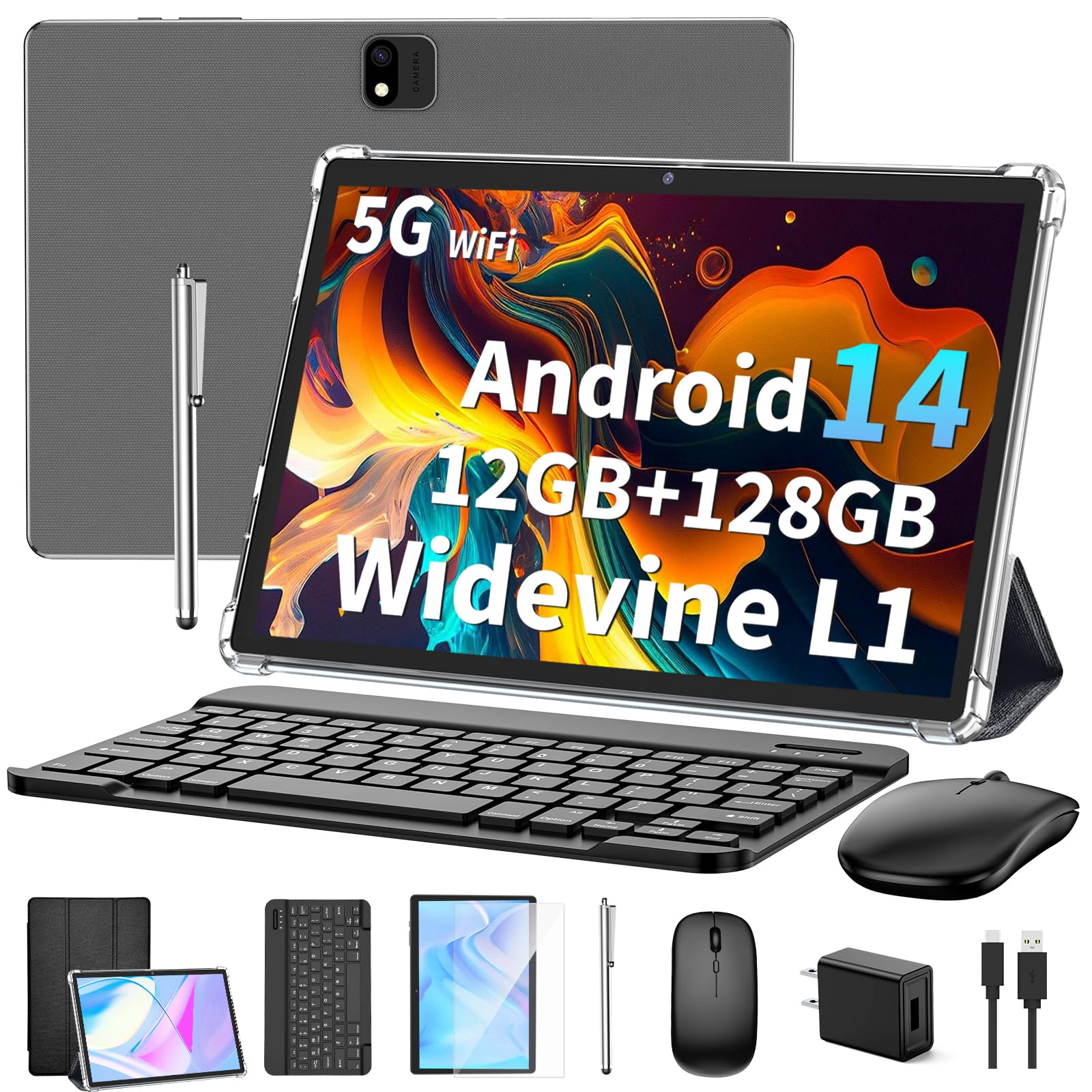
?Full Hd Screen And Wifi?10.1-Inch Tablet With Dual Front And Rear Cameras, You Can Capture Every Beautiful Moment In Your Life, Take Photos And Videos. 1280X800 Ips Hd Display Restores The Image To Its Original Color, Allowing You To Watch 1080P Full Hd Videos And Movies More Clearly. Dual-Band Wifi Tablet Can Easily Connect To 5Ghz Or 2.4Ghz Wifi, You Don'T Have To Worry About Not Being Able To Connect To Wifi In Public Or At Home, Making Sure You Browse The Web And Load Videos More Smoothly.
⚠️ WARNING (California Proposition 65): This product may contain chemicals known to the State of California to cause cancer, birth defects, or other reproductive harm. For more information, please visit www.P65Warnings.ca.gov.
Frequently Asked Questions
Q: What is the screen size of the JJGJ Android 14 Tablet?A: The screen size is ten point one inches. This Full HD display provides a resolution of twelve eighty by eight hundred pixels.
Q: What type of battery does the JJGJ Android 14 Tablet use?A: It uses a lithium-ion battery. The battery capacity is eight thousand milliampere-hours, offering long-lasting performance.
Q: What is the RAM and storage capacity of this tablet?A: The tablet features twelve gigabytes of RAM and one hundred twenty-eight gigabytes of internal storage. This allows for efficient multitasking and ample space for apps and media.
Q: How do I connect the JJGJ Android 14 Tablet to WiFi?A: You can connect it via dual-band WiFi supporting both five gigahertz and two point four gigahertz frequencies. This ensures a stable and fast internet connection.
Q: Can I expand the storage on this tablet?A: Yes, you can expand the storage up to one terabyte. The tablet supports microSD cards for additional storage needs.
Q: What accessories are included with the tablet?A: The package includes a tablet, keyboard, mouse, stylus, and a protective case. It also comes with user manuals and charging cables.
Q: How do I use the keyboard with the JJGJ Android 14 Tablet?A: Simply connect the keyboard via Bluetooth. Once paired, you can use it for typing and navigating the tablet efficiently.
Q: Is this tablet suitable for gaming?A: Yes, it is suitable for gaming. The twelve gigabytes of RAM and one hundred twenty-eight gigabytes of storage can handle most games smoothly.
Q: How do I take care of the JJGJ Android 14 Tablet?A: Keep the tablet in its protective case to avoid scratches. Clean the screen with a microfiber cloth and avoid exposure to extreme temperatures.
Q: What should I do if the tablet won’t turn on?A: First, check if the battery is charged. If it is not responding, try holding the power button for several seconds to reset it.
Q: Is there a warranty for the JJGJ Android 14 Tablet?A: Yes, it comes with a manufacturer warranty. Check the user manual for specific details regarding the warranty period.
Q: Can I connect Bluetooth devices to this tablet?A: Yes, it supports Bluetooth version five point zero. You can connect various devices like headphones, speakers, and keyboards wirelessly.
Q: What type of operating system does this tablet run on?A: It runs on Android version fourteen. This OS offers enhanced privacy features and improved multitasking capabilities.
Q: Is this tablet suitable for children?A: Yes, it is suitable for children. With parental controls and educational apps, it can be a great learning tool.
Q: How do I reset the JJGJ Android 14 Tablet if needed?A: You can reset it through the settings menu. Navigate to the system settings and select the option to reset to factory settings.