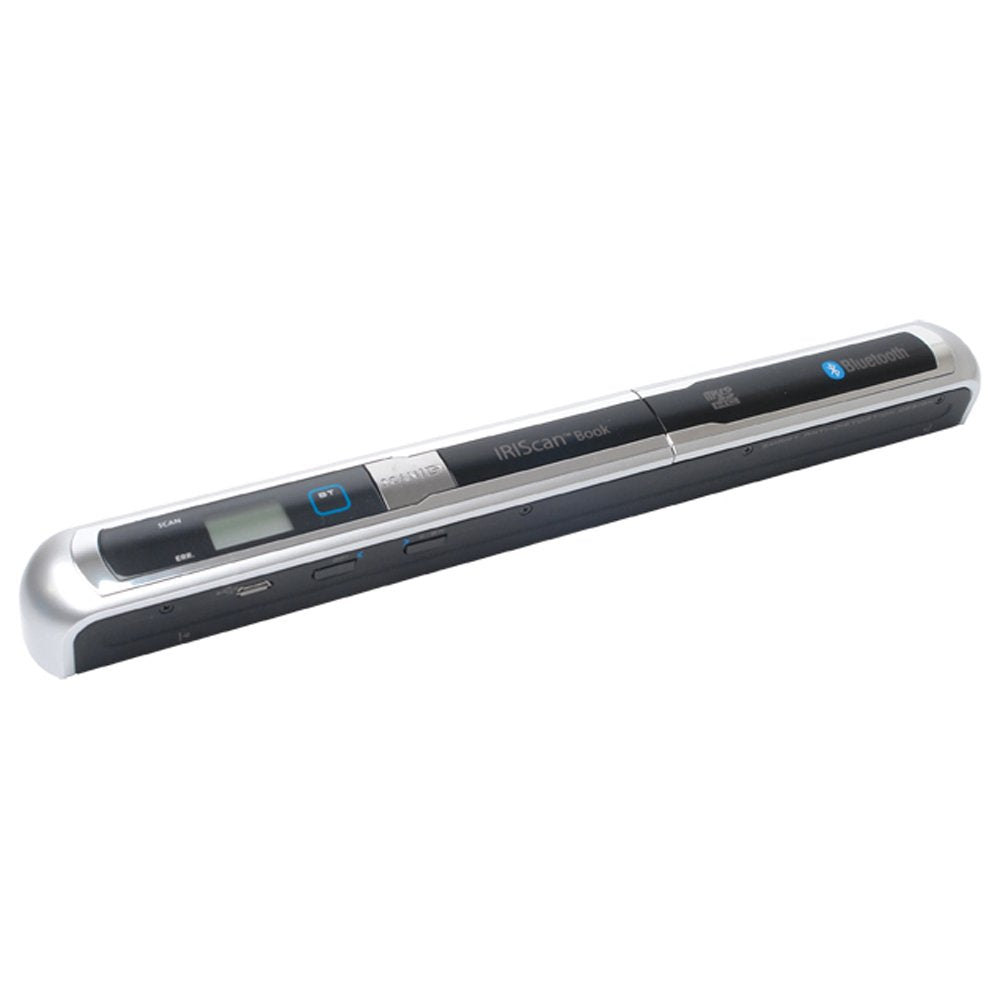
Descriptionproduct Descriptionscan Everywhere Without Computer. Books, Magazines, Letters, Receipts, Bills, Handwritten Correspondence, Photos. Scan Anything, Wherever You Are And Benefit From The Best Scanning Quality (Up To 600 Dpi). Your Scans Will Be Saved Automatically And Ready To Be Shared Via Bluetooth. Use The Provided Micro Sd Memory Card To Export Your Scanned Documents To Your Ipad, Mobile Phone, Smartphone, Notebookfrom The Manufacturerscan Everywhere Without Computer. Books, Magazines, Letters, Receipts, Bills, Handwritten Correspondence, Photos. Scan Anything, Wherever You Are And Benefit From The Best Scanning Quality (Up To 600 Dpi). Your Scans Will Be Saved Automatically And Ready To Be Shared Via Bluetooth. Use The Provided Micro Sd Memory Card To Export Your Scanned Documents To Your Ipad, Mobile Phone, Smartphone, Notebook
⚠️ WARNING (California Proposition 65): This product may contain chemicals known to the State of California to cause cancer, birth defects, or other reproductive harm. For more information, please visit www.P65Warnings.ca.gov.
Frequently Asked Questions
Q: What are the dimensions of the Iriscan Book 2 Executive?A: The dimensions are ten point twelve inches in length, one point fourteen inches in width, and one point eighteen inches in height.
Q: What is the maximum scanning resolution of this scanner?A: The maximum scanning resolution is six hundred dots per inch, ensuring high-quality scans.
Q: What type of battery does the Iriscan Book 2 Executive use?A: It uses lithium-ion batteries, which are packed with the equipment for convenience.
Q: How do I use the Iriscan Book 2 Executive for scanning?A: To use it, simply place the scanner over the document and press the scan button to capture the image.
Q: Can I scan documents directly to my smartphone?A: Yes, you can send your scans directly to your smartphone via Bluetooth.
Q: Is this scanner suitable for scanning various types of documents?A: Yes, it can scan books, magazines, letters, receipts, and even handwritten correspondence.
Q: How do I clean and maintain the Iriscan Book 2 Executive?A: To clean it, wipe the exterior surface with a soft, dry cloth. Avoid using harsh chemicals.
Q: What should I do if the scanner doesn't turn on?A: Check if the battery is charged. If it still doesn't work, refer to the manufacturer's troubleshooting guide.
Q: Can the scanned documents be saved in multiple formats?A: Yes, scanned documents can be converted into text files and saved in various formats using Readiris software.
Q: Does it come with a warranty?A: Yes, the Iriscan Book 2 Executive typically comes with a manufacturer's warranty; check with the retailer for details.
Q: Is this scanner portable?A: Yes, it is designed for portability, allowing you to scan documents anywhere without needing a computer.
Q: What types of documents can I scan with this device?A: You can scan a variety of documents including letters, receipts, bills, and photos.
Q: How do I export scanned documents to my devices?A: You can use the included micro SD memory card to export scanned documents to your iPad or smartphone.
Q: Is this scanner user-friendly for beginners?A: Yes, it is designed to be user-friendly, making it easy for beginners to operate.
Q: What is the item category for the Iriscan Book 2 Executive?A: The item falls under the category of document scanners, which are used for digitizing physical documents.